Less source database work
98%
fewer MySQL operations
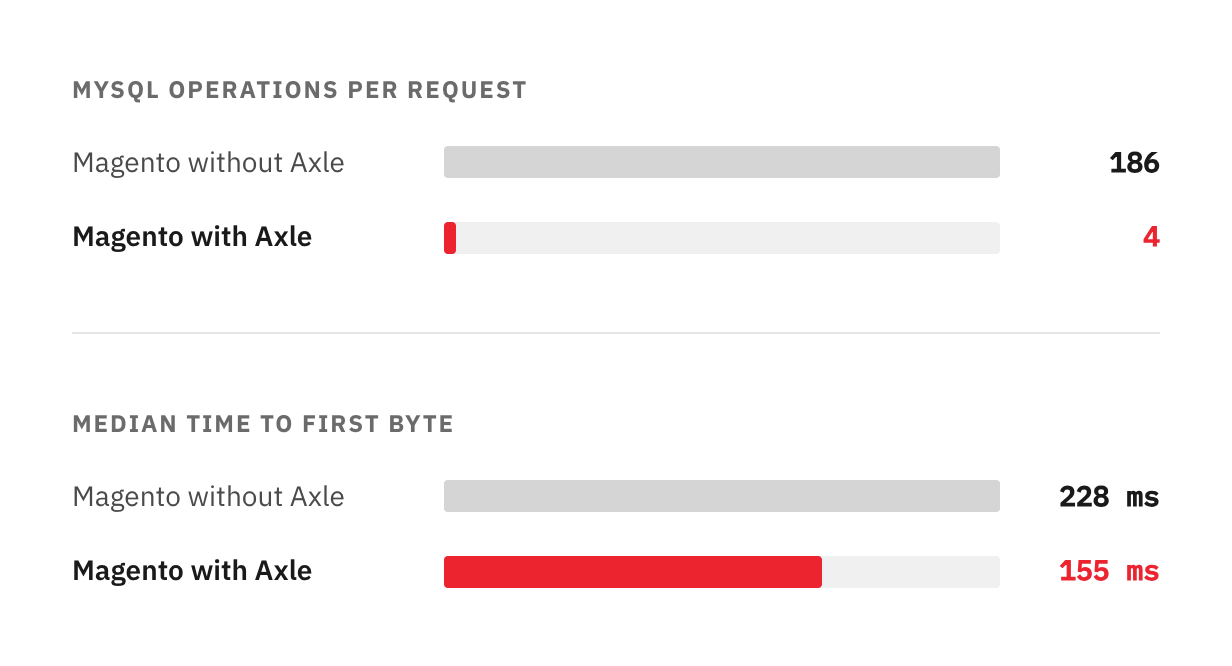
186 → 4 operations per request
Magento without Axle → Magento with Axle

Explore On Tap's upcoming events Register now

Expert assistance is only a few steps away...
While you browse our website, our AI assistant will automatically provide suggestions. You may also specify any additional areas of interest.
Please tell us about yourself...
Our consultancy team will reach out to you within 24 hours to discuss your business further.

Thank you for
your submission!
Our consultancy team will contact you
as soon as possible
Less source database work
98%
186 → 4 operations per request
Magento without Axle → Magento with Axle
A faster server response
32%
228 → 155 ms median TTFB
Magento without Axle → Magento with Axle
MageOS + Hyvä lab results. Measured on the same category page showing 12 products in a catalogue of over 100,000 products. Test on your own stack to measure the impact.
Both cards describe the area-rugs category page displaying 12 products. MySQL profiler operations decreased from 186 to 4 (97.85% fewer); median TTFB decreased from 227.70 to 155.16 ms (31.86% lower). Percentages and displayed timings are rounded. MySQL counts include connection, session setup, freshness validation and source batching; local native reads are reported separately and are not counted as MySQL operations. Rounded medians from 20 alternating pairs after three warm-up pairs, recorded on 10 October 2026. MageOS 3.5 / Hyvä 1.5.2, production application mode, compiled DI, warm PHP OPcache and two single-child PHP-FPM pools. Full-page and block HTML caches were disabled. Direct loopback FastCGI measurements exclude public-network, proxy and browser latency and concurrent load. These are specific lab results; performance on your store requires evaluation.
WHY AXLE
The problem
Slow Magento pages have two sides. In the browser, heavy JavaScript and CSS delay what shoppers see. On the server, catalogue reads hit MySQL before the page can even start to render.
Why a frontend fix isn't enough
A lighter frontend such as Hyvä solves the browser side, but the server still waits on the same database work. Fix one side and the other becomes the bottleneck. You need both.
The Axle answer
Keep your current storefront. Axle serves supported catalogue reads from prepared local data. Use it with Hyvä, Luma or a headless frontend to reduce database work on the Magento backend.
FRONTEND + BACKEND
Your frontend shapes what shoppers see and how they interact. Axle reduces the catalogue work Magento does on the server.
Frontend · in the browser
Your storefront
Hyvä offers a lightweight storefront. Luma, PWAs and custom headless frontends give you other ways to build the shopping experience. Axle works at the Magento backend, underneath these frontend choices.

Backend · on the server
Axle: faster backend catalogue reads
Axle reduces request-time MySQL work by serving supported catalogue reads from prepared local data. It speeds up the server work that happens before the page reaches the browser.
Live comparison · MageOS + Hyvä lab
Both storefronts use Hyvä. Browse the same catalogue page to see how it performs with and without Axle in this lab.
RESULTS · MAGEOS + HYVÄ LAB
Axle reduces supported request-time catalogue work and helps improve server response time.
98%
fewer MySQL operations
186 → 4 operations per request
32%
lower time to first byte
228 → 155 ms median TTFB
Measured on the same category page showing 12 products in a MageOS + Hyvä lab catalogue of over 100,000 products. Test on your own stack to measure the impact.
WHO IT'S FOR
merchants.
Keep your current storefront and evaluate how much database work Axle can take off your Magento backend.
agencies and tech partners.
Choose the frontend that fits your client. Evaluate Axle against the catalogue pages and API requests their storefront relies on.
HOW IT WORKS
MySQL source data
Your source database remains authoritative.
Background preparation
The worker exports supported data and publishes prepared datasets.
Native local reads
Eligible resource calls read the prepared data through the PHP extension.
Magento serves the response
Magento renders pages for a theme or returns catalogue data to a headless storefront through its APIs.
Unsupported reads and data that fails freshness checks use MySQL. Checkout, customer, order and session operations remain live through Magento.
UNDER THE HOOD
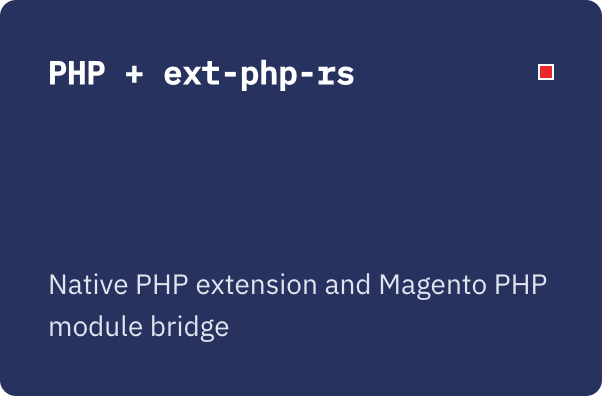
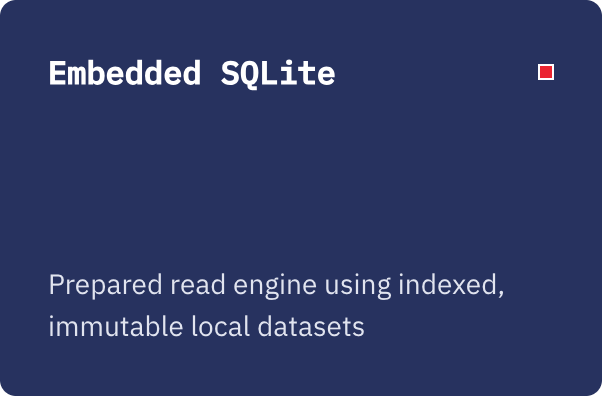
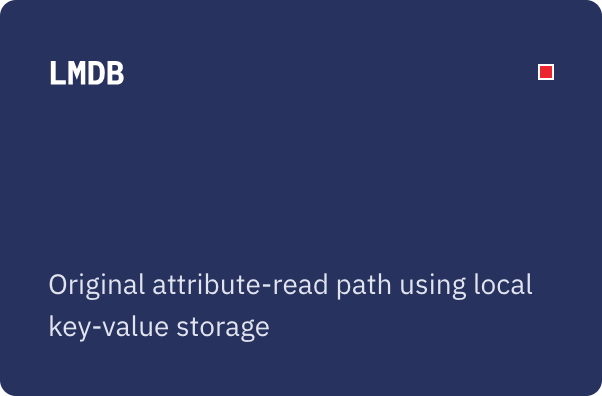
Built with Rust, a native PHP extension, embedded SQLite and LMDB. MySQL stays authoritative and OpenSearch keeps powering search. Axle accelerates supported catalogue reads while Magento retains its business logic.
The trial targets Magento Open Source 2.4.8 and later, with prebuilt packages for PHP 8.3, 8.4 and 8.5. Use a PHP version supported by your Magento release: Magento 2.4.8 uses PHP 8.3 or 8.4. Your edition, operating system, hosting and extensions need review before installation.
Check the evaluation requirements → · Browse the Axle documentation →



FREQUENTLY ASKED QUESTIONS
Yes. Axle runs inside Magento and works with Luma and Hyvä. PWAs and other headless frontends can benefit when their Magento API requests trigger supported catalogue reads. Evaluate the endpoints your storefront uses to measure the impact.
Installation includes a Magento module, a native PHP extension, a preparation worker and local storage. Early access is coordinated with the Axle team, who review your environment and provide the appropriate trial pack and instructions. Start on an isolated staging store and validate the installation before enabling acceleration.
Changes are tracked, and affected reads use MySQL until fresh data is prepared.
No. It can coexist with it. The lab turns caches off to show the underlying work.
Check your configuration first. Unknown queries run normally, and Adobe Commerce setups require evaluation.
Yes. Catalogue reads stay local to each node, with MySQL as the shared source.
Axle’s installable software uses the Open Software License 3.0 (OSL-3.0). New packages include matching source and licence notices, and preserve third-party terms. Public release timing has not been announced.
The trial targets Magento Open Source 2.4.8 and later. Prebuilt packages cover PHP 8.3, 8.4 and 8.5, but your PHP version must be supported by your Magento release. Magento 2.4.8 uses PHP 8.3 or 8.4. Nginx and Apache deployments use PHP-FPM. The Axle team must review your exact configuration; Adobe Commerce and other configurations require individual evaluation.
Use a representative staging catalogue and agree success criteria before installation. Compare the same pages and API requests with acceleration enabled and disabled, keeping caching and test conditions consistent. Allow warm-up requests, take repeated samples and check storefront behaviour as well as timings. Include the endpoints used by your Hyvä, Luma, PWA or headless storefront.
Merchants, agencies and developers can request evaluation access and hear about the open source release. Joining does not guarantee immediate access, an assisted pilot or a release date. The Axle team reviews your environment before providing trial components and instructions.
Merchants · agencies · developers
Request access to evaluate Axle on your own stack and hear about the open source release. Tell us whether you run a store or build for others.
Tell us about your store, platform and what you want to measure.
We review your Magento edition, PHP version, hosting and extensions to assess suitability.
If approved, receive the components and installation instructions for your environment.
Compare supported requests with and without Axle, and check your storefront’s behaviour.
Access is for evaluation. Joining does not guarantee immediate access, an assisted pilot or a release date.