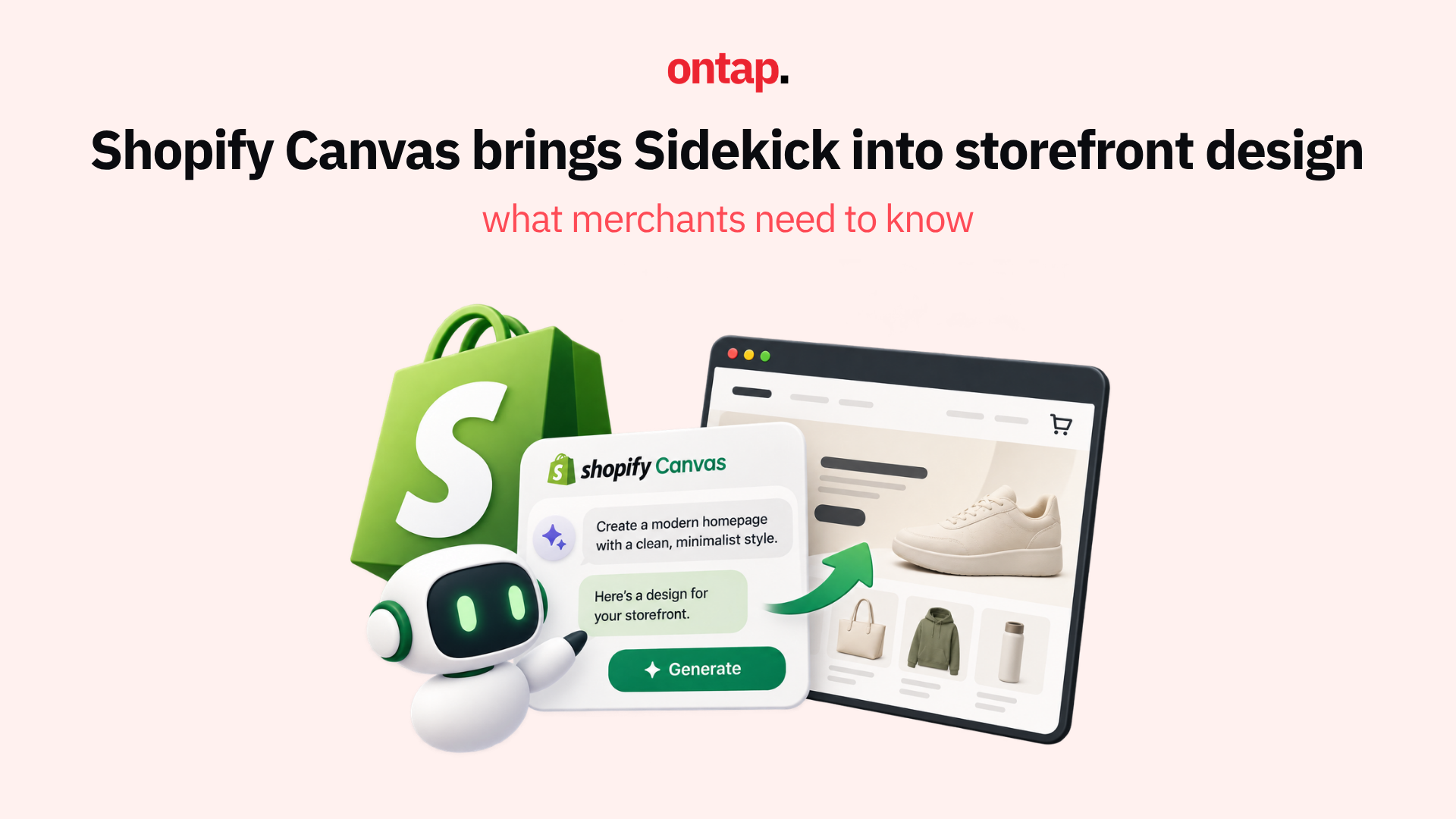
On 1 October 2026, Shopify introduced Canvas, a new design surface for online stores that brings theme templates together in an interactive workspace, where Sidekick, Shopify’s AI assistant, can make design changes in real time. Canvas launches alongside the existing theme editor, rather than replacing it.
This is more than a theme update. It introduces another way to shape a storefront, and it can expand who in an eCommerce organisation participates in that work.
What Canvas actually is
Canvas presents your store’s theme templates together in a single visual workspace. You can pan across them, zoom in on the details, click supported elements to edit them directly, or tell Sidekick what you want in natural language and watch the changes appear.
The key capabilities:
-
View templates together and zoom in on individual layouts;
-
Edit supported elements directly, including block settings, theme settings and text where supported;
-
Work with Sidekick by describing changes in plain language;
-
Preview the working store, including interactions, animations, different products and screen widths;
-
Make coordinated theme changes, with Sidekick working across theme files rather than only editing a single section.
According to Shopify, Sidekick can validate its code and inspect screenshots of the result as it works. That allows it to take on tasks ranging from small section changes to broader storefront redesigns.
Canvas is in early access and available only to certain stores. Shopify’s Canvas requirements specify desktop access, a plan that includes theme customisation, and the Online store > Themes > Edit code permission for staff.
Eligible merchants access Canvas through Online Store > Themes, where they can create a new theme or duplicate a supported Shopify-developed or custom theme. The original stays in the theme library and remains editable in the existing editor. The Canvas copy can only be edited in Canvas, and changes to one version do not automatically carry across to the other.
What this changes for merchants
The immediate practical benefit is a shorter path from an idea to something a merchant can review. Tasks such as adjusting layouts, changing typography, or restructuring a collection page can begin with a conversational instruction, with Sidekick making changes directly in the Canvas workspace.
For merchants preparing for peak season, that can make storefront experimentation faster. It does not remove the need to test the result before publishing.
The deeper shift is about access. Canvas can lower the technical barrier enough for a marketing manager, brand lead, or store owner to explore substantive changes to their storefront. Alongside direct editing, it lets merchants work at the level of intent: “Make the hero section feel warmer” or “Add a gift guide section to the homepage with products from this collection.”
For merchants who work with agencies, this can change the conversation. Agencies can help establish design systems, publishing controls, and quality standards, while merchant teams take on more day-to-day creative work. Development expertise still matters for integrations, accessibility, performance, and changes that need technical oversight.
Canvas also separates editing from publication. Changes are saved automatically, but customers see them only after they are published. Shopify’s theme customisation guidance explains how merchants can review and restore earlier versions through theme history.
What Canvas does not support yet
There are meaningful limitations that merchants need to understand before committing to Canvas for their peak season storefront.
As of 9 October 2026, Shopify documents the following:
-
Third-party themes are not supported. Canvas works with Shopify-developed themes and custom themes.
-
Markets: merchants cannot customise a Canvas theme differently for individual markets within Canvas.
-
Rollouts: a Canvas-edited theme can be added to a rollout as a replacement for the main theme, but cannot be edited or opened through the rollout. It must be edited separately in Canvas.
-
Translations: theme content cannot be translated directly in Canvas. Shopify directs merchants to Translate & Adapt; for manual translations, select Default theme content.
-
App blocks and app embeds cannot currently be added or configured in Canvas.
-
Theme updates do not reach themes edited in Canvas.
-
Theme files cannot currently be downloaded for themes edited in Canvas.
The theme-update limitation is particularly important. A duplicated Canvas theme and its original are separate versions, and the Canvas version does not receive normal theme updates. If your current theme benefits from ongoing performance improvements, accessibility fixes or new features, those updates will not automatically reach the Canvas version.
Merchants need to weigh Canvas’s creative flexibility against that maintenance difference. Because the product is evolving, check Shopify’s current requirements and limitations before making a production decision.
The app block limitation matters most
For merchants whose essential storefront features depend on theme app extensions, the app block limitation is a significant constraint.
Theme app extensions let apps add blocks or embeds to a theme. Reviews, chat widgets, social proof, and loyalty features can use this mechanism, although the implementation varies by app and store.
In its announcement for app developers, Shopify states that an app’s theme-extension blocks and embeds are not available when a merchant creates or duplicates a theme in Canvas. Canvas-edited themes also do not appear when an app lists the store’s themes.
This does not mean every Shopify app stops working. The documented restriction affects theme app extensions, and Shopify says apps continue to work with merchants’ existing themes and the standard online store editor.
The practical question is therefore which features your store depends on. If product reviews, chat, or loyalty content rely on app blocks or embeds, publishing a Canvas theme before those features are supported could remove them from the customer experience.
For stores with those dependencies, On Tap’s recommendation is to explore Canvas on an unpublished theme first. Experiment with Sidekick, check which integrations carry across correctly, and use what you learn to brief your agency or developer on changes for the production theme.
Shopify has said it expects theme app extension support before Canvas becomes the default editor. That is a development plan, rather than a reason to assume compatibility today.
What to do now
-
If you are preparing for peak season: Start with an unpublished Canvas theme. If essential storefront features depend on unsupported app blocks or embeds, keep your production theme in the existing editor. Test responsive layouts, integrations and the customer journey before publishing.
-
If you are planning for Q1 2027: Experiment with Canvas now to understand what Sidekick can do with your brand. Create a new theme or duplicate a supported theme, explore the possibilities, and identify where it could accelerate your workflow. Recheck feature availability before committing to a launch plan.
-
If you work with an agency: Discuss what a Canvas-compatible design system looks like for your brand. Establish colour systems, typography rules, layout patterns, approval responsibilities, and quality assurance requirements so your internal team can make changes without losing consistency.
-
If you sell internationally: Review the restriction on market-specific theme customisation. Use Translate & Adapt for theme translations, selecting Default theme content when translating manually, and test the experience across your relevant markets and languages.
-
If you use Rollouts: A Canvas-edited theme can serve as a replacement theme in a rollout, but must be edited separately in Canvas. Before publishing a different theme, check active or planned rollouts: publishing removes their theme changes permanently. Any rollout with no other changes is ended or archived.
The bigger picture
Canvas represents Shopify’s investment in a more conversational, AI-assisted storefront workflow. It gives merchants another way to move from creative intent to working theme changes, while keeping visual editing and Sidekick in the same environment.
The limitations are significant, and Shopify describes Canvas as early. The company has outlined plans for theme app extension support and greater compatibility with third-party themes, but merchants should base production decisions on the features available today.
In its announcement for theme developers, Shopify also says theme developers will play a significant role in its future plans. More merchant self-service does not remove the need for specialist expertise.
For eCommerce leaders, the strategic takeaway is clear: more people can participate in storefront design. Investing in design systems, brand guidelines and team capability can help merchants make effective use of that access.
Start learning the tool now, but publish only when it supports your operational requirements.
Canvas does not replace the existing theme editor today. It introduces a workflow in which merchants can shape supported themes through both direct editing and conversation with Sidekick.