 Best full-service eCommerce agency 2026



eCommerce tools are software applications that help businesses build, run, and grow an online store, covering everything from storefronts and payments to marketing, inventory, and customer support. Together, they form what people call your eCommerce stack.
Now, we don't want to overwhelm you with a list of 50 options that leave you with more tabs and no clear answer on what to actually use. This guide takes a different approach.
Instead of dumping another exhaustive list on you, it gives you a decision framework built around three things: where your business is right now, what you are selling, and where you want to go next. Pick the right tools for your stage, and the rest starts to fall into place.
Know where you stand before picking any eCommerce tool
Most tool guides skip straight to the list. The problem with that is that a $500K/month operation and a brand new store have almost nothing in common when it comes to what they actually need. The tools that drive growth at one stage will either overwhelm you, drain your budget, or just sit unused at another.
Before looking at any specific tool, you need to anchor yourself in two things: your current business stage and your seller type.
The 4 stages of an eCommerce stack
Think of your eCommerce stack as something that evolves with your business, not something you set once and forget. Each stage comes with a different core problem, and the tools you choose should match where you are right now rather than where you hope to be in two years.
According to Medium's analysis of eCommerce and DTC brand growth patterns, most online businesses move through 4 distinct revenue stages, each with its own core challenge and a different set of tools needed to move forward:
|
Stage |
Revenue range |
Core challenge |
What to prioritise |
|
Foundation |
$0 to $1M/year |
Achieving product-market fit while managing costs |
Free and low-cost tools that get you operational fast |
|
Growth |
$1M to $5M/year |
Scaling without hitting operational ceilings |
Tools that eliminate manual work and unblock conversions |
|
Scale |
$5M to $25M/year |
Protecting margins as complexity increases |
Tools that automate ops and keep your stack running cleanly |
|
Enterprise |
$25M+/year |
Managing omnichannel consistency and organisational depth |
Best-in-class tools with deep integration and dedicated ops support |
If you are not sure which stage you are in, use the revenue range as a starting point, but let your core problem lead the decision. Start with the problem you are actually facing right now, find the tool that solves it, then check whether the price fits your stage.
The 3 eCommerce seller types
Your stage tells you how much complexity your stack should handle. Your seller type tells you which parts of that stack deserve the most attention. Every tool recommendation in this guide includes a "Best for" tag that maps directly to one of these 3 profiles, so pin down your priorities before moving forward.
-
B2C seller: Sells directly to individual consumers. Prioritise checkout experience, email/SMS, marketing automation, review and UGC tools, and stack monitoring.
-
B2B seller: Sells to other businesses. Prioritise ERP integration, quoting and approval workflow tools, and inventory management.
-
Hybrid seller: Operates across both B2B and B2C, or sells through multiple channels simultaneously. Prioritise customer segmentation, dual pricing, multi-channel inventory sync, attribution analytics, and stack monitoring.
Once you know your stage and priorities, you have a filter. Every tool in this guide can be evaluated against that filter instead of being judged in isolation. Keep in mind that every tool you add is another potential conflict point in your stack, so choose only what your current stage actually requires and monitor closely as your setup grows.
Top 13 eCommerce tools across every major business function
The tools below cover every core function your store needs, from marketing and analytics to inventory, support, and stack monitoring. Each tool includes a recommended business stage and a seller type tag so you can filter based on where you are right now instead of reading through tools that do not apply to your situation.
In this article, we place greater emphasis on the growth stage. It's the phase that demands the most from your stack and rewards the right tool choices the most. Here is a quick summary before diving deeper into each tool:
|
Tool |
Function |
Cost |
Best For (Seller Type) |
Best For (Stage) |
|
AuditIQ |
Stack monitoring & health alerts |
From $65/mo |
All seller types |
Growth and above |
|
Convert.com |
A/B testing & CRO |
From $399/mo |
All seller types |
Growth |
|
LimeSpot |
AI product recommendations & upsell |
From $50/mo |
B2C, Hybrid |
Growth |
|
Triple Whale |
First-party attribution & analytics |
From $129/mo |
B2C, Hybrid |
Growth & Scale |
|
Linnworks |
Multi-channel inventory & order mgmt |
Request quote |
B2B, Hybrid |
Growth & Scale |
|
AfterShip |
Post-purchase order tracking |
From $11/mo |
B2C, Hybrid |
Growth & Scale |
|
Gorgias |
eCommerce helpdesk |
From $10/mo |
All seller types |
Growth & Scale |
|
Recharge |
Subscription & recurring revenue |
From $99/mo |
All seller types |
Scale |
|
Northbeam |
Multi-touch attribution |
From $1,500/mo |
B2C, Hybrid |
Scale & Enterprise |
|
Brightpearl |
Retail OS & ERP |
Custom pricing |
B2B, Hybrid |
Scale & Enterprise |
|
WiserReview |
Reviews & UGC collection |
Free; from $9/mo |
B2C |
Foundation & Growth |
|
Tidio |
Live chat & AI chatbot |
Free; from $29/mo |
B2C |
Foundation |
|
Klaviyo |
Email & SMS marketing automation |
Free; from $20/mo |
All seller types |
All stages |
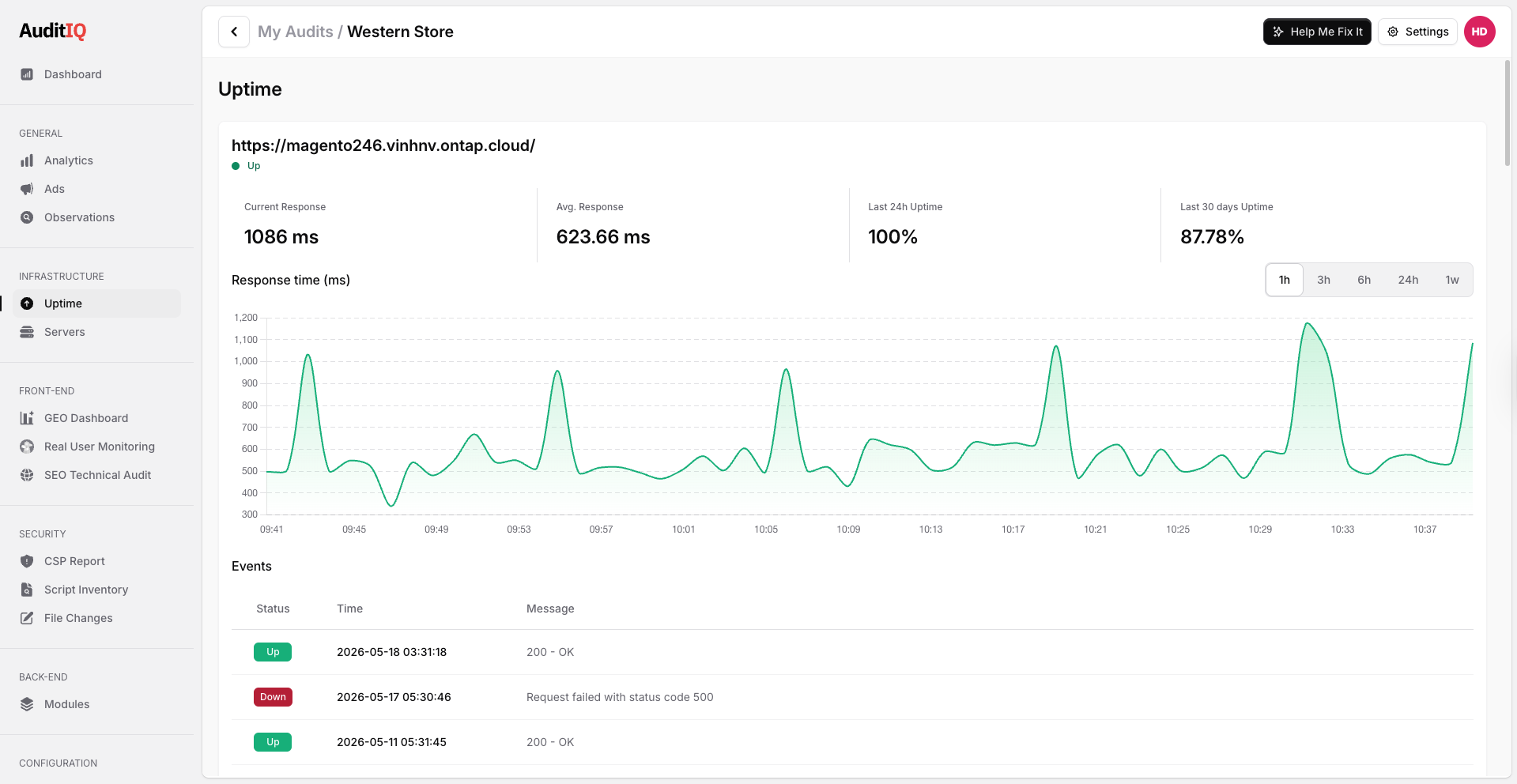
AuditIQ
Function: eCommerce stack monitoring and health alerts
Cost: From $65/month. 7-day free trial
Best for: All seller types. Growth and above.
As your stack grows, silent errors become revenue leaks. AuditIQ continuously monitors your store and alerts your team when critical issues arise, helping maintain a reliable customer experience, accurate data, and healthy revenue performance. It serves as a foundational layer in your technology stack, ensuring the systems that drive growth remain accountable.
How AuditIQ supports different stages of growth:
-
Growth: Helps catch conversion blockers early, such as broken checkout elements, tracking errors, SEO issues, or sudden page speed drops, before they slow down sales momentum.
-
Scale: Gives your team continuous visibility across a larger stack, where more apps, scripts, integrations, and traffic sources create more potential failure points.
-
Enterprise: Supports stronger operational control by giving technical, marketing, and eCommerce teams shared alerts across performance, tracking, security, and backend health.
Key features:
-
Frontend performance monitoring with real user metrics, Lighthouse scores, and detailed bottleneck analysis
-
Ads tracking and pixel health checks across Google Analytics, Google Ads, and multi-platform campaigns
-
SEO health alerts covering technical issues, page-level changes, and content visibility
-
Backend error detection, security monitoring, file integrity checks, and vulnerability alerts
|
Is your eCommerce stack costing you sales without you knowing? AuditIQ monitors your store's performance, ads tracking, SEO health, and backend errors continuously, so revenue leaks get flagged before they become real losses. |
Convert.com
Function: A/B testing and CRO
Cost: From $399/month.
Best for: All seller types. Growth stage.
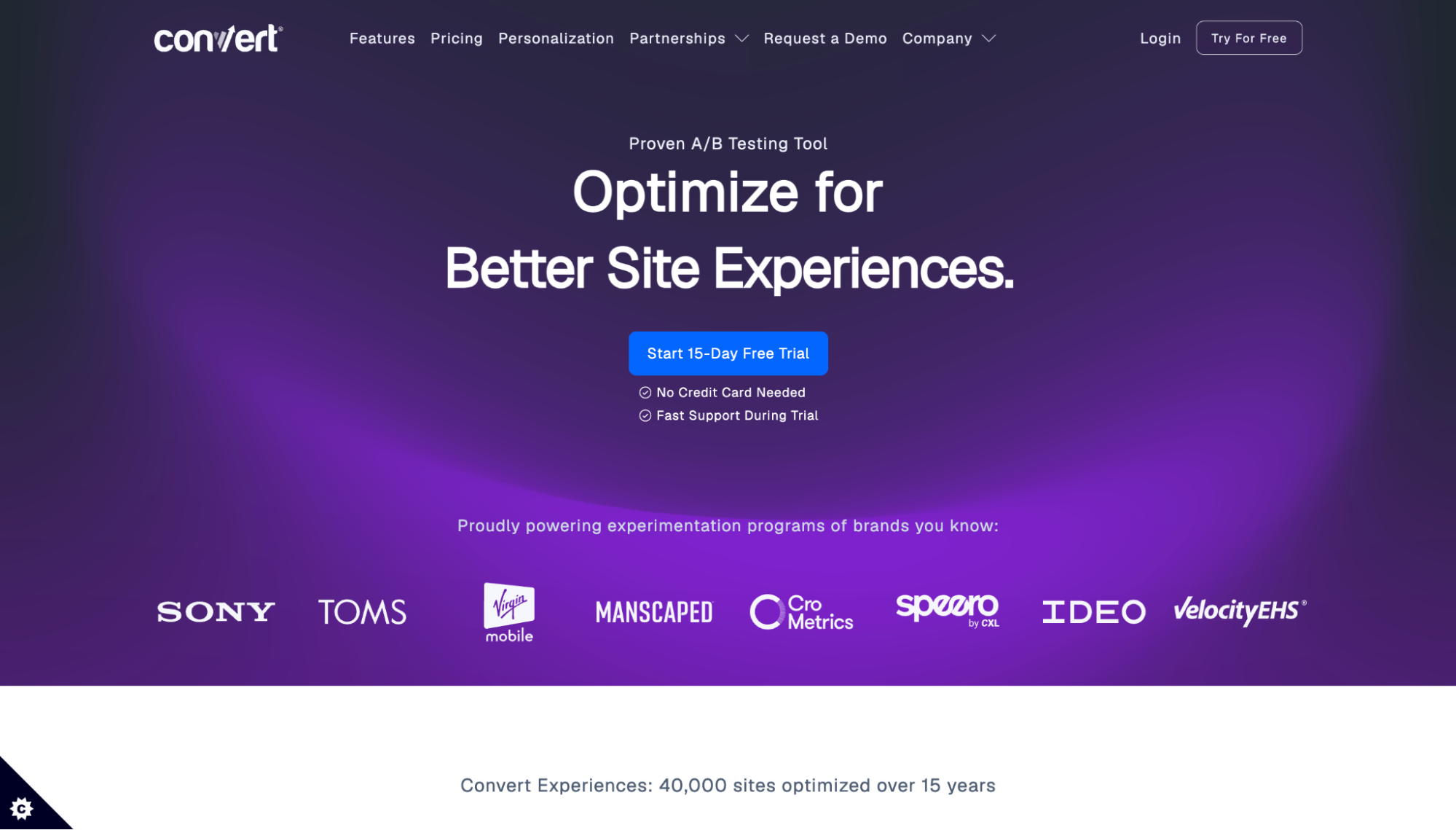
At Growth stage, you have enough traffic to run meaningful tests, but still do not know which parts of your store are quietly costing you conversions. Convert.com lets you test changes to product pages, landing pages, and checkout flows without needing a developer for every experiment. Unlike Shopify-only tools, it integrates with over 100 platforms, including WooCommerce, BigCommerce, Magento, and Shopify, making it a practical choice regardless of what your store is built on.
Key features:
-
A/B, multivariate, and split URL testing with a visual editor
-
Full-funnel testing across multiple pages, including checkout flows
-
Native integration with GA4, Klaviyo, and other tools already in your stack
-
First-party cookies only, no personal data stored on Convert servers
LimeSpot
Function: AI-powered product recommendations and upsell
Cost: From $50/month. 15-day free trial available.
Best for: B2C, Hybrid. Growth stage.
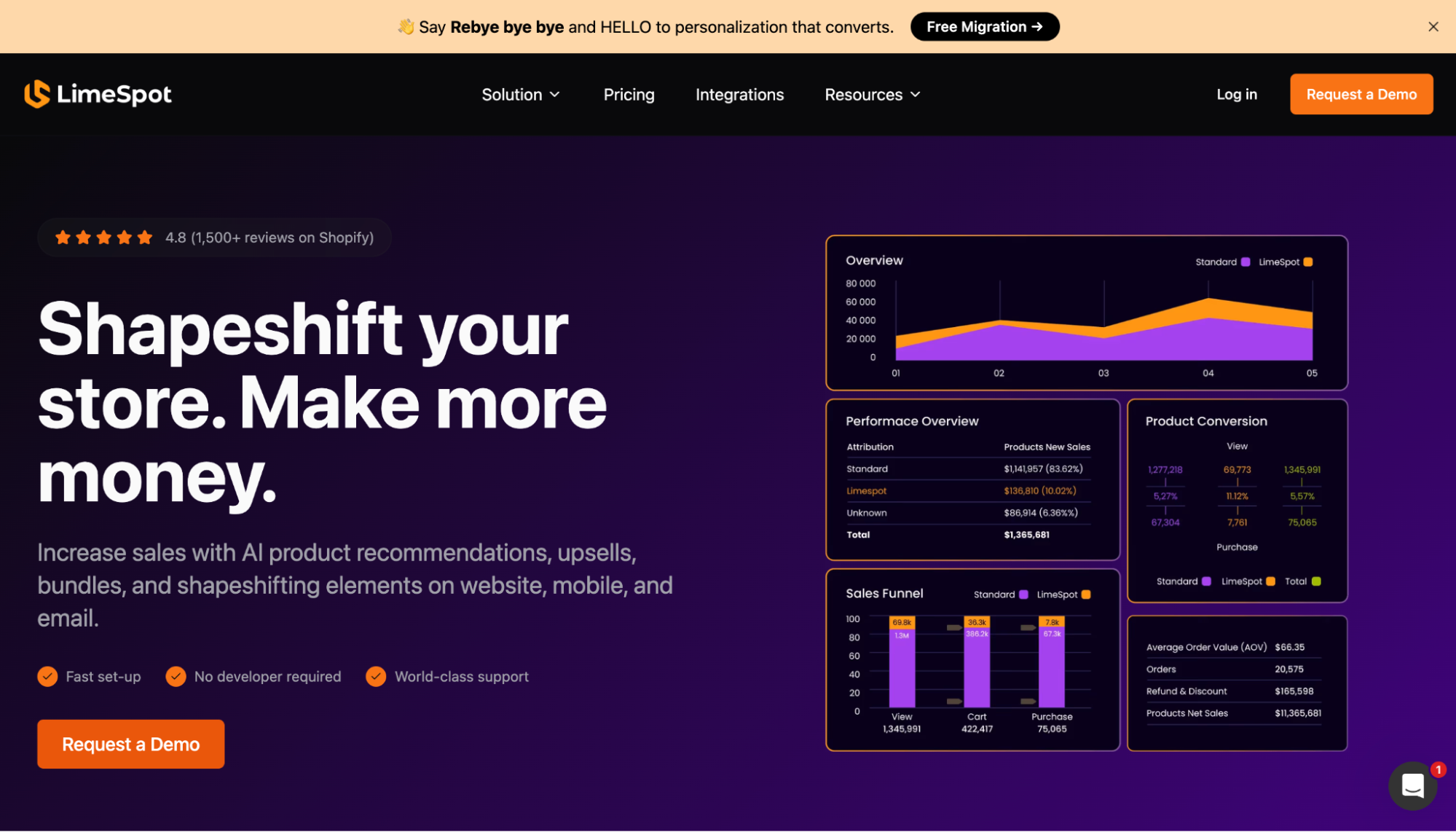
Most stores leave AOV growth on the table because their upsell experience is either nonexistent or feels generic. LimeSpot places AI-driven product recommendations across the entire customer journey, from product pages and cart to post-purchase, adapting in real time to each shopper's behaviour. It integrates with Shopify, BigCommerce, WooCommerce, and other platforms, making it a more flexible choice for stores not locked into one ecosystem.
Key features:
-
AI-powered recommendations across all pages, including bundles, upsell, and cross-sell placements
-
Real-time customer segmentation and A/B/n testing with analytics dashboard
-
Email personalisation integrations with Klaviyo, Mailchimp, and Omnisend
-
Smart Collections, dynamic images, and HTML content that adapt per customer segment
Triple Whale
Function: First-party attribution and eCommerce analytics
Cost: From $129/month.
Best for: B2C, Hybrid. Growth and Scale stage.
For brands investing across multiple advertising channels, Meta, Google, and TikTok often claim credit for the same sale. Without a neutral source of truth, budget decisions can end up based on duplicated or inflated attribution data. Triple Whale sits above your ad platforms and reconciles marketing performance against actual store revenue, giving your team one place to evaluate results and allocate spend with confidence.
Key features:
-
First-party pixel tracking that works around iOS 14 attribution limitations
-
Moby AI agent for querying store performance and insights in natural language
-
True ROAS versus platform-reported ROAS side by side across Meta, Google, and TikTok
Linnworks
Function: Multi-channel inventory and order management
Cost: Request your quote
Best for: B2B, Hybrid. Growth and Scale stage.
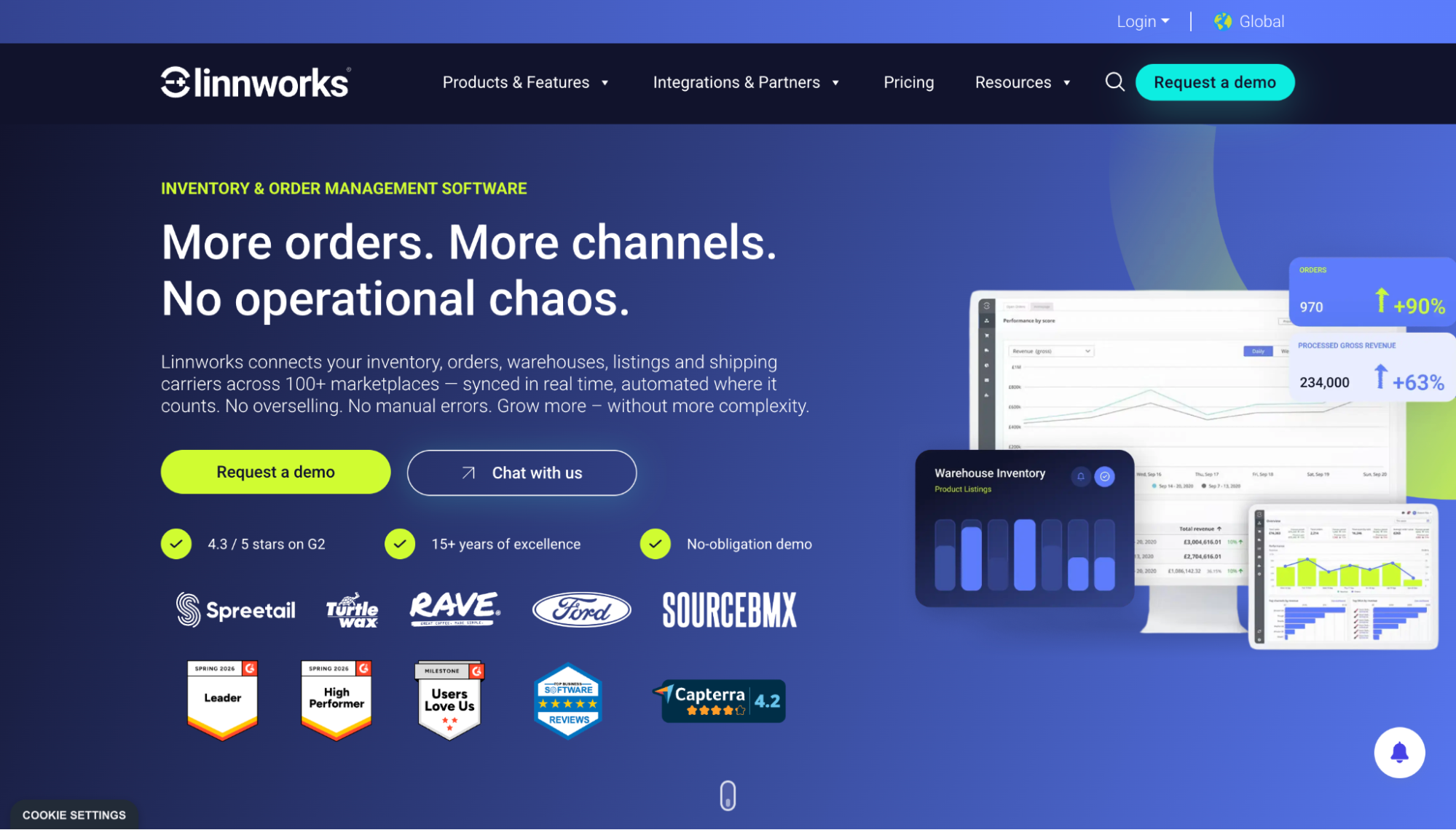
Once you are selling across more than two channels simultaneously, inventory management stops being a spreadsheet problem and becomes a real operational risk. A single oversell on Amazon while your Shopify stock count is out of sync can trigger account penalties, refunds, and lost ranking in one move. Linnworks solves this by syncing inventory across all your channels in real time and routing orders automatically to the right warehouse or 3PL, so fulfilment runs without manual intervention as volume increases.
Key features:
-
Real-time inventory sync across all selling channels to prevent overselling
-
Automated order routing to warehouses or 3PL partners based on predefined rules
-
Listing management across marketplaces from a single dashboard
AfterShip
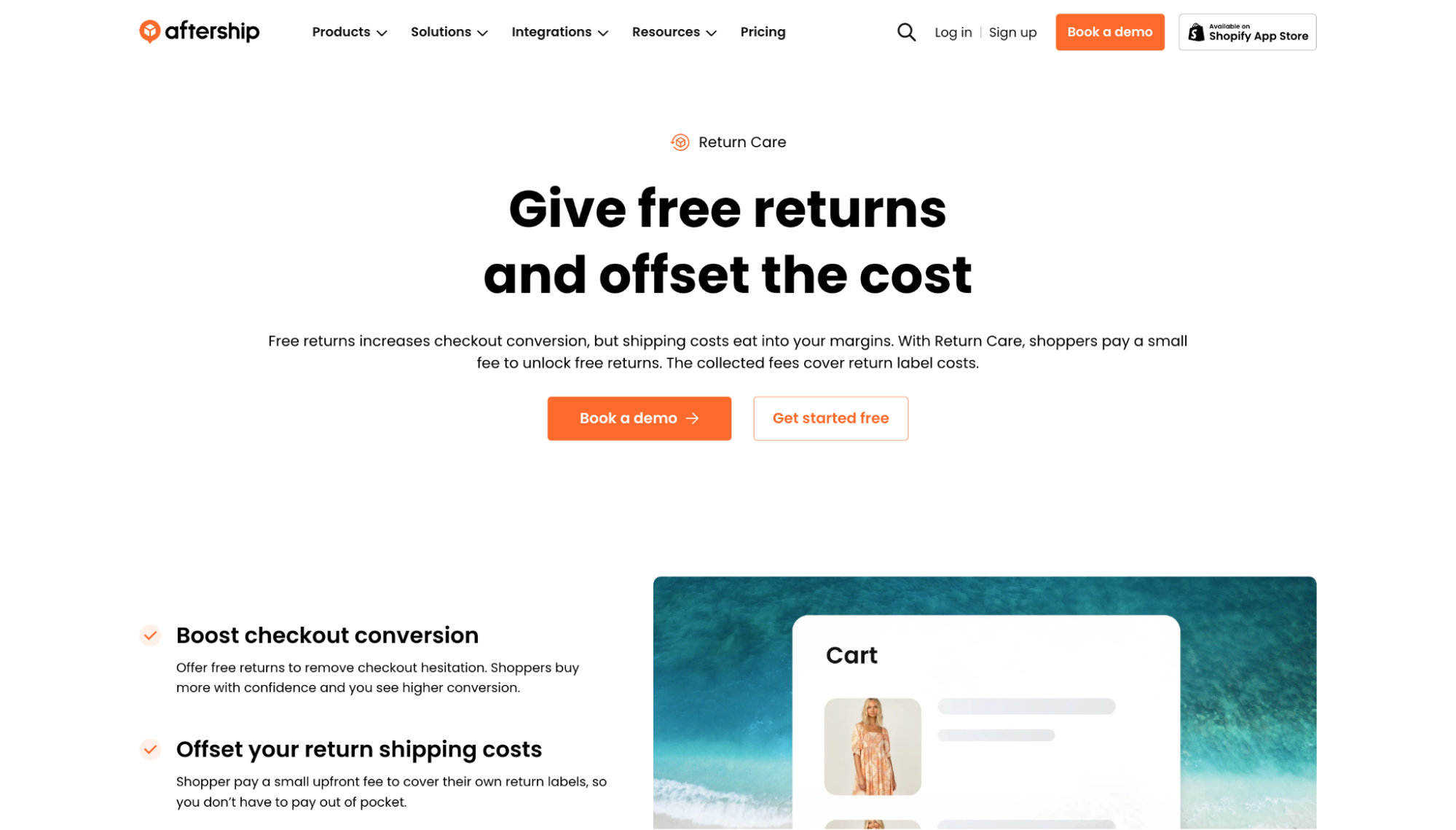
Function: Post-purchase order tracking and notifications
Cost: From $11/month.
Best for: B2C, Hybrid. Growth and Scale stage.
For businesses processing an increasing number of orders, "Where is my order?" quickly becomes one of the most common support requests, despite being largely preventable. AfterShip proactively notifies customers about their order status across email, SMS, and other channels before they think to ask, which directly reduces inbound support volume. It integrates with major eCommerce platforms and connects with marketing tools, including Klaviyo, Gorgias, Yotpo, and Attentive, making it easy to slot into an existing stack without rebuilding workflows.
Key features:
-
Branded, customisable tracking pages that keep customers on your site rather than redirecting to a carrier
-
Proactive delivery notifications across email and SMS with delay alerts before customers notice a problem
-
Returns management and shipment insurance are built into the same platform
Gorgias

Function: eCommerce customer support helpdesk
Cost: From $10/month on ticket-based pricing
Best for: All seller types. Growth and Scale stage.
Generic helpdesks like Zendesk require agents to jump between tabs to pull order information. Gorgias is built specifically for eCommerce, so order details, tracking status, and refund options surface directly inside the ticket without any context switching. For teams handling a growing volume of customer enquiries, every second saved per interaction compounds into faster response times, lower support costs, and stronger retention.
Key features:
-
Shopify data sidebar showing order, tracking, and refund information directly inside every ticket
-
Macros and rules to auto-close, auto-tag, and route tickets without manual triage
-
Revenue attribution that tracks which support conversations lead to a sale
Recharge
Function: Subscription and recurring revenue management
Cost: From $99/month plus 1.49% transaction fee and 19 cents per order. Plus plan at $499/month.
Best for: All seller types. Scale stage.
At Scale stage, predictable revenue becomes as important as growth. Recharge lets you turn one-time purchases into recurring subscriptions, giving you a stable revenue baseline that makes inventory planning, cash flow management, and demand forecasting significantly more reliable. It supports subscriptions, bundles, and personalised flows designed to increase customer lifetime value over time, and works across Shopify, BigCommerce, and custom-built platforms.
Key features:
-
Flexible subscription schedules including weekly, monthly, and custom frequencies
-
Bundles that let customers build their own product combinations or choose curated sets
-
Personalised retention flows to reduce churn and recover lapsed subscribers
-
Recharge Plus adds advanced features, including Bundles, Rewards, and Referrals, on higher-tier plans
Worth noting: Recharge works best for stores already doing meaningful subscription volume. If you are just testing the channel, the transaction fees can weigh on margins until volume justifies them.
Northbeam
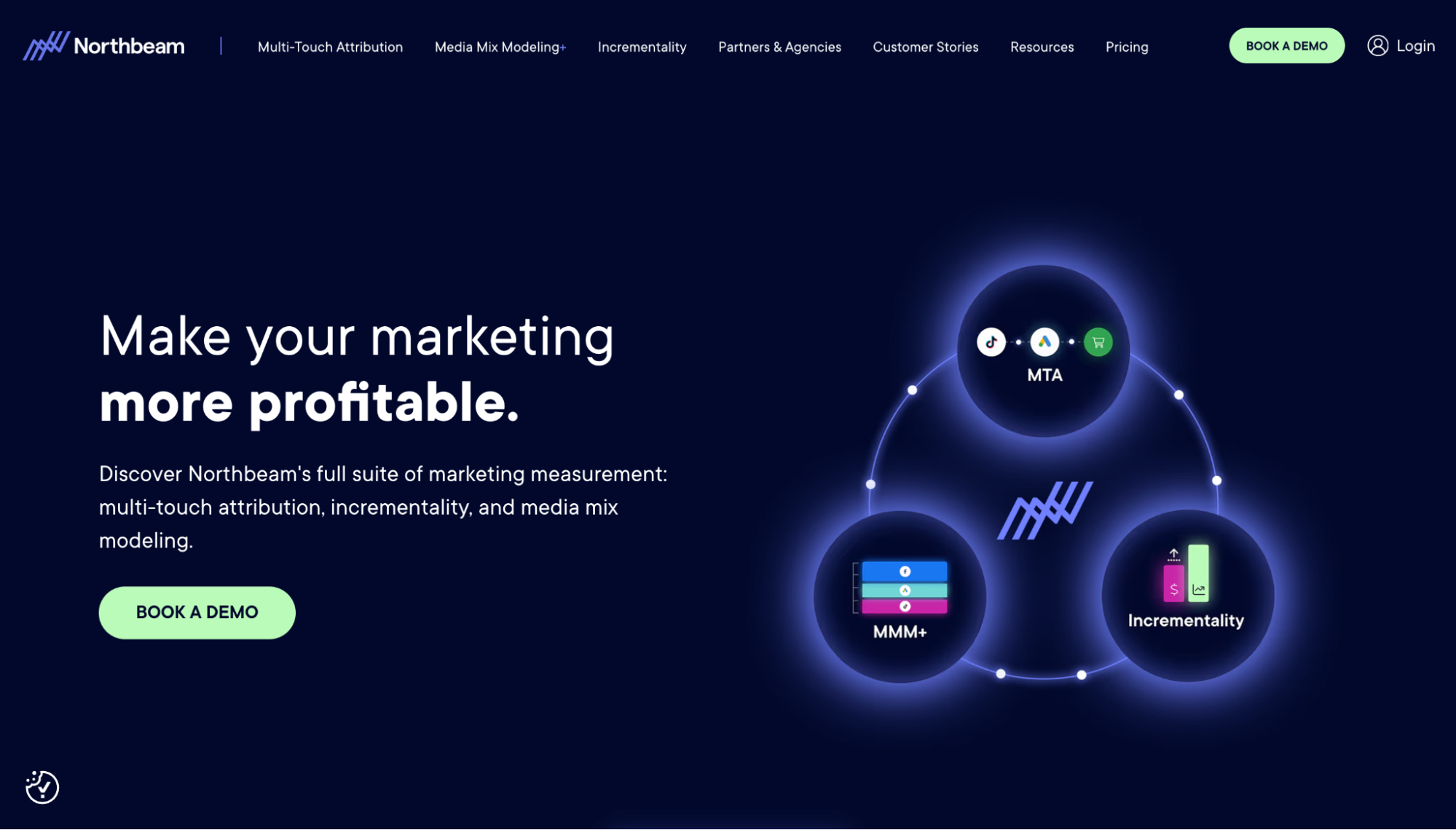
Function: Multi-touch attribution for paid media
Cost: Starting at $1,500/month. Custom pricing available.
Best for: B2C, Hybrid. Scale and Enterprise stage.
Where Triple Whale excels at consolidating standard paid channels, Northbeam is built for brands with a more complex media mix. If your spend spans paid social, search, influencer, and affiliate simultaneously, Northbeam's machine learning attribution model gives each touchpoint a more accurate share of credit across the full customer journey rather than defaulting to last-click or first-click logic.
Key features:
-
Machine learning attribution model that distributes credit across all touchpoints
-
Cross-channel customer journey visualisation to see the full path to purchase
-
Budget allocation recommendations based on actual channel contribution
Brightpearl
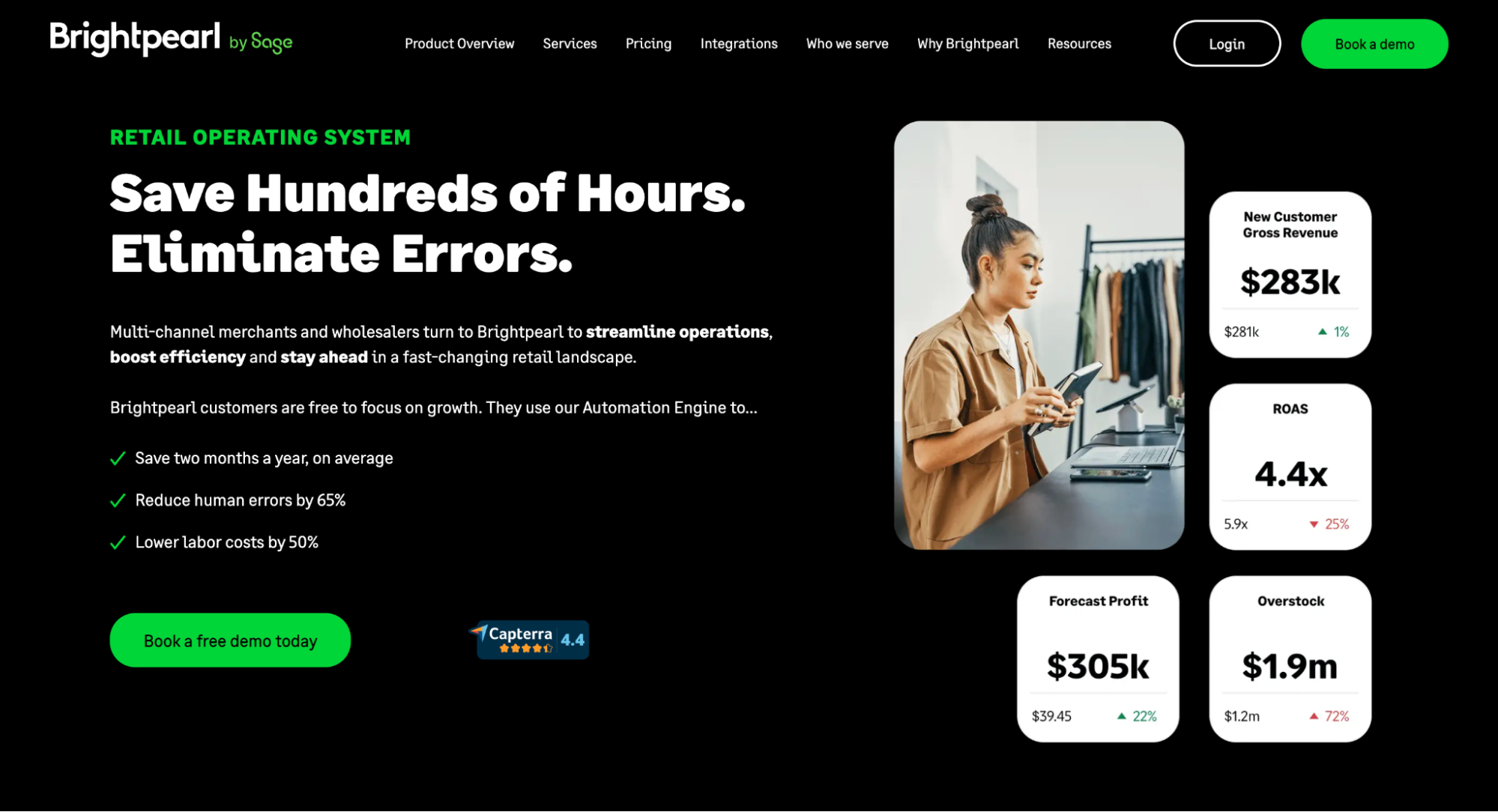
Function: Retail operating system and ERP for eCommerce
Cost: Custom pricing
Best for: B2B, Hybrid. Scale and Enterprise stage.
For businesses managing multiple sales channels, warehouses, and fulfilment workflows, backend complexity quickly becomes a bottleneck. Spreadsheets and disconnected tools can no longer hold the operation together without errors. Brightpearl connects inventory, order management, accounting, and reporting into a single system, giving your ops team one source of truth for everything happening in the backend, regardless of which channel the order came from.
Key features:
-
Real-time inventory visibility across warehouses, physical stores, and online channels simultaneously
-
Automated order management and fulfilment routing based on predefined rules
-
Accounting integration with Xero and QuickBooks to keep financial data in sync without manual exports
WiserReview
Function: Product reviews and UGC collection
Cost: Free plan available. Paid plans from $9/month.
Best for: B2C. Foundation and Growth stage.
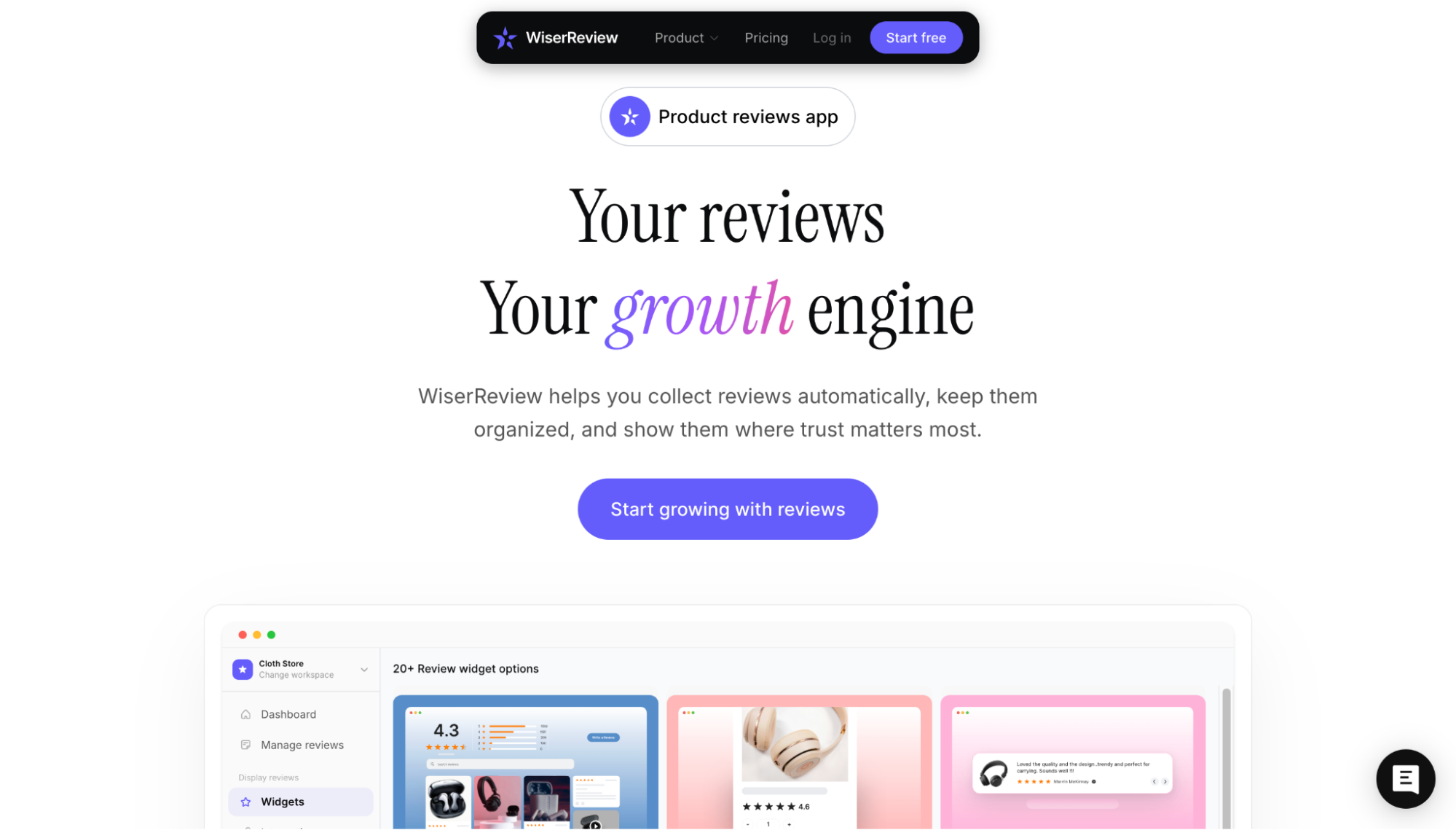
For a new store, reviews are one of the fastest ways to close the trust gap with first-time visitors. WiserReview works across Shopify, Magento, WooCommerce, BigCommerce, Wix, Squarespace, and custom-built stores, making it the most platform-flexible option at this price point. The free plan includes up to 10 reviews, 2 video reviews, 1 automation, review import from Google and Facebook, and display widgets including carousel, product review section, and star ratings. It is enough to get social proof live on your store before committing to a paid plan for more credits and advanced features.
Key features:
-
Automated review requests via email, SMS, WhatsApp, and QR codes
-
Photo and video review collection on every plan, including free
-
Integrates with Google Shopping, Meta, and TikTok for review syndication
If you are on Shopify specifically, Judge.me and Loox are also worth considering as Shopify-native alternatives with stronger platform integration.
Tidio
Function: Live chat and AI chatbot for customer support
Cost: Free plan available. Paid plans from $29/month.
Best for: B2C. Foundation stage.
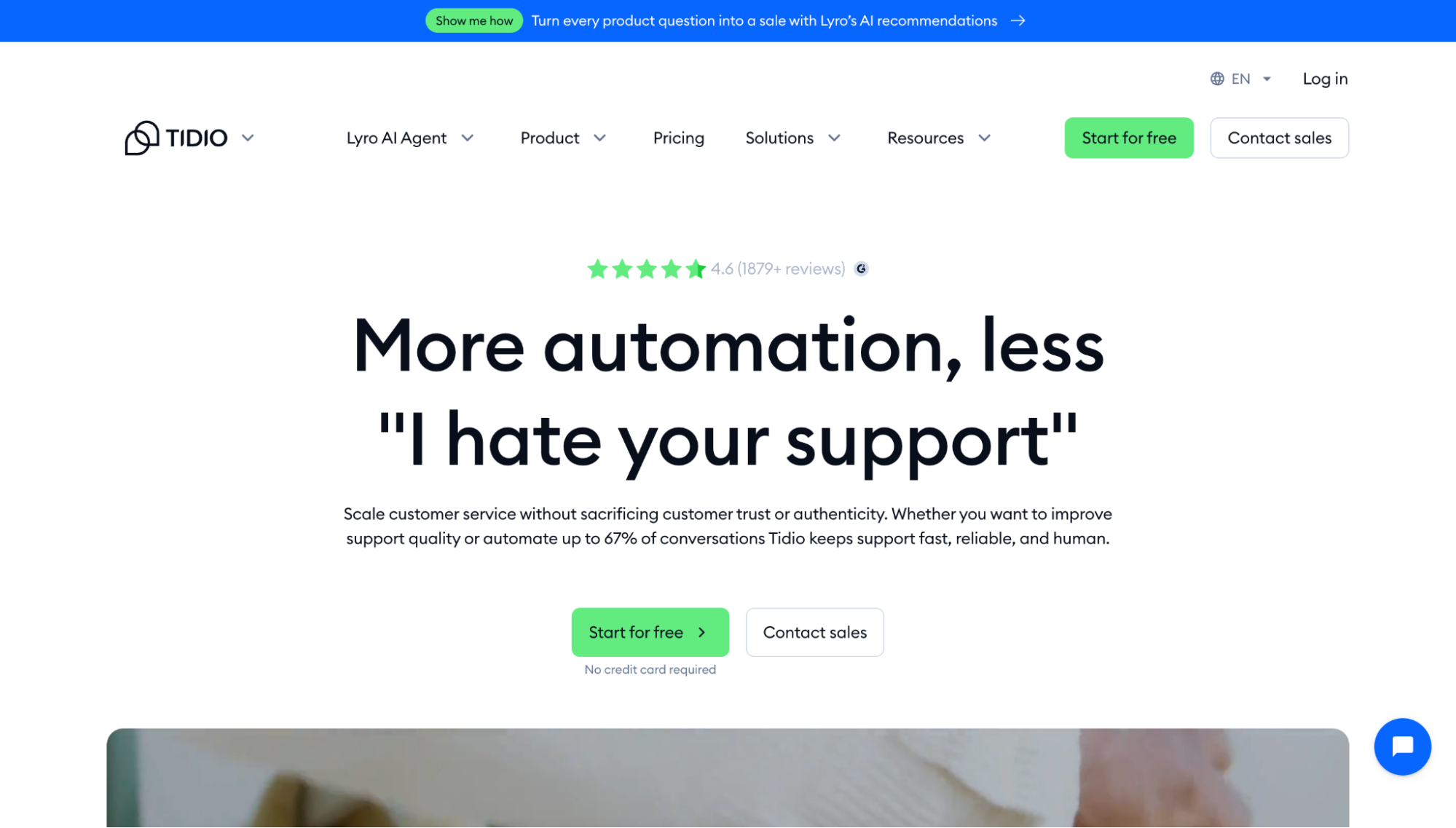
At the Foundation stage, you are not in a position to hire a dedicated support person, but unanswered customer questions still cost you sales. Tidio fills that gap by handling common questions automatically through its Lyro AI Agent while letting you jump into live conversations when it actually matters. The free plan includes 50 billable conversations, 50 Lyro AI conversations, and flows reaching up to 100 visitors per month, enough to cover a new store's support volume without spending anything.
Key features:
-
AI chatbot that handles frequently asked questions automatically without human intervention
-
Live chat with mobile notifications so you can respond on the go
-
Shopify integration that surfaces order status directly inside the chat window
Klaviyo
Function: Email and SMS marketing automation
Cost: Free plan available. Paid plans from $20/month. Custom pricing above 150K contacts.
Best for: All seller types. Foundation stage and above.
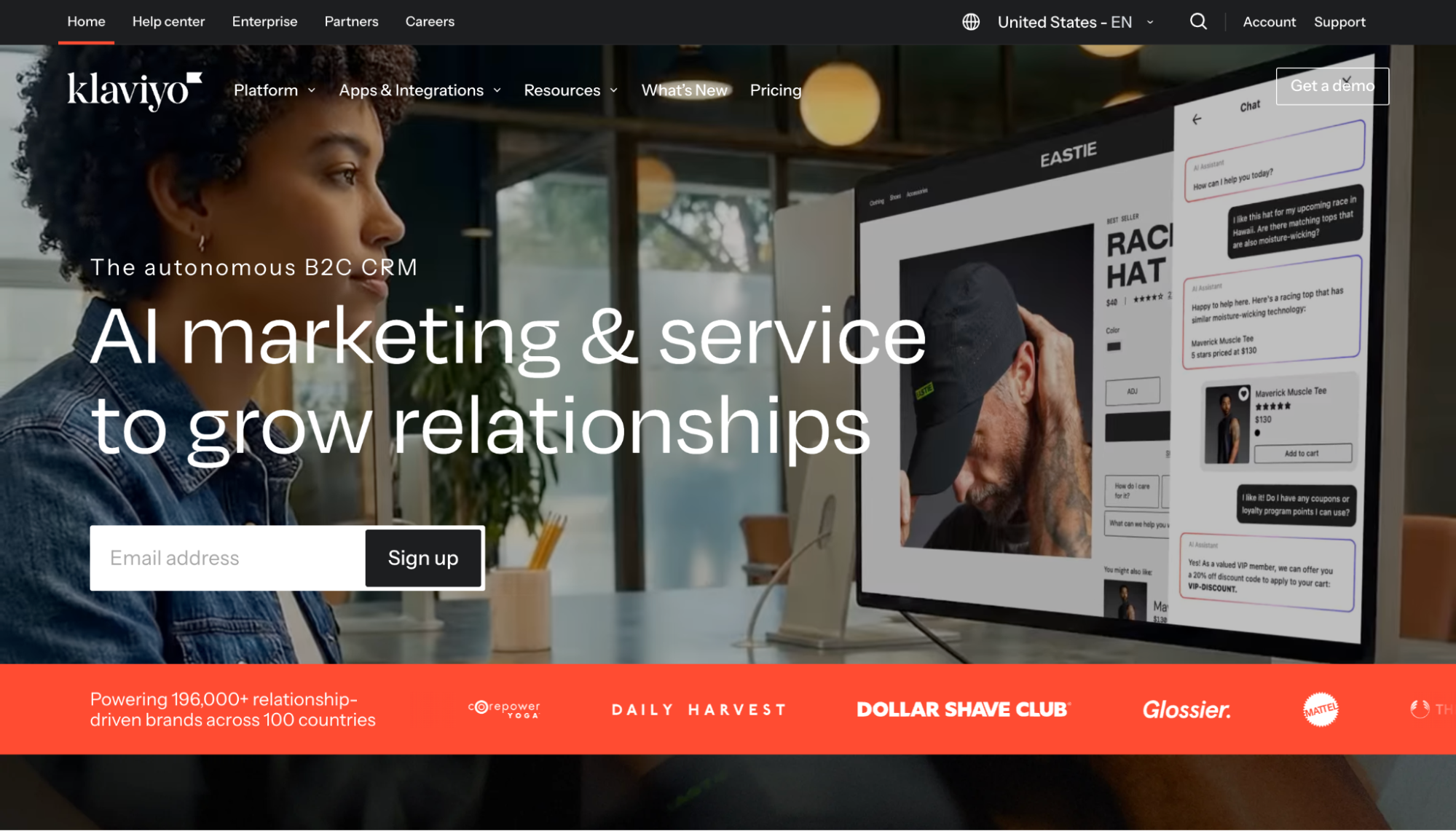
Klaviyo scales with your business from first sale to eight figures. The free tier covers the basics for new stores: 250 profiles, 500 emails/month, and 150 SMS credits. Paid plans unlock behavioural segmentation, generative AI for flows, and 350+ integrations. For brands managing customer interactions across multiple channels, the built-in CDP centralises customer data across all touchpoints, making Klaviyo the data backbone of your entire marketing operation rather than just another email tool.
Key features:
-
Pre-built flows for abandoned cart, welcome series, and browse abandonment
-
Native integration with Shopify, WooCommerce, and BigCommerce
-
Behavioural segmentation by purchase frequency, average order value, and product affinity
-
SMS campaigns and flows are managed in the same platform as email
-
Predictive analytics covering customer lifetime value, churn risk, and next predicted purchase date
-
Built-in CDP that centralises customer data automatically across all integrations on higher-tier plans
-
Advanced A/B testing across flows, not just individual emails
What to watch out for before you commit to any tool
The sticker price is rarely the real cost. Before adding anything new to your stack, three things are worth stress-testing first.
1. The true cost goes beyond the monthly fee:
Migration, onboarding, integration work, and pricing that scales with your contact count or order volume can make a tool that looks affordable today significantly more expensive in six months. Map out the full first-year cost before committing, not just the monthly plan.
2. All-in-one versus best-in-class is a real trade-off:
All-in-one tools mean fewer integrations and better data consistency, but often a weaker version of each individual feature. Best-in-class tools do one thing exceptionally well but require more stack management. If your team is small, all-in-one wins on simplicity. If you have dedicated ops resources, specialised tools will give you more leverage.
3. End-to-end integration testing before you roll out:
A tool that works in isolation but breaks your checkout flow, fires duplicate events in GA4, or conflicts with an existing app is worse than no tool at all. Before going live, verify that data flows correctly between the new tool and the rest of your stack and that the customer-facing experience is unaffected.
|
According to Baymard Institute (2025), 15% of cart abandonments are caused by website errors, and tool integration conflicts are one of the most common invisible culprits. Once your stack grows past a handful of tools, the risk of conflicting scripts, broken tracking, or checkout errors increases with every new addition. AuditIQ monitors your store 24/7 and flags issues automatically, with AI agents that resolve select problems even when you’re sleeping. Get a free demo to check your store's health and see where your stack actually stands. |
Conclusion
The right eCommerce stack is not the one with the most tools. It is the one that matches where your business actually is right now. Use the stage framework and seller type profiles from this guide as your filter. Start with the tools that solve your current core problem, get them working well together, and add complexity only when you have outgrown what you have. The best stack is the one your team can actually operate, not the one that looks most impressive on a spreadsheet.
If you need help choosing, integrating, or migrating to the right tools for your business stage, get in touch with our team to discuss how we can help.