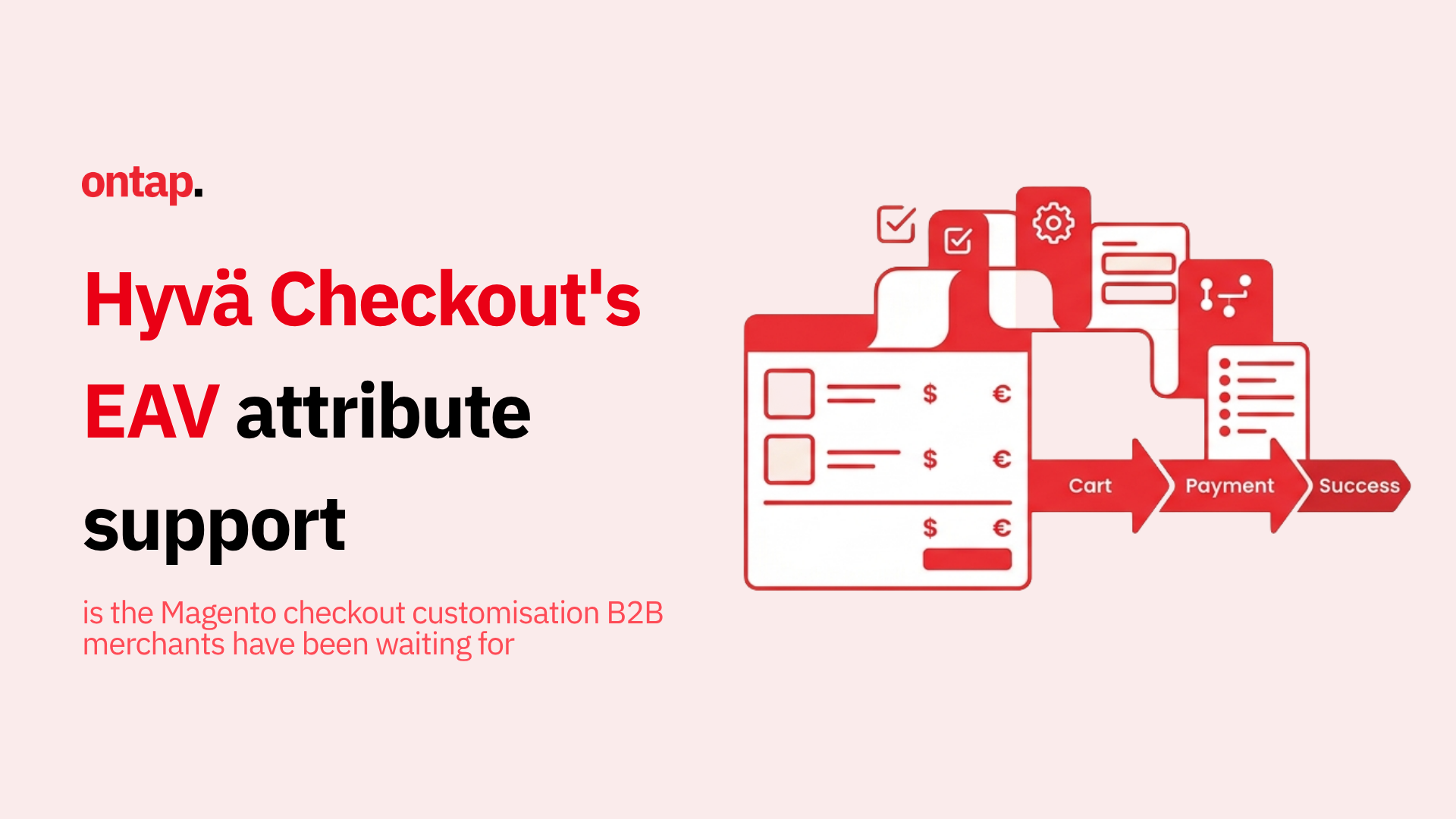
Hyvä Checkout expanded its support for customer and customer address EAV attributes in checkout address forms on 3 August 2026, when Hyvä released 1.4.0-beta3 and the parallel 1.3.1000-beta1 beta for the 1.3.x line.
The change allows Hyvä Checkout to render and validate additional EAV-backed fields in the billing and shipping address forms using Magento’s existing attribute configuration.
For Magento and Adobe Commerce merchants that need additional structured information at checkout, this can reduce the amount of custom frontend work needed to expose supported attributes.
However, there is an important platform difference: Adobe Commerce can persist submitted custom address attribute values through Magento_CustomerCustomAttributes, while Magento Open Source requires a developer-provided save service to store them.
Hyvä describes 1.4.0-beta3 as a beta for testing and evaluation rather than production use.
Later update: Hyvä has since released newer betas in both the 1.4.x and 1.3.1000.x lines. Merchants evaluating the feature today should use the latest beta in the relevant branch and check the current Hyvä Checkout changelog.
What changed in Hyvä Checkout
Hyvä’s 1.4.0-beta3 changelog added expanded EAV attribute support to the checkout billing and shipping address forms.
The same core EAV functionality was also released in 1.3.1000-beta1.
The two beta lines serve different upgrade paths:
-
1.4.x moves Hyvä Checkout onto the Magewire v3 architecture and requires PHP 8.2 or later.
-
1.3.1000.x makes the EAV feature available on the 1.3.x line without requiring merchants to move to the 1.4.x architecture.
For merchants, this means the appropriate beta depends not only on whether they want to test EAV support, but also on the wider checkout architecture and platform requirements they are ready to adopt.
Supported frontend input types include:
-
Text Field
-
Text Area
-
Date
-
Dropdown
-
Yes/No
-
Multiple Select
-
Multiline
File and Image attribute types are not supported.
Dropdown and Multiple Select fields can also respect their configured default values.
Hyvä renders only attributes associated with the customer_register_address form. Attributes that are not assigned to that form are not shown in the checkout.
How the EAV attribute support works
Hyvä Checkout builds its shipping and billing address forms from Magento’s EAV attribute configuration.
Hyvä’s custom address attribute documentation describes one Hyvä-specific requirement: attributes shown in checkout need to be associated with the customer_register_address form.
Once configured, supported fields can be rendered in the checkout and use validation derived from their EAV configuration.
This means merchants no longer need to build a separate frontend field purely to display a supported EAV-backed checkout attribute.
The scope still needs to be understood carefully.
Although the changelog refers to both customer and customer address EAV attributes, the checkout rendering is tied to the address-form configuration. That is why some customer-level attributes do not belong in the address form even though they are EAV attributes.
Rendering is not the same as persistence
This remains the most important implementation detail in the release.
Hyvä Checkout can render and validate supported EAV-backed checkout fields on both Magento Open Source and Adobe Commerce, but submitted values are not persisted in the same way on both platforms.
Adobe Commerce
On Adobe Commerce, additional custom address attribute values are saved through the Magento_CustomerCustomAttributes module.
Hyvä describes this as providing parity with the native Luma checkout for supported custom address attributes.
Magento Open Source
On Magento Open Source, Hyvä Checkout does not persist submitted custom EAV values out of the box.
Hyvä’s documentation explains that Magento Open Source does not provide the required save service for these custom values, so a developer must integrate one if they need to be stored.
For merchants, this distinction matters when estimating implementation effort.
The feature can remove much of the custom frontend work involved in rendering and validating supported EAV-backed fields, but Magento Open Source merchants may still need backend development for persistence.
What changed in the checkout admin
The beta also changes how Hyvä Checkout manages address fields in the admin.
The previous Enabled and Required controls are no longer maintained separately in the checkout configuration. Those settings are instead derived from the underlying EAV attribute definition.
The old Add field workflow and obsolete per-field configuration columns were also removed as part of the move towards an EAV-driven setup.
This makes Magento’s attribute configuration the primary source of truth for supported checkout field behaviour.
Customer attributes such as dob, taxvat and gender were removed from the default address-form configuration.
Hyvä explains that these are customer-entity attributes rather than address-entity attributes. They cannot be saved against an address, a customer has only one value for them across multiple addresses, and guest shoppers do not have a customer entity.
For merchants that currently use these fields in checkout, this distinction is important because they may need to be handled separately rather than modelled as address attributes.
What this changes for existing custom checkout fields
For stores already using custom development to render EAV-backed checkout fields, the beta creates an opportunity to review whether some of that code can eventually be simplified.
That does not mean every custom implementation can be removed.
Merchants should identify:
-
which existing fields are customer or customer address EAV attributes
-
which supported input types they use
-
whether they are assigned to
customer_register_address -
whether custom validation or conditional behaviour exists
-
whether submitted values require custom persistence
-
whether downstream ERP, CRM or fulfilment systems depend on those values
For merchants testing the 1.4.x line, developers should also review custom fields or JavaScript that rely on reserved form-property names, as the newer form architecture namespaces reserved properties to avoid collisions.
Only after this review can a merchant determine which custom code the new EAV rendering can replace.
On Tap recommends treating the feature as a code-reduction opportunity rather than assuming every existing checkout customisation can be removed.
Why this matters for B2B merchants
Custom address information can be important in B2B and wholesale checkout flows.
Depending on the merchant’s business process, address-related data can include:
-
delivery instructions
-
location or site identifiers
-
address classifications
-
regional tax information
-
internal routing information
-
other structured address data required by downstream systems
The new EAV support makes it easier to expose supported Magento attributes in Hyvä Checkout without building an entirely separate frontend component for each field.
However, the feature should not be treated as a generic solution for every B2B checkout requirement.
Some commonly requested information, such as purchase order references or cost-centre codes, may belong to the order or another entity rather than the customer address. Those requirements should still be modelled appropriately instead of being forced into address EAV attributes simply because the checkout can render them.
Additional changes in 1.4.0-beta3
The following changes apply specifically to the 1.4.x beta line and should not be assumed to be part of 1.3.1000-beta1.
Reusable progress overlay
Hyvä Checkout 1.4.0-beta3 introduced a reusable full-screen progress overlay for blocking checkout actions.
The component displays a spinner, title and message while a blocking operation completes and prevents further customer interaction during that process.
Hyvä gives redirects such as customer sign-in and return-to-checkout flows as examples.
Notification evaluation result
The same 1.4.x beta also introduced a Notification evaluation result for checkout feedback and messaging.
Magewire 3.4
1.4.0-beta3 also upgraded Magewire to ^3.4 as part of the 1.4.x beta architecture.
These changes are separate from the shared EAV feature and should not be assumed to apply to the 1.3.1000.x line.
What merchants should do now?
This is a beta release, not a production recommendation. Hyvä released it across two lines, 1.4.0-beta3 for the current track and 1.3.1000-beta1 as a backport, which suggests they want broad testing before a stable release.
-
If you are planning a new Magento B2B build, this beta is worth evaluating in a development environment now. Understanding how it works before the stable release means you can architect your attribute definitions correctly from the start.
-
If you are running Hyvä Checkout in production with existing custom field implementations, do not rush to adopt the beta. But do start planning your migration path. When the stable release arrives, moving from custom checkout components to native EAV rendering will reduce your upgrade friction and simplify your codebase.
-
If you are evaluating Magento for a B2B project, this release strengthens the case for Hyvä Checkout specifically. The checkout customisation gap that previously pushed some B2B merchants towards custom or third-party solutions is closing.
The bigger picture
Hyvä's development trajectory has been consistent: take capabilities that Magento supports architecturally but that require custom development to use effectively, and make them native, upgrade-safe, and accessible through standard configuration. The AI module suite, the CMS Tailwind JIT improvements, and now checkout EAV support all follow this pattern. Each release reduces the total cost of running a Magento store and makes the platform more competitive against solutions where these capabilities are built in from the start.
About On Tap
On Tap is a growth-focused eCommerce consultancy and Hyvä partner, specialising in Magento and Adobe Commerce implementations for mid-market and enterprise merchants. From Hyvä Checkout configuration and B2B commerce architecture to custom EAV attribute design and upgrade planning, On Tap helps merchants get the most from Magento's flexibility without the maintenance overhead.
If you want to evaluate Hyvä Checkout's EAV support for your B2B build, get in touch.