 Best full-service eCommerce agency 2026


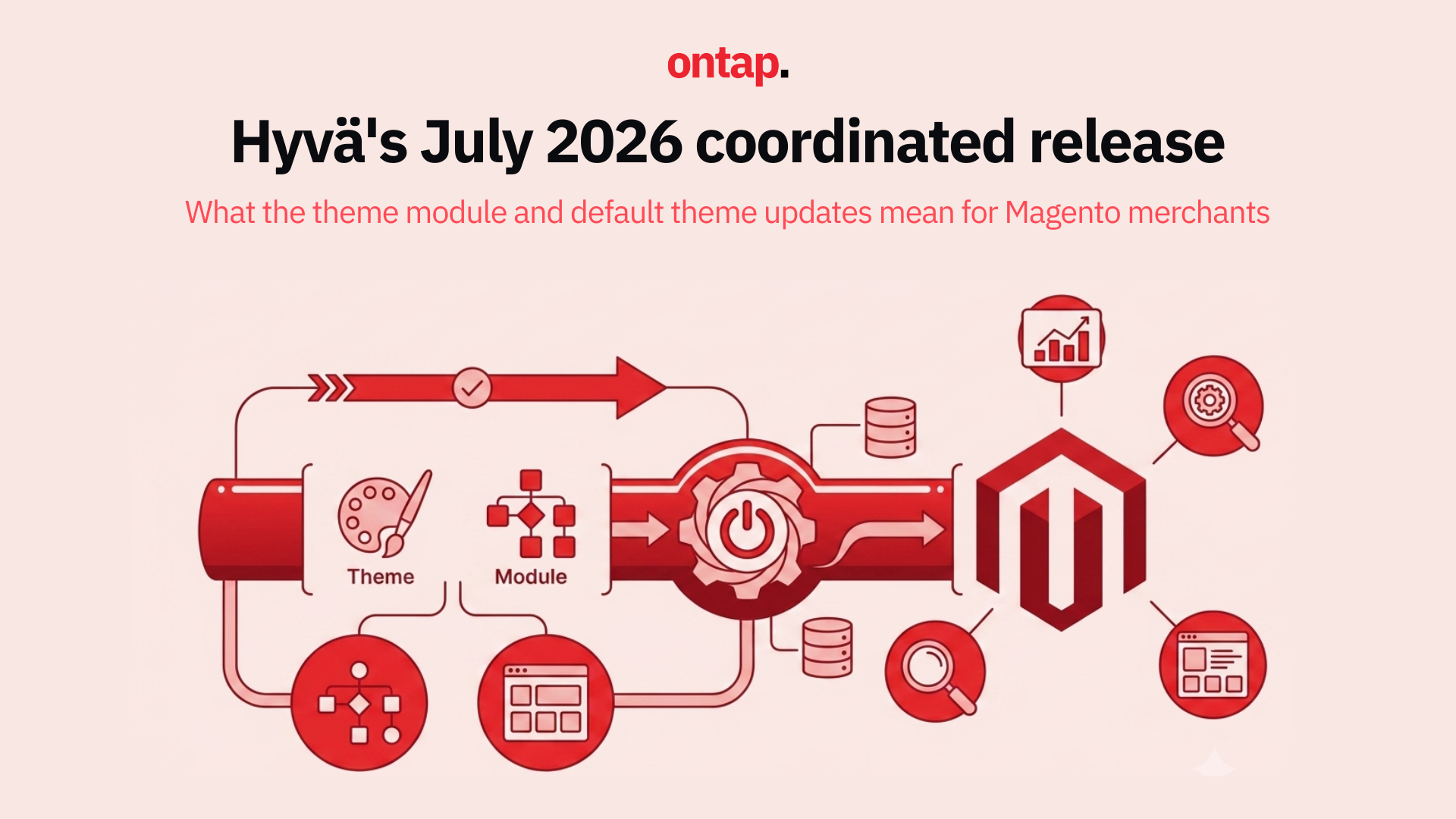
On 10 July 2026, Hyvä released theme-module 1.5.2 and 1.4.10, default-theme 1.5.2 and 1.4.10, and the corresponding default-theme CSP variants. The releases bring fixes for storefront behaviour and development workflows, with different changes on the 1.5.x and 1.4.x branches. Here is what changed and what merchants should check when planning an update.
A dual-track release strategy
Hyvä continued to maintain both its 1.5.x and 1.4.x release lines. The 1.5.x line includes newer theme changes, including Tailwind CSS v4 support, while 1.4.x received fixes relevant to that branch. Merchants can assess updates within their current release line without assuming that every fix requires a move to 1.5.x.
The packages did not receive identical updates. Theme-module 1.5.2 includes the fixes listed for 1.4.10 and updates snap-slider to v2.2.3. Default-theme 1.5.2 includes the 1.4.10 fix and several additional storefront changes. Check the theme-module changelog and default-theme changelog against the versions installed on your store.
Theme module: the fixes that matter
The theme-module updates focus on stability and development compatibility.
-
Snap-slider updated to v2.2.3 in 1.5.2: Stores using Hyvä’s slider should test their carousel and slider implementations after updating, particularly where a child theme has customised them. The changelog records the dependency update but does not claim a specific rendering improvement from v2.2.3.
-
Mage-OS sample data deployment fixed in 1.4.10 and 1.5.2: Hyvä fixed two issues affecting hyva:sampledata:deploy on Mage-OS, including a package check that could treat an unverifiable package as unavailable. This matters chiefly to teams deploying sample data in development environments.
-
Stale dependency injection cache fatal error resolved in 1.4.10 and 1.5.2: Hyvä fixed a fatal error that could occur when the compiled dependency injection cache was stale and hyvaBaseThemes compiled as null. Teams that encountered this condition should verify the fix in their deployment workflow.
-
Date format TypeError fixed in 1.4.10 and 1.5.2: Date::getDateYMD() could throw a TypeError for day-first slash date formats, including nl_BE and en_GB. Merchants using an affected locale should test the relevant date handling after updating. The release note does not establish that checkout, order processing, or every date-based form was affected.
Default theme: UI polish and design token evolution
The additional storefront changes in this release are primarily listed under default-theme 1.5.2. The 1.4.10 changelog lists a separate browser-sync fix.
-
The ink design token replaces fg in 1.5.2: Hyvä added ink as a clearer name for the foreground token and retained fg as a fallback until a future npm package update removes it. Teams working on a 1.5.x child theme can use ink in new work and review existing token use when planning a later update.
-
Fullscreen gallery arrows fixed in 1.5.2: A product page with only one image no longer shows left and right arrows in the fullscreen media view.
-
Minicart option rendering fixed in 1.5.2: Hyvä corrected the rendering of product options in the minicart. Merchants whose stores use those options should check their own minicart configuration after updating.
-
Pagination edge case resolved in 1.5.2: Clicking “next” on the final pagination page no longer redirects to the first page.
-
Browser-sync BASE_URL fix in 1.4.10, also included in 1.5.2: A rewrite rule in browser-sync.config.cjs could reduce window.BASE_URL to /, affecting JavaScript that needed an absolute URL during local development.
-
Configurable product gallery pager improved in 1.5.2: Hyvä improved the visibility of the pager for configurable products. Teams should test the gallery with their own product images and variants.
The default-theme release notes also list a password-page fix, CSP-safe rendering of a selected option, and a gallery scroll-direction fix in 1.5.2.
What this means for your roadmap
If you are running Hyvä, the practical steps are:
-
Check your installed versions and plan the appropriate update. Review the changes for your release line and test your child theme, extensions and key customer journeys in staging before deployment. The release notes do not provide a blanket guarantee that an update cannot affect custom implementations.
-
Review design tokens if you use default-theme 1.5.x. Use ink for relevant new theme work and plan any migration from fg against Hyvä’s future package changes. This is an On Tap recommendation, rather than a requirement to update existing themes immediately.
-
Test affected date handling. If your store uses en_GB, nl_BE or another day-first slash date format, verify the date-related features relevant to your implementation.
-
Check product options in the minicart and product galleries. Focus on the features your store actually uses, especially where templates have been customised.
The bigger picture
The July release addresses a range of specific issues across Hyvä’s theme packages: Mage-OS sample data deployment, locale-dependent date handling, storefront details and local development tooling. Its value to a merchant depends on their installed branch, configuration and any child-theme customisations.
Maintaining both the 1.4.x and 1.5.x lines gives teams a way to assess fixes within their existing branch. The release notes remain the best guide to which changes apply to each package and version.
About On Tap
On Tap is a growth-focused eCommerce consultancy and Hyvä partner, specialising in high-performance Magento storefronts for mid-market and enterprise merchants. From Hyvä theme updates and design system migration to full platform upgrades and ongoing maintenance, On Tap helps merchants keep their storefronts polished, performant and ready for production.
If you need help planning your Hyvä update or migration, get in touch.