
Website speed plays an important role in how well a Shopify store performs. A faster site can improve user experience, reduce bounce rates, support conversion rates, and contribute to better search visibility. Studies show that 53% of mobile users abandon a site if it takes longer than 3 seconds to load, and even a 1-second delay can reduce conversion rates by up to 20% (Google Ads Announcement). Google also considers site speed and user experience metrics - known as Core Web Vitals - as part of its search ranking algorithm.
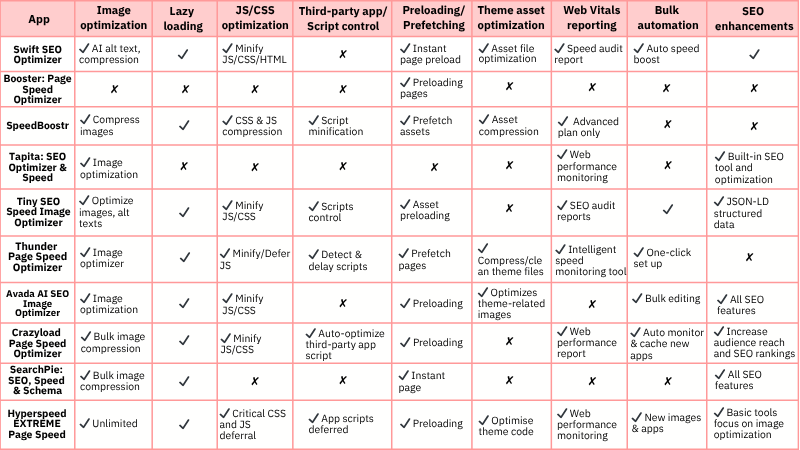
There are many Shopify speed optimization apps available, but not every tool solves the same problem. Some focus on image compression or lazy loading, while others provide all-in-one performance features such as code optimisation, caching, Core Web Vitals support, and automated speed improvements. These apps can also help merchants improve site performance without handling every technical task manually.
To help you compare the options more easily, this guide reviews the best Shopify speed optimization apps in 2026, including their key features, pricing, pros and cons, and what type of store each app is best suited for.
What are Shopify speed optimization apps, and their core features
Shopify speed optimization apps are installable solutions designed to improve your store’s loading speed, reduce page weight and enhance Core Web Vitals performance, including metrics such as Largest Contentful Paint (LCP), Interaction to Next Paint (INP) and Cumulative Layout Shift (CLS). These metrics are important for both user experience and how Google evaluates page performance.
These apps help address common performance issues such as oversized or uncompressed images, unused JavaScript and CSS, heavy third-party scripts and inefficient theme structures. Some apps focus on one specific area, such as image compression or lazy loading, while all-in-one Shopify speed optimization apps combine multiple performance features in one place, making it easier for merchants to improve site speed without manual coding or complex technical tuning.
Now, let’s break down the key categories and features that make these apps effective.
| Feature category | Core feature | Why it matters |
| Image optimization | Lossy/lossless compression | Reduces image file size without noticeably affecting quality, improving page load speed. |
| WEBP/AVIF conversion | Modern image formats load faster and consume less bandwidth, especially on mobile. | |
| Smart resize for theme containers | Prevents oversized images from loading, improving LCP (Largest Contentful Paint). | |
| Auto alt text & filename optimisation | Improves image SEO and accessibility without manual effort. | |
| Lazy loading | Lazy load images, iframes, videos | Ensures hero content isn’t delayed, preserving perceived speed and engagement. |
| Above-the-fold control | Shrinks file size to reduce blocking and improve load/render speed. | |
| JavaScript & CSS optimization | Minification | Speeds up first paint by prioritising essential styles for above-the-fold content. |
| Critical CSS inlining | Reduces render-blocking scripts that delay interactivity (FID/INP). | |
| Defer non-essential JS | Cleans up bloat from unused selectors (especially from unused app/theme elements). | |
| Remove unused CSS | Cleans up bloat from unused selectors (especially from unused app/theme elements). | |
| Third-party apps/scripts control | Detect unused apps or scripts | Helps remove performance-draining apps that no longer add value. |
| Delay third-party scripts | Postpones heavy scripts (e.g., chat, tracking) to after page load, preserving initial UX. | |
| Conditional loading | Loads scripts only when needed (e.g., per page type), reducing unnecessary bloat. | |
| Preloading/Prefetching |
Predictive prefetch | Preloads assets/pages likely to be visited next, speeding up navigation. |
| Instant page on link hover | Makes transitions feel instant by fetching next-page content in advance. | |
| Theme asset optimisation |
Remove unused sections or files | Cleans out legacy code or app leftovers that slow down load time. |
| Compress and combine files | Reduces HTTP requests and file size, improving overall efficiency. | |
| Web vitals reporting |
Track LCP, CLS, INP | Enables you to monitor what matters for Google rankings and UX. |
| Optimisation suggestions | Helps store owners prioritise fixes that impact performance and conversions. | |
| Bulk automation |
Scheduled image optimisation & renaming | Saves time and ensures consistent performance across large product catalogues. |
| Automatic optimisation for new uploads | Ensures new content doesn’t reintroduce performance issues. | |
| SEO enhancements | Fix broken image links & redirects | Maintains crawlability and user experience, particularly for Google Image search traffic. |
Top 10 Shopify speed optimization apps in 2026
Tapita: SEO Optimizer & Speed - From $0 - $49.99/month
Rating: 4.9 ★ (2,600+ reviews)
Developer: Tapita
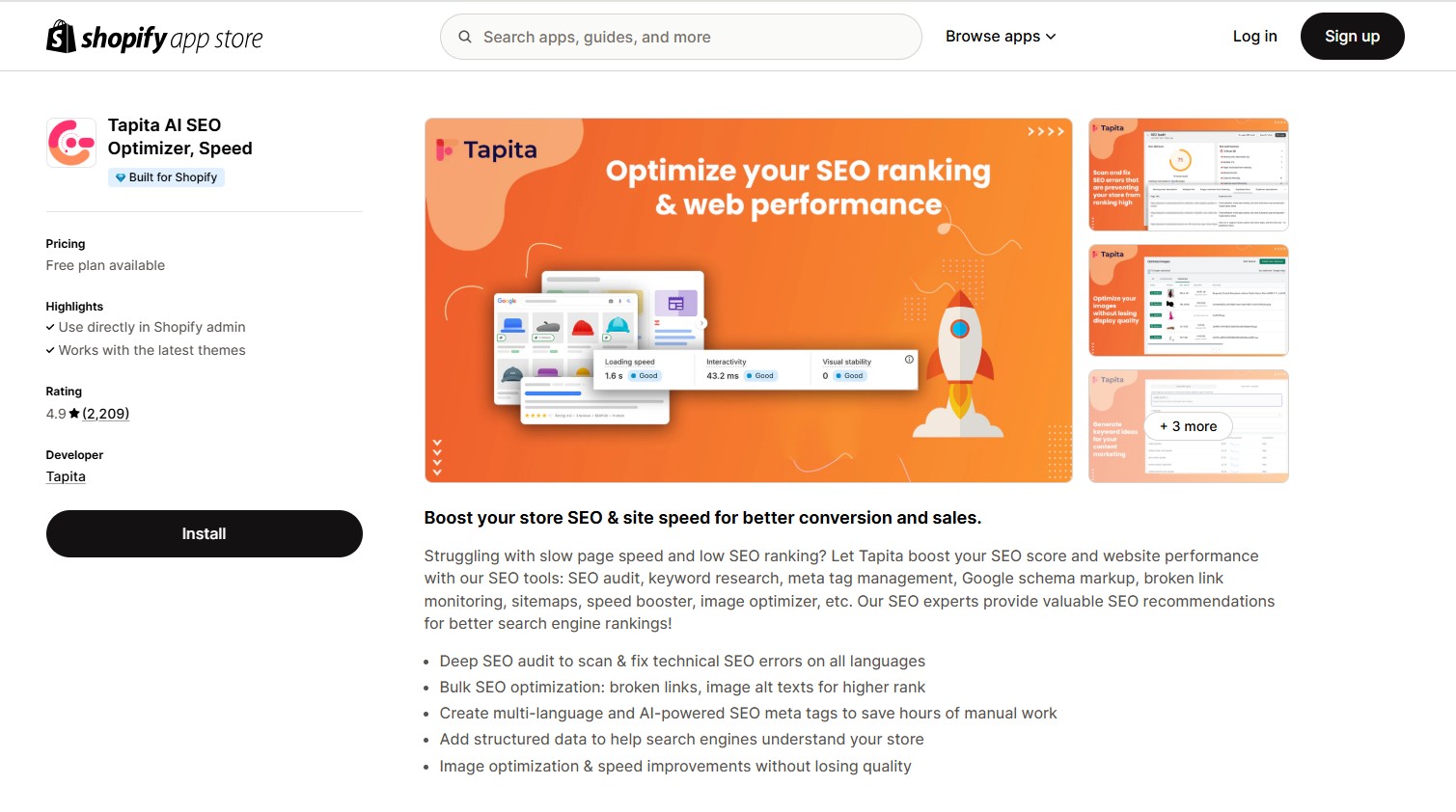
Tapita SEO & Speed Optimizer is an all-in-one Shopify app that combines technical SEO, speed optimization, and AI-powered automation in a single dashboard. It aims to improve your store’s visibility and performance by optimizing key elements like meta tags, JSON-LD schema, and page speed—all with minimal manual setup.
Core features:
-
One-click speed optimization: Minimizes JavaScript/CSS, lazy loads content, and removes render-blocking resources to improve load speed.
-
Image optimization: Compresses images without quality loss to reduce overall page weight.
-
Built-in SEO tools: Includes AI-generated metadata, structured data, SEO audits, and 404 redirect management to support overall search visibility.
Pricing plan:
-
Free – $0/month: Basic speed tools (image compression: 30/day), SEO audit (50 pages), AI metadata (limited), and JSON-LD structured data.
-
Basic – $9.99/month: Auto image optimization (100/day), SEO audit (150 pages), AI metadata (100/month), and keyword research (10 keywords).
-
Standard – $29.99/month: Faster image compression (300/day), multilingual SEO audit (400 pages), AI metadata (300/month), and advanced SEO fixes.
-
Advanced – $49.99/month: High-volume image optimization (500/day), SEO audit (1,000 pages), AI metadata (1,000/month), and web performance reports.
All plans include a 7-day free trial and require no code edits or setup for core features.
Benefits:
-
One-click speed optimization – Instantly boosts page speed with CSS/JS minification, lazy loading, and image compression—no setup needed.
-
Visual quality optimization – Improves layout stability and performance, contributing to better Core Web Vitals (e.g., LCP, CLS).
-
Google PageSpeed performance support – Helps improve key metrics like loading speed, interactivity, and visual stability (as shown in the app visuals).
-
All-in-one speed & SEO toolkit – Combines essential speed features and technical SEO tools in a single app—no need for multiple installs.
Limitations:
-
May lack granular features offered by specialized speed apps like Swift or Hyperspeed (e.g., script splitting, asset caching layers).
-
Limited manual control – Some advanced users may want deeper customization beyond automated options.
-
Performance reports only in premium plans – Full web performance insights are restricted to higher-tier plans.
-
No built-in CDN or hosting optimizations – Does not handle server-level speed.
Best for:
-
Shopify merchants looking for a beginner-friendly speed and SEO solution in one app
-
Non-technical store owners who want quick, automated wins with minimal setup
-
Stores that prefer AI-assisted SEO enhancements alongside core speed improvements
Install now: Tapita: SEO Optimizer & Speed
SpeedBoostr: Google Speed ‑ SEO - From $4.99 - $49.99/month
Rating: 4.7 ★ (418+ reviews)
Developer: WebPlanex
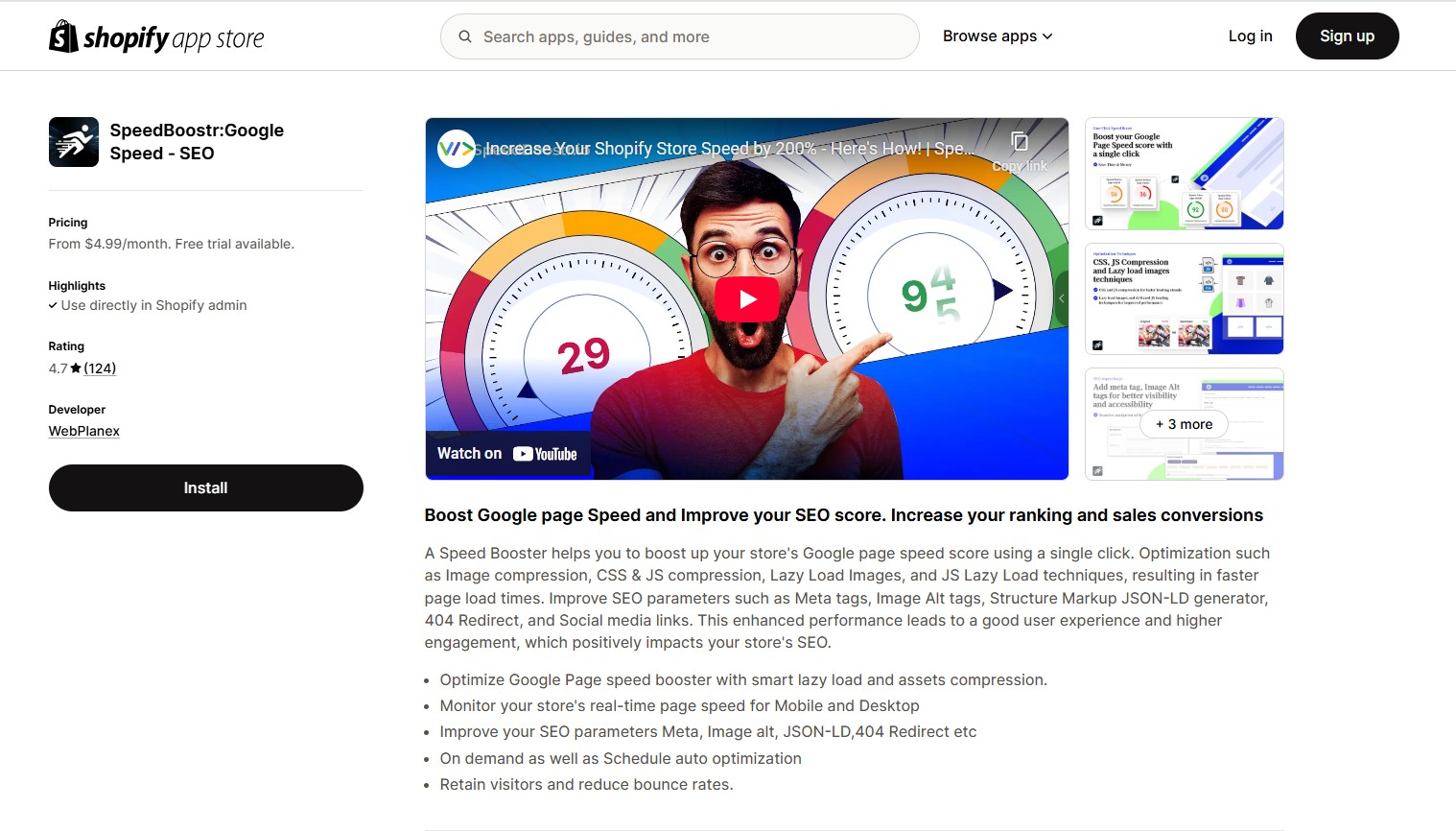
SpeedBoostr: Google Speed – SEO is a paid app designed to boost your Shopify store’s loading speed and SEO with minimal effort. It automates key performance and SEO fixes, making it a practical choice for store owners seeking simple, hands-off optimization.
Key features:
-
CSS & JavaScript compression: Automatically minifies and compresses code to reduce load times and eliminate render-blocking resources.
-
Lazy loading for images & JavaScript: Defers loading of off-screen images and scripts until needed, improving initial load speed and user experience.
-
Image optimization: Compresses and resizes images automatically to reduce page weight without losing visual quality.
-
Google PageSpeed enhancements: Helps improve PageSpeed scores by addressing common performance issues like large assets and render-blocking resources (does not directly tune Core Web Vitals).
-
Real-time speed monitoring: Tracks your site’s speed on desktop and mobile with performance dashboards and optional integration with Google Search Console.
-
Scheduled optimization: Supports both manual and automated (weekly/monthly) optimization routines to keep performance consistent.
-
Supporting features for SEO: Auto-generated meta tags, image alt attributes, JSON-LD structured data and 404 error fixes.
Pricing plan:
-
Startup – $4.99/month: Manual speed optimization (3/month), image compression, lazy loading and basic SEO fixes.
-
Basic – $9.99/month: 10 optimizations/month, structured data, and social media meta tag support.
-
Advanced – $49.99/month: Unlimited manual & scheduled optimizations, full image optimization, 404 fixes and 3rd-party app support.
All plans come with a 3-day free trial and require no setup for core features.
Benefits:
-
All-in-one optimization – Combines image compression, CSS/JS minification, lazy loading, SEO fixes (meta tags, alt text, JSON-LD, 404), reducing bounce rate, and improving conversions by delivering faster, smoother user experiences.
-
Google PageSpeed-friendly – Designed to align with Google PageSpeed guidelines by resolving common frontend issues (e.g., large assets, render-blocking code), delivering better performance signals without needing manual code edits.
-
Scheduled automation – Supports automatic optimizations—more convenient than manual-only tools like TinyIMG (on lower plans).
Limitation:
-
No preload – SpeedBoostr lacks features like rel="preload" or dns-prefetch, which help prioritize critical resources and improve first paint speed.
-
Performance reports gated to Advanced plan – Only higher-tier users get access to detailed historical reports.
Best for:
-
Stores looking for a balanced speed and SEO toolkit in a single app
-
Merchants who want real-time page speed visibility
-
Shops focused on improving Core Web Vitals and structured SEO with minimal setup
Install now: SpeedBoostr: Google Speed – SEO
Tiny SEO Speed Image Optimizer - From $0 - $79/month
Rating: 5.0 ★ (1,710+ reviews)
Developer: TinyIMG
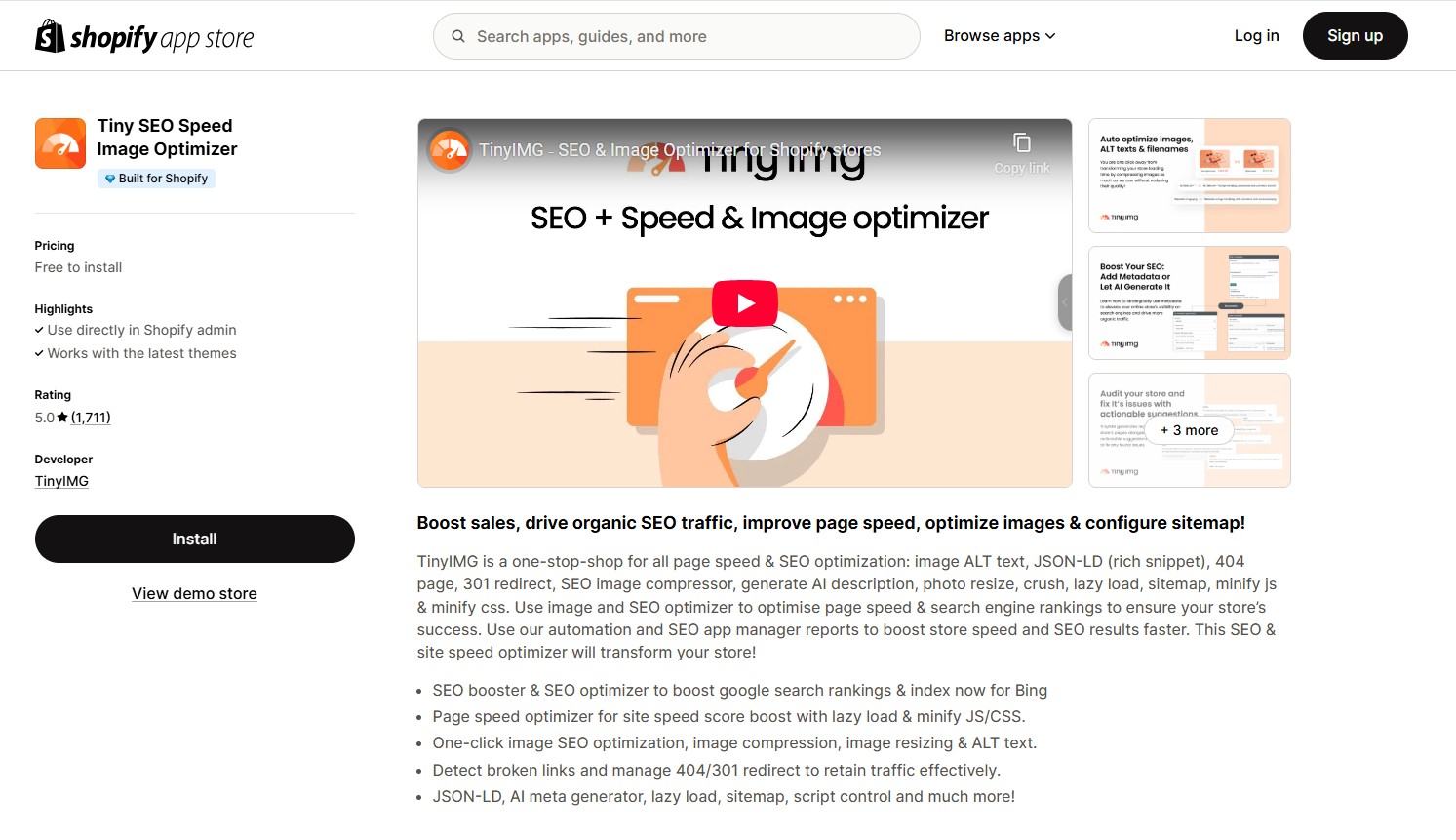
TinyIMG is an all-in-one app designed to improve page speed and SEO performance for Shopify stores. It automates image optimization, lazy loading, CSS/JS minification, and handles SEO tasks like ALT text generation, structured data, broken link management, and sitemap creation. It’s a beginner-friendly solution with one-click features and strong user satisfaction.
Core features:
-
CSS/JS minification: Minify JavaScript and CSS files to reduce asset size and improve speed.
-
Lazy loading: Defer off-screen images to speed up initial page rendering.
-
Image compression & resizing: Automatically compress and resize images without losing quality to reduce load times.
-
Asset preloading: Improves page performance by preloading key assets, reducing render delays (available from the Beginner plan and above).
-
Script control: Allows merchants to manage or delay third-party scripts to reduce load impact (available from the Advanced plan and above).
-
SEO & speed consultation: Offers expert advice and personalized audits to help improve technical SEO and store performance (Advanced plan).
-
SEO automation: Covers AI-generated metadata and ALT text, structured data, 404 redirects, sitemap + IndexNow, and Google Search Console integration for better indexing and visibility.
Pricing plan:
-
Free – Pay-as-you-go: 50 free image optimizations/month, then $0.03/image
-
Beginner – $14/month: 1,500 images/month, lazy loading, auto-optimization, backups, asset preloading, basic structured data
-
Advanced – $23/month (Most popular): 5,000 images/month, adds metadata AI, sitemap, GSC integration, 404 redirects, CSS/JS minification
-
Yearly – $96/year (~$8/month): 10,000 images/year, includes all Advanced features + site audit reports
-
Enterprise – $79/month: 20,000 images/month, $0.008/image, full features for large stores
All plans support SEO and speed tools with no setup required.
Benefits:
-
One-click automation – Set up and optimize without manual effort.
-
Combined SEO + speed tools – Eliminates the need for multiple apps.
Limitations:
-
No real-time speed monitoring – Unlike some advanced apps, it lacks live speed analytics.
-
Limited customization – May not satisfy users needing deep technical control.
-
Feature access depends on the plan – Some tools are not available in the free version.
-
Site speed report – Only available on the yearly plan
Best for:
-
Small to mid-sized stores seeking a powerful but affordable all-in-one speed + SEO solution.
-
Merchants who prioritize image-heavy stores and need scalable optimization.
-
Users who want flexible plans with pay-as-you-go and monthly/yearly billing options.
Install now: Tiny SEO speed image optimizer
Swift SEO Page Speed Optimizer - From $0 - $29/month
Rating: 4.5 ★ (210 reviews)
Developer: OneCommerce.io
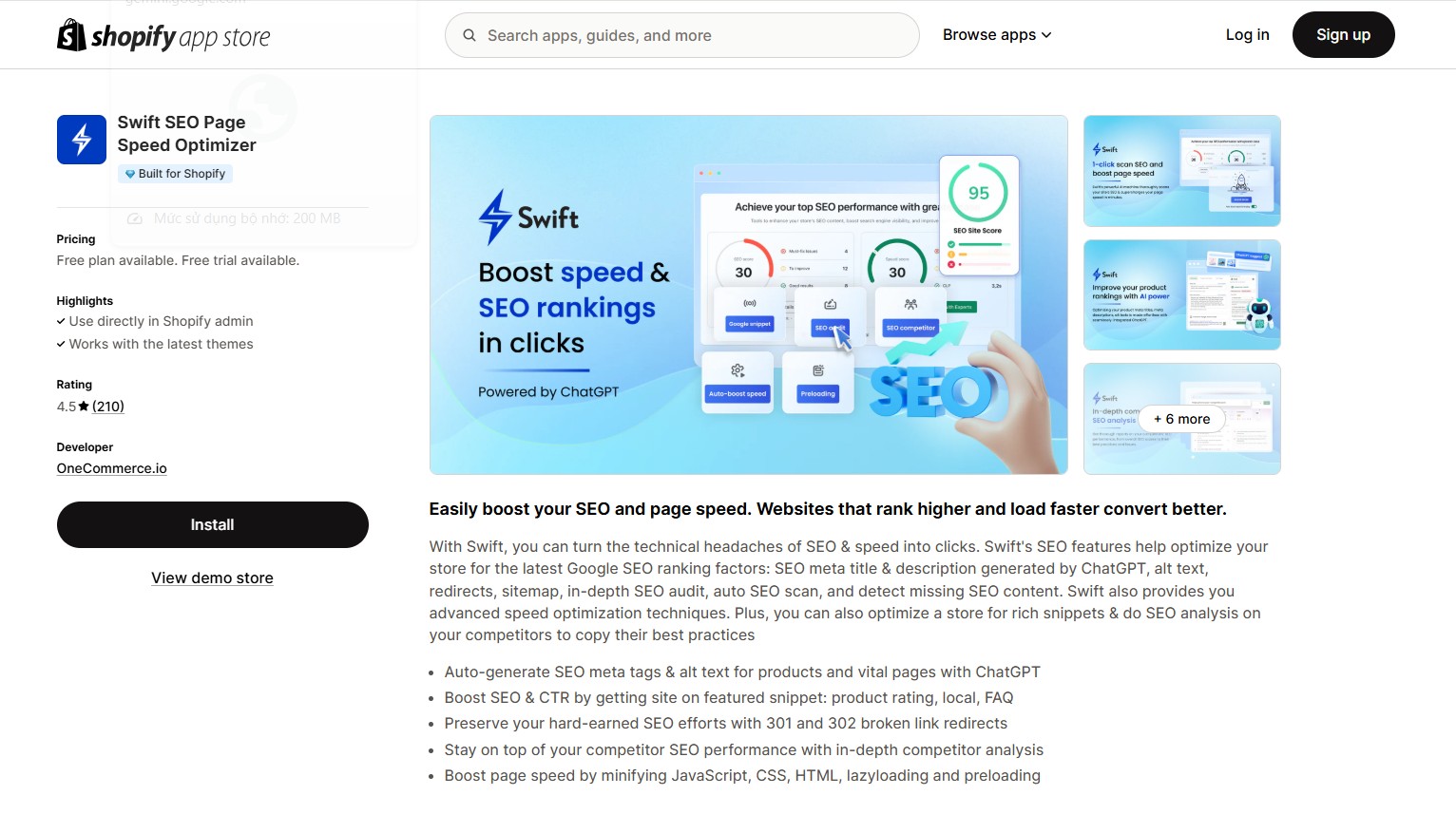
Swift SEO Page Speed Optimizer is a feature-rich Shopify app that unifies performance enhancements and AI-driven SEO capabilities within a single interface. While it doesn’t directly connect to Google’s Core Web Vitals dashboard, it supports faster load times and improved metrics like LCP and FCP through techniques such as lazy loading, script deferral, preloading and code minification. Alongside speed enhancements, it includes SEO content auditing, meta generation with ChatGPT and competitor analysis for stores that want both technical performance and ranking insights.
Core features:
-
Auto-boost page speed: One-click speed optimization system that automatically applies improvements like script deferral, lazy loading, and preloading.
-
Minify JavaScript, CSS, HTML: Compresses your store’s codebase to reduce render-blocking elements and accelerate load time.
-
Lazy loading: Defers loading of offscreen images and media to improve LCP and perceived speed.
-
Preloading: Predictively loads assets that users are likely to interact with next, improving navigation flow.
-
Speed audit reports: In-depth analysis of what slows down your store, with actionable suggestions to improve load times.
-
SEO & content automation: Generates meta tags and alt text with AI, submits sitemaps, fixes broken links, and tracks competitor SEO performance.
Pricing plans:
-
Free – $0/month: Includes basic speed & SEO analysis, sitemap generation, and predictive preloading.
-
Basic – $9/month: Adds ChatGPT SEO suggestions, competitor scan (10 sites), image compression, and a free expert audit.
-
Premium – $19/month: Adds automatic speed boosting, structured data (product reviews, FAQ), and advanced SEO features.
-
Premium Plus – $29/month: Adds bulk SEO generation, keyword analysis, link health checks, and extended expert support.
All paid plans include a 3-day free trial and access to 1-on-1 speed support from Swift’s optimization team.
Benefits for store owners:
-
All-in-one optimization dashboard – No need to install multiple apps—Swift covers technical, content, and structural SEO in one place.
-
Faster load times, especially for mobile – Code minification, lazy loading, and preloading improve speed and performance across all devices.
-
Higher Core Web Vitals & PageSpeed scores – Optimizes LCP, TTI, FCP through automated speed improvements.
-
Easy to use, AI-powered setup – Store owners with no technical background can optimize both speed and SEO with minimal input.
Limitations:
-
Speed optimization is partially automated – While "auto-boost" simplifies setup, there’s limited control for advanced users wanting manual script handling or precision adjustments.
-
No image format conversion – App doesn’t list WebP/AVIF support, which could limit image-based performance gains.
-
No script management – The app lacks functionality to control third-party scripts.
-
No direct Core Web Vitals dashboard – Relies on external audits rather than real-time vitals monitoring inside the app.
Best for:
-
Shopify merchants who want both SEO and speed performance in one app.
-
Beginner to intermediate users looking for automation, not manual setup.
-
Stores with product-heavy pages or SEO-rich content that need faster load times and search visibility.
-
Sellers who want to analyze and learn from competitors while improving their technical SEO and speed.
Install now: Swift SEO Page Speed Optimizer on Shopify
Booster: Page Speed Optimizer - Free
Rating: 4.7 ★ (418+ reviews)
Developer: Booster Apps
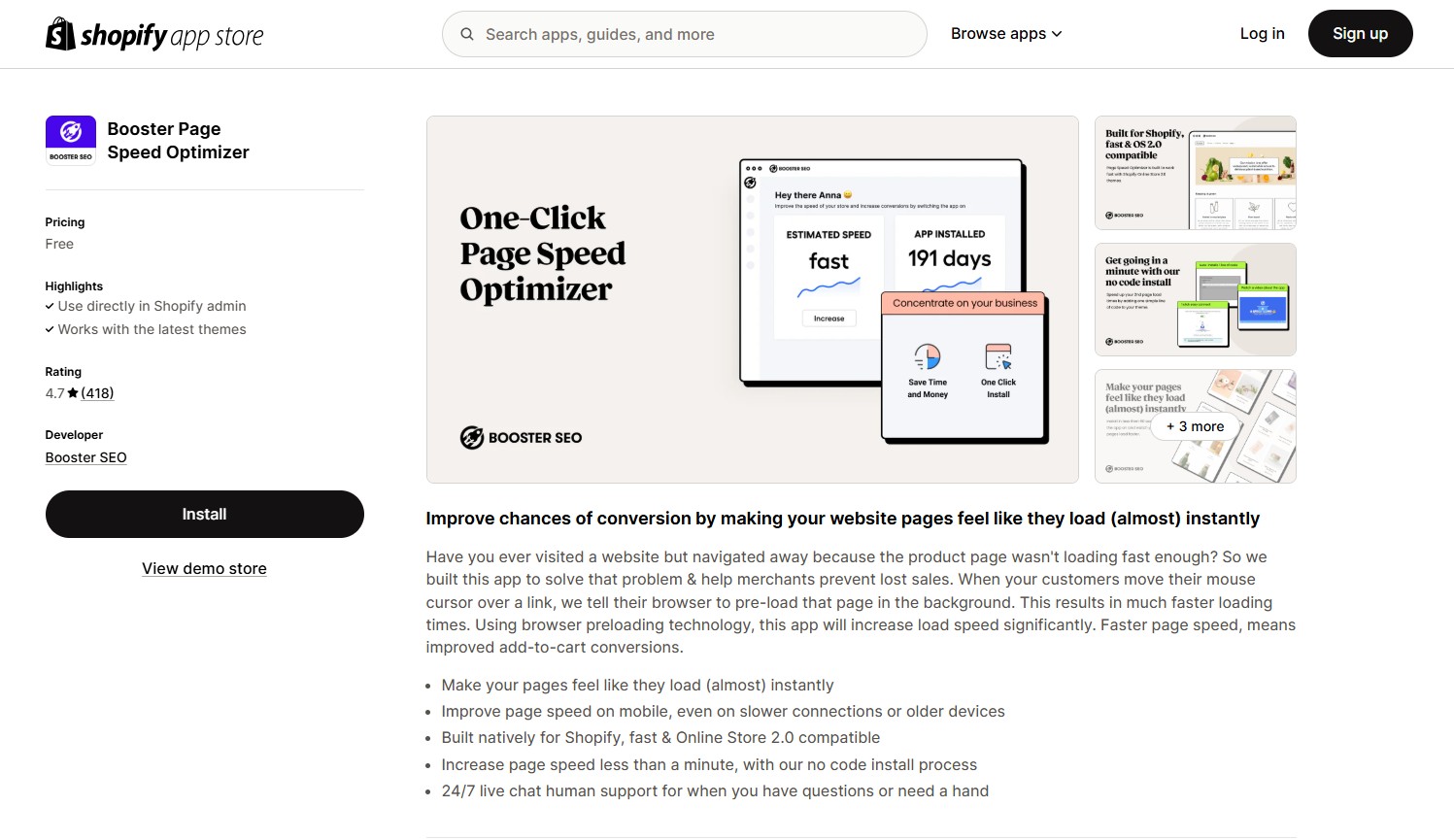
Booster: Page Speed Optimizer is a free, beginner-friendly Shopify app that focuses on improving perceived load speed by using predictive preloading. It automatically preloads linked pages as users hover, resulting in faster-feeling navigation and a smoother shopping experience, especially on mobile.
Unlike more advanced apps that offer full SEO audits, image compression, or JavaScript/CSS optimization, Booster takes a focused, single-purpose approach: deliver instant performance benefits with zero setup or configuration.
Core features:
-
Preloading on hover: Automatically preloads page content when users hover over a link, reducing perceived loading time.
-
Mobile optimization: Enhances speed on slower devices and mobile networks.
-
24/7 live chat support: Access real-time help from the Booster SEO team anytime you need assistance.
Pricing plan:
Free: All features included with no paid tier or locked functionality.
Benefits:
-
Instant load feel – Improves perceived page load speed, leading to better UX and higher conversion rates.
-
Zero setup required – Ideal for non-technical users who want results without tweaking settings.
-
Improves mobile experience – Helps retain visitors even on slow networks or older devices.
-
Optimized for Shopify – Seamless compatibility with OS 2.0 themes and Shopify admin.
Limitation:
-
Lacks advanced speed optimization features – Does not include features like image compression, JS/CSS minification, or Core Web Vitals monitoring.
-
No reporting dashboard – Lacks analytics or before/after performance reporting tools.
Best for:
-
New or small stores needing a quick performance boost without paying for a full optimization suite.
-
Merchants who want to reduce bounce rates and improve mobile experience with no manual setup.
-
Stores that already have other SEO/image tools and want a lightweight page speed add-on.
Install now: Booster Page Speed Optimizer on Shopify
Thunder Page Speed Optimizer - From $0 - $39.99/month
Rating: 4.6 ★ (60+ reviews)
Use directly in Shopify admin: ✅
Developer: Enigma Apps
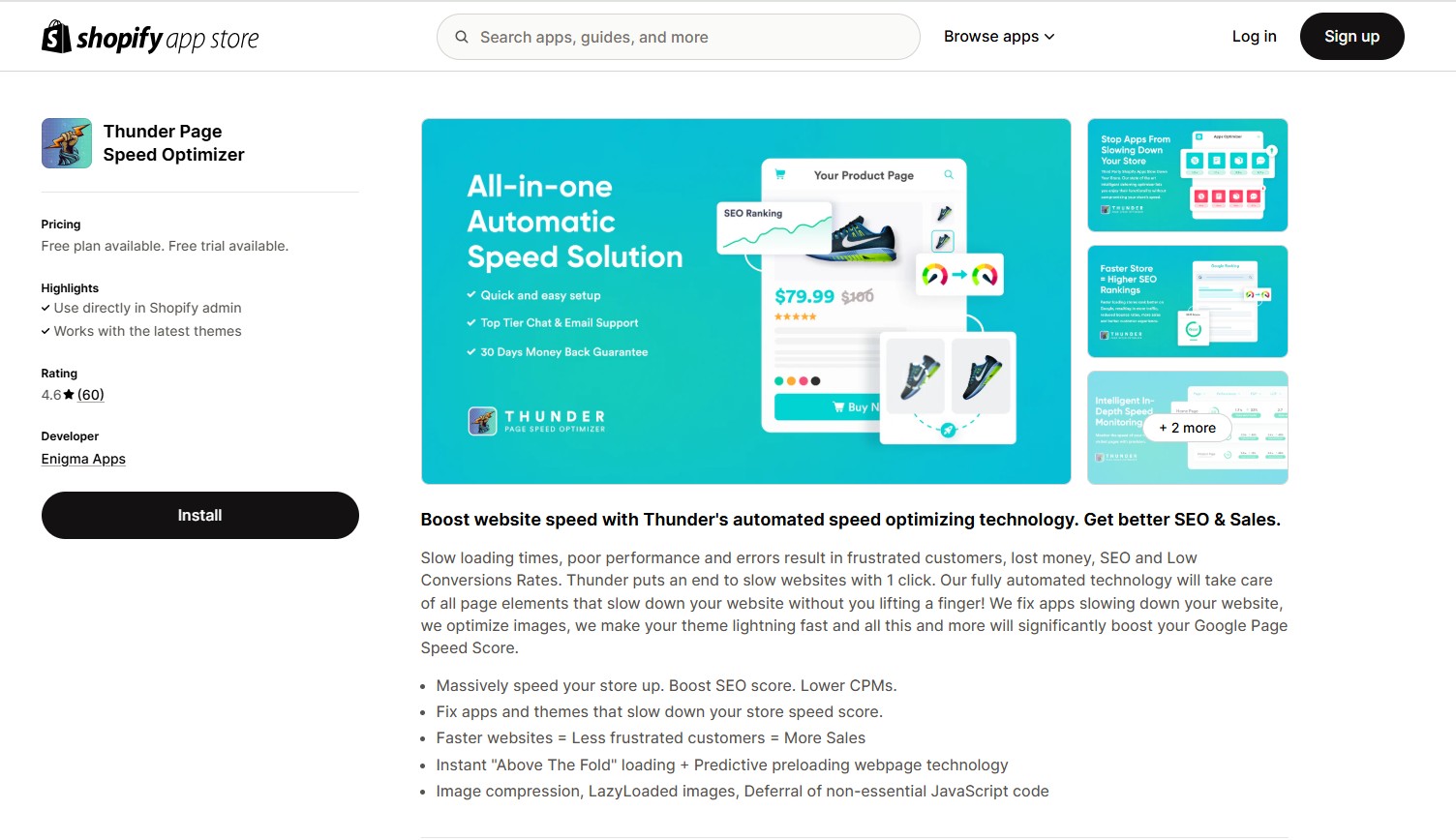
Thunder Page Speed Optimizer automates critical front-end performance enhancements such as image compression, lazy loading, and deferring non-essential JavaScript. The app uses predictive technologies like instant “Above the Fold” loading and preloading to boost perceived speed and real user experience. It’s ideal for merchants wanting simple, automatic page speed improvements without manual setup.
Core features:
-
Instant "Above the Fold" loading: Prioritizes visible content for faster first paint.
-
Deferral of non-essential JavaScript: Improves speed by postponing non-critical JS execution.
-
Lazy loading: Delays off-screen image loading to speed up initial render.
-
Image compression: Automatically compresses images to reduce size and improve load time.
-
Predictive preloading: Anticipates and loads upcoming content before user interaction.
-
Fix slow apps: Detects and mitigates the speed impact of other Shopify apps.
-
Speed score improvement: Designed to boost Google PageSpeed Insights scores and SEO impact.
Pricing plan:
-
Free Plan – $0/month: Includes critical CSS, JS/CSS minification, predictive link preloading, and email support.
-
Shopify Plan – $19.99/month: Adds image compression, lazy loading, & responsive images, third-party script deferral, and live chat support.
-
Advanced Shopify – $29.99/month: Includes everything from Shopify Plan, optimized for growing Shopify stores.
-
Shopify Plus – $39.99/month: Full feature set with premium support for high-traffic and Shopify Plus stores.
Benefits:
-
Dedicated to speed optimization only – Unlike all-in-one tools, Thunder specializes purely in performance enhancements, ensuring a lightweight, focused solution.
-
Instant speed improvements, easy setup – One-click optimization automates lazy loading, script deferring and minification for immediate results.
-
Predictive preloading technology – Speeds up navigation by intelligently preloading resources before users click.
-
Boosts Core Web Vitals & PageSpeed scores – Improves LCP, INP and CLS through asset control and clean code delivery.
Limitations:
-
Limited features in the Free plan – Advanced tools such as script control, preloading and asset minification require upgrading to higher-tier plans.
-
No real-time analytics – Lacks a built-in dashboard for monitoring live Core Web Vitals or PageSpeed metrics.
Best for:
-
Shopify store owners who want fast and easy speed improvements without configuring technical settings.
-
Merchants using heavy themes or apps that slow down performance.
-
Beginners or small to mid-sized stores looking for a plug-and-play speed tool.
-
Sellers who are already using a separate SEO app and need a dedicated page speed enhancer.
Install now: Thunder Page Speed Optimizer on the Shopify App Store for fast, no-fuss performance gains.
Avada AI SEO Image Optimizer - From $0 - $99/month
Rating: 4.9 ★ (3,900+ reviews)
Developer: SEO On (Avada)
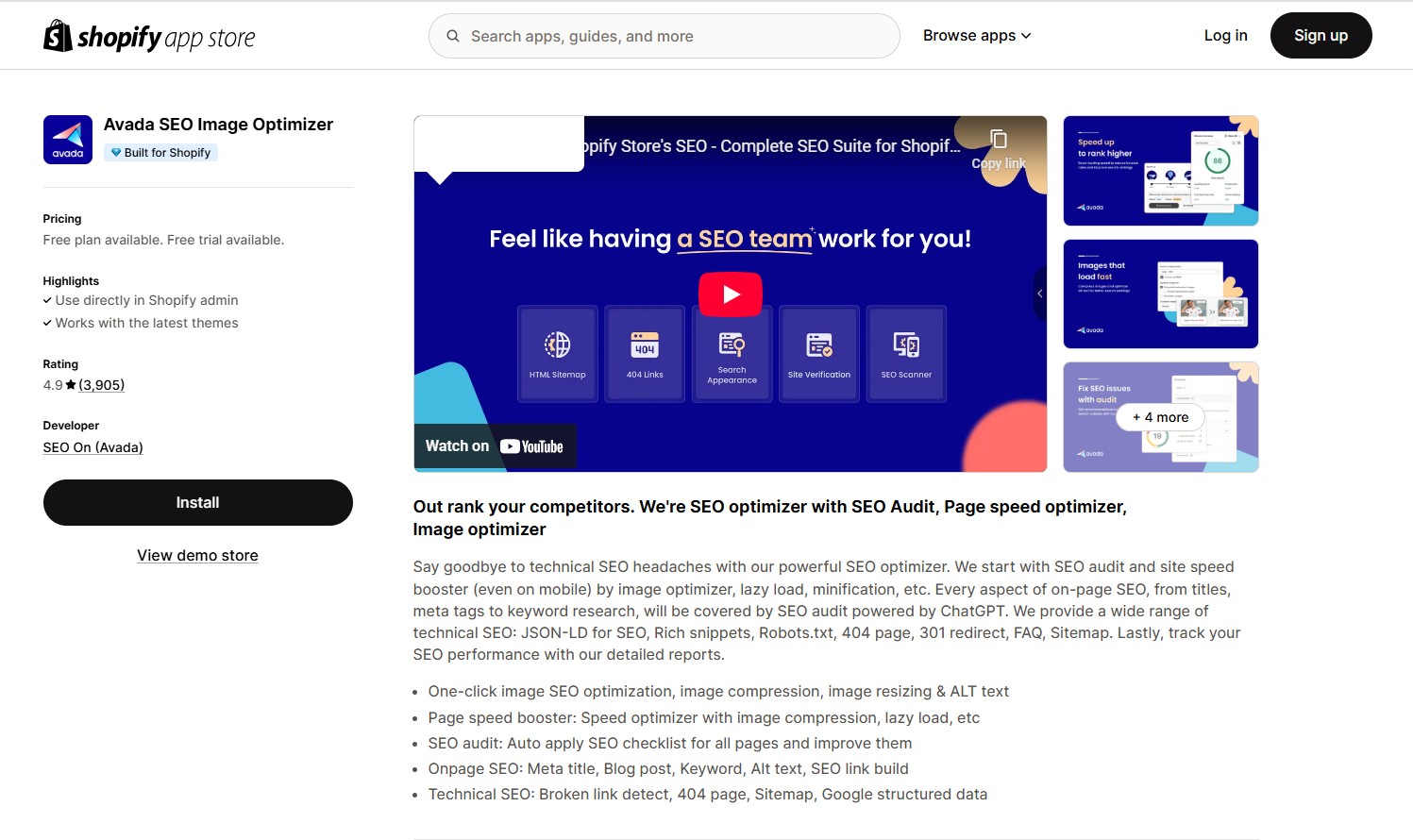
Avada SEO & Image Optimizer is an all-in-one Shopify app that combines page speed optimization and SEO enhancements. With a user-friendly interface and extensive automation, it helps store owners improve search visibility and loading speed without needing technical skills.
Core features:
-
JavaScript defer: Delays non-essential JS execution to reduce blocking and improve First Contentful Paint (Turbo and above).
-
Critical CSS inlining: Prioritizes essential styles for above-the-fold content, speeding up page rendering (Rocket mode only).
-
CSS & JS minification: Compresses stylesheet and script files to reduce page weight and improve load time.
-
Lazy loading for media: Defers offscreen image, video, and iframe loading to improve initial rendering speed (enabled in Turbo and above).
-
Instant page preloading: Speeds up navigation by preloading internal pages when users hover over links.
-
Image optimization: Automatically compresses, resizes, and adds ALT text for product and content images to improve load time and SEO.
-
Theme asset optimization:Optimizes theme-related images (e.g. logos, icons, backgrounds) to boost rendering speed (available from Turbo mode).
-
Preconnect & font optimization: Establishes early server connections and enables font-display: swap for faster text rendering (Rocket mode only).
-
All-in-one SEO automation: Covers meta tags, alt text, schema markup, sitemap submission, broken link fixes, and real-time SEO audits.
Pricing plan:
-
Free – $0/month: 100 image optimizations/month, basic speed booster, manual SEO edits, structured data.
-
Pro – $34.95/month: Unlimited optimizations, turbo speed booster, bulk SEO automation, advanced structured data, broken link manager.
-
Enterprise – $99/month: All Pro features + rocket speed booster, headless schema support, and 1-on-1 SEO support.
All paid plans include a 7-day free trial and require no setup.
Benefits:
-
All-in-one SEO + speed optimization – Eliminates the need for separate apps.
-
Automation-first – Ideal for non-technical users with bulk editing and smart defaults.
-
High-rated customer support – Known for responsive and helpful assistance.
-
Flexible optimization modes – Offers 3 levels of automation (Basic, Turbo, Rocket) to suit different store sizes and technical needs.
Limitations:
-
Advanced speed features are gated by higher plans – Lazy loading, JS defer, and critical CSS are only available from Turbo or Rocket modes (Pro or Enterprise plan).
-
No direct Core Web Vitals dashboard – While the app enhances speed-related metrics, it doesn’t provide real-time LCP/CLS/INP tracking like some performance monitoring tools.
-
Limited script control – Unlike apps such as Hyperspeed or CrazyLoad, it doesn’t offer fine-grained control over specific third-party script loading or conditional delays.
Best for:
-
Shopify stores that want both SEO and performance tools in one app.
-
Non-technical users who want an easy setup and automatic optimizations.
-
Growing businesses ready to invest in more advanced features.
Install now: Avada SEO Image Optimizer
Crazyload Page Speed Optimizer - From $0 - $95/month
Rating: 4.6 ★ (30+ reviews)
Built for Shopify: Yes
Developer: AccessibilityWay
Crazyload is a dedicated page speed optimization app for Shopify stores. It focuses entirely on enhancing front-end performance through automated techniques like lazy loading, JS/CSS minification, caching, and predictive content loading. Its one-click setup makes it ideal for non-technical merchants looking to improve Core Web Vitals and mobile performance.
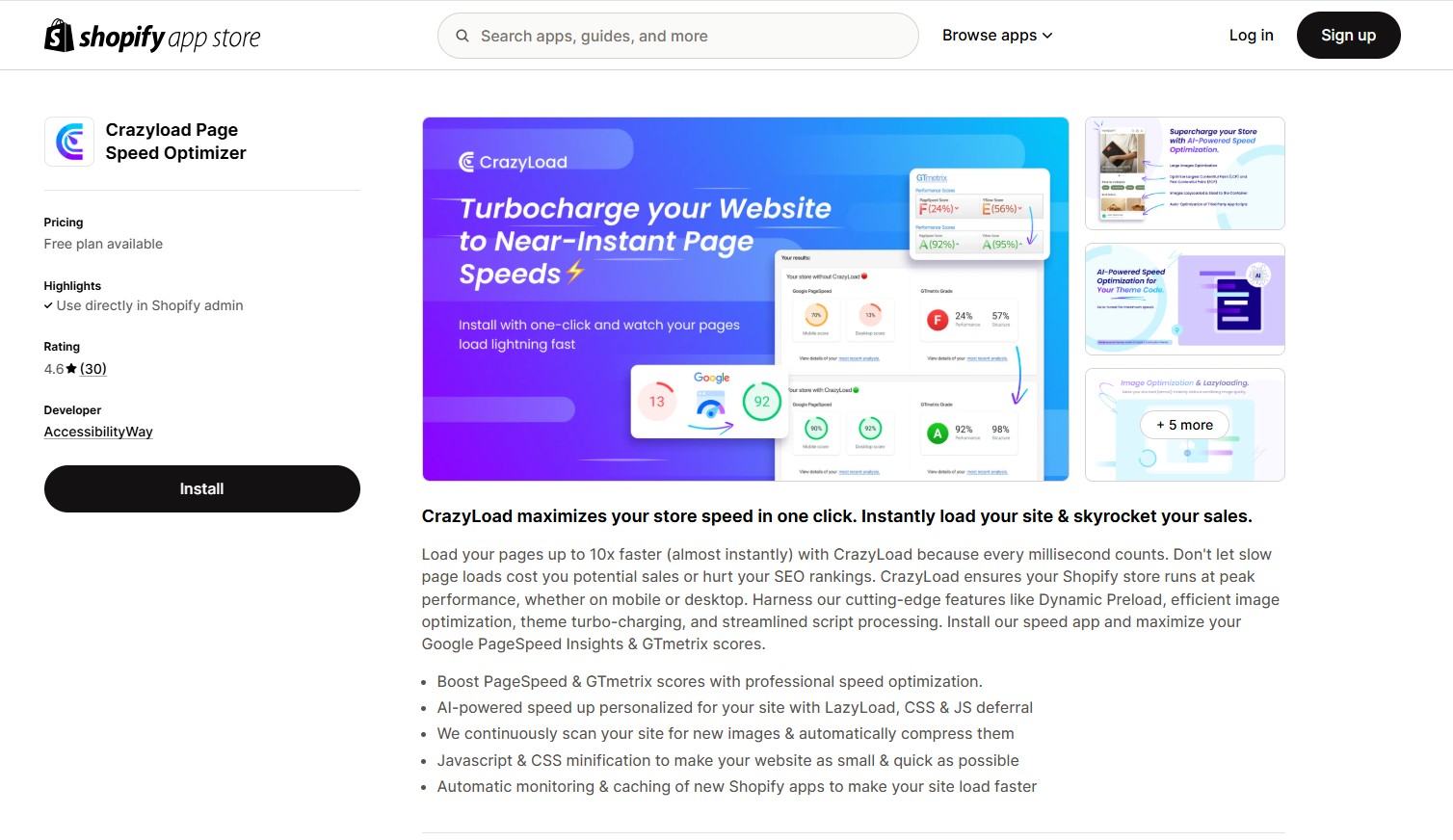
Core features:
-
AI-powered optimization: One-click to boost speed using lazyload, CSS & JS deferral tailored to your store.
-
JavaScript & CSS minification: Shrinks JS and CSS files to speed up load times and reduce bandwidth usage.
-
Auto image compression: Detects and compresses new images automatically to reduce file size without compromising quality.
-
Auto-caching of third-party scripts: Prepares and caches newly installed app scripts to reduce load time.
-
Lazy load, caching, and preloading: Defers non-essential content loading, preloads key elements, and caches assets to enhance load efficiency and user experience.
-
Improved speed index: Optimizes key performance metrics such as Google PageSpeed and GTmetrix scores for better overall speed and SEO impact.
-
Enhanced portable performance: Reduces strain on mobile devices and improves load time on slower networks for better accessibility and engagement.
-
SEO & conversion optimization: Boosts site speed to improve SEO rankings, increase repeat visitors, and drive higher conversion rates.
Pricing plan:
-
Free: Up to 2,500 pageviews/month, includes lazy loading, script reduction, and caching.
-
Starter – $25/month: Supports up to 50,000 pageviews/month; adds minification and better mobile performance.
-
Premium – $50/month: Up to 100,000 pageviews/month; includes full optimization tools and priority support.
-
Business – $95/month: Covers 200,000+ pageviews; offers maximum performance for large-scale stores.
All plans include a 5-day free trial.
Benefits for store owners:
-
Dedicated to speed optimization – Unlike apps that combine SEO and speed, Crazyload focuses entirely on performance enhancement.
-
Improves Google PageSpeed Insights and GT metrix score – Optimizations target LCP, INP, and CLS for better UX and SEO.
-
Great for image-heavy and app-heavy stores – Caching and lazy loading help offset the impact of large media or complex themes.
-
Same features across all plans – Even the free plan includes full functionality; users only pay more as their traffic scales.
Limitations:
-
Lacks real-time speed monitoring – No built-in dashboard for Core Web Vitals or live speed insights.
-
Theme compatibility risks – A few users report issues with theme conflicts during install/uninstall.
-
Traffic-based pricing – Pricing scales with pageviews, which may not be ideal for low-traffic stores.
Best for:
-
Merchants who want pure speed optimization with no SEO distractions.
-
Stores using heavy themes, large images, or many apps.
-
Non-technical users who want an instant setup without complex settings.
-
Businesses already using a separate SEO app and looking for a specialized performance booster
Install link: Crazyload page speed optimizer
SearchPie: SEO, Speed & Schema - From $0 - $399/month
Rating: 4.9 ★ (3,200+ reviews)
Developer: Secomapp
SearchPie is an all-in-one Shopify app that blends SEO, page speed optimization, and schema enhancement tools. It supports automation for metadata, images, and structured data, helping merchants boost visibility and improve site performance, especially on mobile.
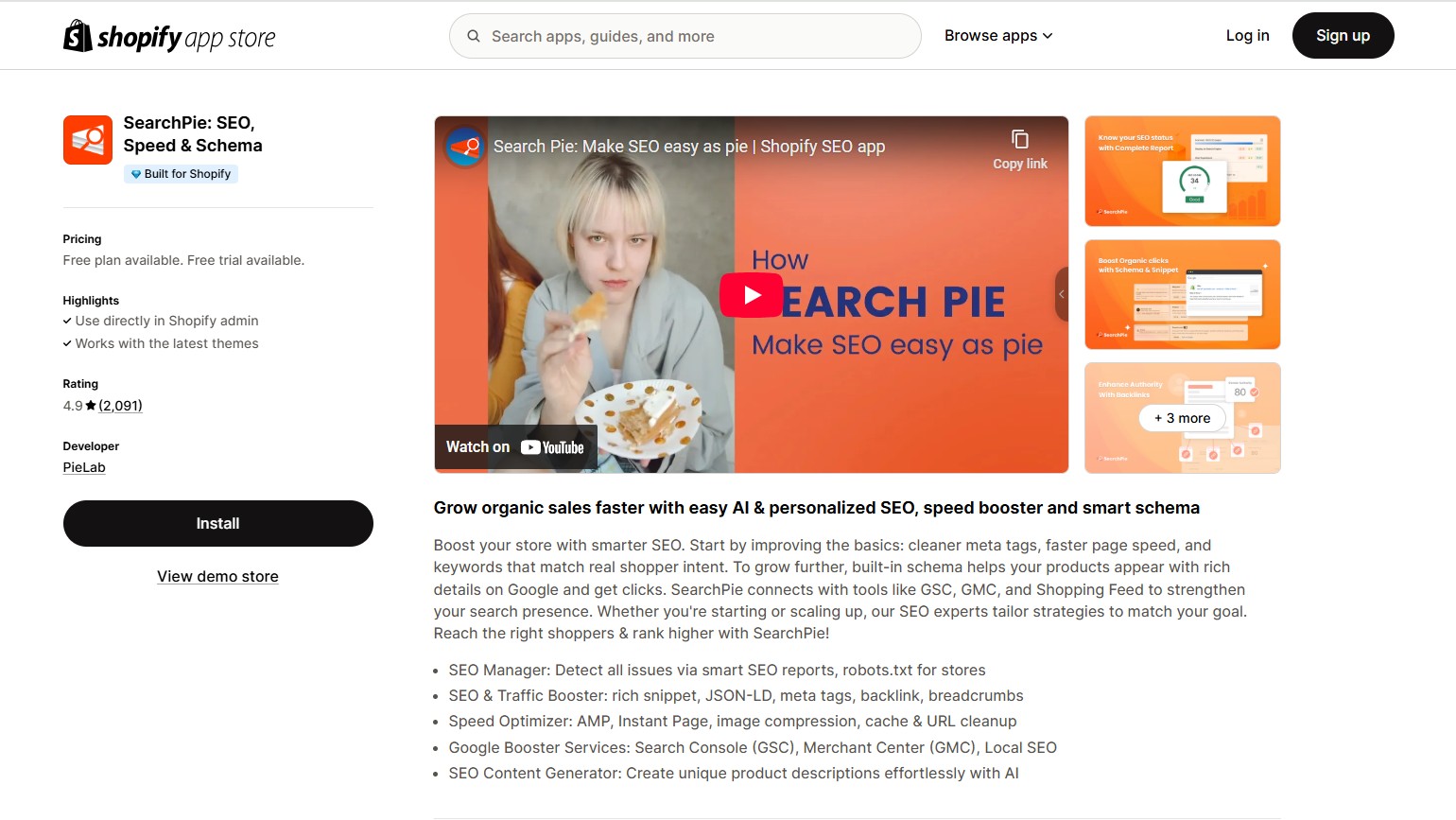
Core features:
-
Image compression & auto-optimization: Compresses and tags images automatically without quality loss.
-
Instant page loading & AMP support: Delivers faster mobile performance with preloading and Accelerated Mobile Pages.
-
Speed audit & booster tools: Analyze site performance and provide one-click tools to improve loading speed.
-
Full SEO enhancement: Fixes issues, auto-generates tags, adds schema, manages backlinks, and integrates with Google tools.
Pricing plan:
-
Free (Starter): Image compression, bulk tag edits, broken link detection, sitemap, instant page loading
-
Premium – $39/month: Adds AI tag generation, backlink exchange, keyword tracking, and auto-link fixing
-
Enterprise – $99/month: Includes AMP, long URL optimization, and advanced schema markup
-
Plus – $399/month: Offers SEO concierge service, personalized audit reports, GBP optimization, and VIP speed tools
All plans include a 7-day free trial.
Benefits for store owners:
-
All-in-one optimization – Combines SEO, speed, schema, and competitor tracking in one app.
-
Mobile-first speed improvements – AMP and instant load tools help improve load time and UX on smartphones.
-
Hands-free automation – Ideal for non-technical users with AI-driven metadata, image optimization, and structured data.
-
Data-rich insights – Real-time audits, keyword rankings, and backlink tracking help store owners make informed SEO decisions.
Limitations:
-
Higher tiers required for full value – Free plan is very limited; key features like AMP and advanced schema require a paid subscription.
-
Lacks deeper performance features like JavaScript deferral, code splitting, or advanced lazy loading.
-
Interface learning curve – Some bulk operations may overwrite data unintentionally if not used carefully.
-
No Core Web Vitals dashboard – Doesn't offer real-time vitals tracking or direct Lighthouse integration.
Best for:
-
Merchants seeking a single app for SEO, speed, and structured data
-
Stores targeting mobile shoppers and needing faster mobile load times
-
Non-technical users who prefer automated SEO and optimization workflows
-
Mid-sized to large stores that need data-driven insights and scalable SEO performance
Install now: SearchPie: SEO, Speed & Schema
Hyperspeed EXTREME Page Speed - $49/month
Rating: 4.9 ★ (160+ reviews)
Developer: Rvere
Hyperspeed is an advanced page speed optimizer designed to dramatically boost Shopify store loading performance. It focuses on deep front‑end enhancements—minification, lazy loading, critical CSS, script deferral and smart caching—to elevate Core Web Vitals, user experience and SEO.
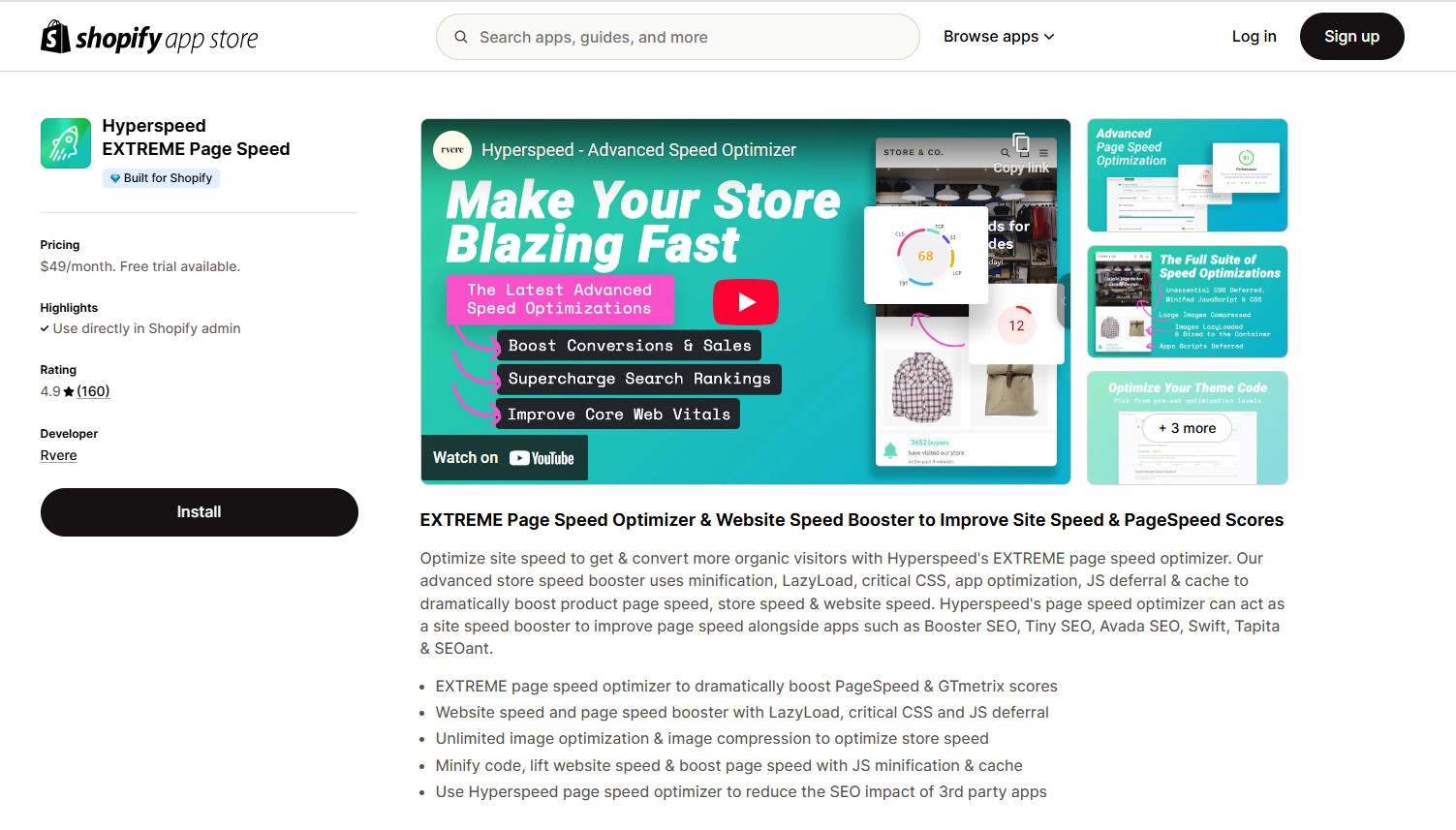
Core features (Speed-Focused):
-
Unlimited image compression & responsive resizing: Optimizes visual content for all device types without quality loss.
-
Lazy loading for images and videos: Defers off-screen media to improve initial load times.
-
Critical CSS inlining & JS/CSS minification: Embeds essential styles and shrinks code to speed up rendering.
-
Smart JS deferral & app optimization: Delays non-critical scripts—including from other apps—reducing load impact.
-
Asset preloading & font caching: Prepares key assets ahead of time for smoother, visually stable pages.
-
Automatic updates & maintenance: Continuously adapts optimizations as theme and app changes occur.
Pricing plan:
One plan – $49/month (or $468/year with ~20% discount)
-
7-day free trial available
-
Includes all optimization features such as unlimited image compression, lazy loading, critical CSS, JS/CSS minification, script deferral and asset preloading.
Benefits for store owners:
-
Deep performance boost – Addresses Core Web Vitals like LCP, CLS, and FID with advanced techniques.
-
Comprehensive asset control – Handles all speed assets—images, scripts, fonts—with one tool.
-
Works with any theme or app stack – Designed to minimize conflicts and adapt to store changes.
-
User-friendly with immediate impact – Minimal setup yields noticeable speed gains.
-
Strong developer support – Known for responsive assistance and effective problem-solving.
Limitations:
-
No real-time analytics dashboard – Core Web Vitals must be monitored using external tools.
-
Limited advanced customization – Not ideal for users needing granular control of optimization settings.
Best for:
-
Store owners who want serious speed optimization, going beyond basic image or code tweaks.
-
High-traffic or app-heavy stores where performance bottlenecks are common.
-
Merchants using separate SEO apps and seeking a dedicated performance solution.
-
Non-technical users or agencies that want fast results without deep manual setup.
Install now: Hyperspeed EXTREME Page Speed
Key considerations for choosing a Shopify speed optimization app
Selecting the right Shopify speed app involves more than just picking the highest-rated option. To make an informed choice, it’s essential to evaluate your store’s specific performance challenges, match them with relevant features and ensure the app fits your workflow and budget. Below are the core considerations to guide your decision.
Identify your performance bottlenecks
Before installing any speed optimization app, it’s essential to diagnose what’s slowing down your Shopify store. Several free tools can help you pinpoint the causes of sluggish performance, whether it’s bloated images, excessive scripts, or layout instability.
-
Shopify’s online store speed report
Where to find it: Shopify Admin → Online Store → Themes → View report
What it measures: Your store’s speed score, based on Google Lighthouse data.
How it helps:
-
Provides a high-level snapshot of how your store performs compared to other similar Shopify stores.
-
Flag potential slowdowns caused by third-party apps or theme code changes.
-
Tracks performance trends over time, especially after installing apps or changing your theme.
Key insight: Gives a simplified overview and trend line for mobile/desktop speed, but lacks technical detail.
-
Google PageSpeed Insights
What it measures: Core Web Vitals (LCP, CLS, INP), mobile vs. desktop performance, and audit results.
How it helps:
-
Detects real-world issues experienced by users on various devices and network conditions.
-
Identifies optimization opportunities such as:
-
Uncompressed or oversized images
-
Render-blocking JavaScript or CSS
-
Inefficient font delivery or missing preload tags
-
Ranks issues by impact and offers clear recommendations with estimated load time savings in seconds.
-
Indicates whether your site passes the Core Web Vitals assessment, which is important for SEO.
Best for: Understanding how your store performs on real users’ devices.
-
GTmetrix
What it measures: Load time, time to interactive (TTI), total page size, number of requests, waterfall breakdown.
How it helps:
-
Shows precisely when each resource loads (e.g., images, scripts, fonts), so you can spot delays.
-
Highlights inefficiencies like:
-
Third-party scripts loading before core content
-
Poorly optimized images or video
-
Lack of caching or compression
-
Allows for performance comparison over time using historical tests.
-
Advanced feature: Offers device simulation, geographic testing, and connection speed throttling with a free account.
Best for: Mapping the loading behavior of your store and diagnosing resource-specific issues.
-
WebPage Test
What it measures: Time to first byte (TTFB), fully loaded time, speed index, time to first contentful paint.
How it helps:
-
Simulates how your store loads from specific countries, devices, and network speeds (e.g., 3G, 4G).
-
Identifies whether delays are server-related or caused by front-end assets.
-
Separates visual readiness from actual interactivity — useful when your site looks ready but still loads in the background.
Unique benefits:
-
Records video of your site’s load process.
-
Allows side-by-side comparisons (before/after optimization).
Best for: Deep technical testing under custom conditions.
| Tool | Best for | Core strengths | Limitations |
| Shopify Speed Report | Trend tracking within Shopify | Daily updates, detects app/theme slowdowns | No Core Web Vitals, not resource-specific |
| Google PSI | SEO + UX diagnostics | Core Web Vitals, actionable fixes | Doesn’t show load sequence |
| GTmetrix | Asset-level diagnosis | Waterfall view, request timing | No real-user data |
| WebPage Test | Realistic load simulation | Device/network testing, visual load replay | Complex UI, slower testing |
Pro tip:
Regularly retest using these tools after making changes or installing new apps. Even "lightweight" apps can inject scripts that affect load time and interactivity. Use the same page, same test conditions and compare before/after to see measurable improvements.
For a deeper dive into these performance metrics and how to fix each issue, check out our Shopify speed optimization guide.
Match app features to your store’s needs
Different stores face different challenges. Here are the top Shopify speed optimization apps aligned with specific performance pain points:
| Pain point | Recommended apps | Key features |
| Heavy images | TinyIMG | Scalable image compression, lazy loading, AI-based ALT tags, WebP support and filename optimization |
| Tapita SEO Optimizer | Daily image compression quotas, lazy loading, AI SEO integration | |
| SpeedBoostr | Built-in image compression and automatic resizing in all plans | |
| Slow first interaction (TTI) | Hyperspeed EXTREME | Advanced JS deferral, critical CSS inlining and responsive lazy loading |
| Swift SEO Page Speed Optimizer | Script minification, lazy loading, preloading and auto speed boost | |
| Avada SEO Optimizer | CSS/JS minification, lazy loading (primarily SEO-focused) | |
| Too many third-party scripts | SpeedBoostr | Script deferral, preloading, reduces render-blocking from chat, tracking, etc. |
| Swift SEO Page Speed Optimizer | Auto-defer non-essential JS, includes script audits | |
| Thunder Page Speed Optimizer | Third-party script deferral, predictive loading, no manual config | |
| Crazyload | Defers third-party scripts, caches app assets and auto optimizes heavy apps | |
| Large catalog | Hyperspeed EXTREME | Optimizes assets at scale, supports large catalogs with lazy loading + script deferral |
| SpeedBoostr (Advanced) | Bulk image/meta optimization, 404 fix, scalable structured data | |
| SearchPie (Enterprise) | AMP, schema, keyword tracking, bulk image/SEO automation | |
| Tapita SEO Optimizer (Advanced) | Bulk meta updates, 500 images/day compression, lazy loading for large inventories |
Ease of use and integration
Speed optimization tools should simplify your workflow—not add technical burden. Especially for non-developers or busy store owners, choosing an app that’s easy to use, fast to set up and safe for your store’s environment is essential.
-
Simple, intuitive interface
Look for apps with a clean, beginner-friendly dashboard that makes key actions like enabling lazy loading or compressing images easy to understand.
-
Why it matters: Complicated interfaces increase the risk of misconfiguration or overlooked features.
-
What to look for:
-
Visual summaries (e.g., current speed score, images optimized)
-
Clear “on/off” toggles for each feature
-
Tooltips or help icons explaining each setting
-
Fast and seamless installation
Top apps integrate into your Shopify store in just a few clicks, with no coding required. Many also auto-detect your theme and assets to apply the right optimizations immediately.
-
What to look for:
-
One-click install via Shopify App Store
-
Auto-scan of theme files, image assets, and third-party scripts
-
Pre-configured defaults so you get instant benefits without setup
-
Theme and app compatibility
A good app should work smoothly with your existing theme and third-party apps without breaking layout, functionality or interactivity.
-
Why it matters: Conflicts with apps like product filters, live chat, pop-ups or reviews can hurt UX and revenue.
-
What to check:
-
Does the app mention compatibility with OS 2.0 or popular Shopify themes?
-
Is script deferral handled safely for interactive apps?
-
Does the app offer uninstall cleanup to avoid leftover code?
-
Ongoing support and setup help
Ease of use includes accessible support. Some apps provide live chat, while others offer in-app tutorials or auto-fix options for broken layouts after install.
Pro Tip: If you’re not comfortable editing theme code, choose apps like Booster, Thunder or TinyIMG that deliver preset optimizations with zero configuration required. For advanced control, apps like Hyperspeed and Swift offer more customization but may require guidance or support during setup.
Cost and value
Shopify speed optimization apps range widely in price, from free utilities offering basic fixes to enterprise-level tools with advanced performance tuning and SEO integration. The key is to match cost with expected ROI, based on your store size, traffic and performance goals.
Consider your budget vs. ROI
Ask: Will this app pay for itself through better conversions, reduced bounce rate, or improved search rankings?
-
For smaller stores, a free or low-cost app that improves mobile performance can significantly boost engagement.
-
For larger stores, investing $30–$50/month in a robust speed suite may reduce cart abandonment and increase page value enough to justify the cost.
Speed improvements directly affect bounce rate, conversion rate, mobile retention, SEO visibility (via Core Web Vitals)
A 1-second speed gain can lead to 10–20% more conversions for mobile users, especially on ad-driven or product-heavy stores.
Evaluate what’s included:
Not all apps priced the same offer the same value. Look beyond the speed score and compare bundled features:
-
Do they include SEO tools like metadata, structured data, and sitemaps?
-
Do they offer automation (bulk optimization, image ALT tagging)?
-
Do they include technical support or 1-on-1 onboarding?
Apps with bundled functionality may reduce the need for multiple apps, saving both money and potential conflicts.
Example app breakdown:
-
Boostr – Free: Basic link preloading for beginners.
-
TinyIMG – from $14/month: Full SEO + speed suite (image compression, lazy load, metadata).
-
Tapita – from $9.99/month: Affordable SEO-speed combo with automation and schema.
-
Hyperspeed – $49/month: Premium speed engine (JS deferral, critical CSS) for large stores.
-
SearchPie – up to $99/month: Enterprise-grade SEO + AMP + keyword tools.
Tip: Don’t just pick by price—choose based on what actually improves your store’s speed and performance.
User reviews & ratings
When choosing a Shopify speed optimization app, don’t rely solely on feature lists—real user experiences often reveal how well the app performs in practical, everyday use. Reviews can uncover strengths (like ease of use or strong support) as well as hidden weaknesses (like bugs, compatibility issues, or poor customer service).
What to look for in reviews:
-
Overall rating: Apps with ratings above 4.7★ and a high number of reviews (500+) tend to be consistently reliable.
-
Recent feedback: Focus on the most recent reviews to ensure the app is still being maintained and performing well with current Shopify themes.
-
Use-case alignment: Look for reviewers with similar store sizes, product counts, or industries. Their feedback will be more relevant to your needs.
-
Support quality: Pay attention to how often reviewers mention support responsiveness, problem resolution, or onboarding help.
Developer responsiveness:
A good app team provides:
-
Timely answers to support tickets (within 24 hours)
-
Live chat or email-based troubleshooting
-
Documentation or in-app guidance for setup and customization
-
Regular updates to support Shopify’s latest theme architecture (e.g., Online Store 2.0)
Examples:
-
TinyIMG – 4.9 ★ (1,700+ reviews): Highly praised for reliable image and SEO optimization, intuitive interface, and responsive support.
-
Tapita SEO Optimizer – 4.9 ★ (2,200+ reviews): Receives consistent praise for one-click optimization, SEO automation, and a helpful, knowledgeable support team.
-
Hyperspeed EXTREME – 4.9 ★ (160+ reviews): Known for its ability to significantly improve load times and Core Web Vitals, with high marks for technical support.
Tip: Check reviews directly in the Shopify App Store—not just the star rating, but what actual users say about:
-
Setup experience
-
Visible performance gains
-
Theme or app conflicts
-
Ongoing reliability
A well-rated app with ongoing developer support is more likely to stay functional and effective as Shopify evolves.
Validate performance after installation
Installing a speed optimization app is only the beginning. To ensure it delivers real improvements, you need to validate its performance using consistent tools and metrics.
Re-test using the same tools and pages: Use the same performance tools—such as PageSpeed Insights, GTmetrix, or WebPageTest—and test the same page(s) you analyzed before installation. This ensures reliable before-and-after comparisons.
Focus on Core Web Vitals: These metrics are central to both user experience and Google rankings:
-
Largest Contentful Paint (LCP) – how fast the main content loads. Target: under 2.5 seconds.
-
Cumulative Layout Shift (CLS) – visual stability of the page. Target: below 0.1.
-
Interaction to Next Paint (INP) – measures responsiveness to user input. Target: under 200 ms.
Compare these indicators before and after installing the app to assess actual user experience gains.
Measure real performance improvements: Don’t rely solely on abstract speed scores. Focus on concrete technical outcomes:
-
Image weight reduction (in kilobytes or megabytes)
-
JavaScript and CSS file size reduction
-
Shorter time to interactivity or usability
These changes can directly improve bounce rates, conversions, and mobile engagement.
Monitor long-term performance: Use tools that track ongoing user experience data:
-
Shopify analyzer – highlights theme and app performance impact
-
Google Search Console – monitors Core Web Vitals for real users across your store’s pages
-
PageSpeed Insights – provides real-world field data from Chrome users
Re-check your key pages 2 to 4 weeks after installation to ensure that improvements are sustained and new changes haven’t reintroduced speed bottlenecks.
Tip: Always test both desktop and mobile versions of your site, especially high-traffic pages like the homepage, product detail pages and collection grids.
How to optimize Shopify store speed beyond apps
-
Optimize your Shopify theme and site structure: Use a lightweight, well-coded theme and keep your page structure clean. Avoid unnecessary sections, heavy custom elements and overly complex layouts that can increase load time.
-
Optimize Shopify apps and third-party scripts: Review your installed apps regularly and remove anything that is no longer needed. Each app can add extra JavaScript, tracking code or storefront scripts, which may slow down your site.
-
Reduce storefront weight by optimizing images, fonts and videos: Compress images, use modern formats where possible, limit unnecessary custom fonts and embed videos from external platforms instead of uploading large files directly to Shopify.
-
Leverage Shopify infrastructure to deliver faster, more stable storefront experiences: Make use of Shopify’s built-in performance features, CDN, hosting infrastructure and theme best practices to support faster load times and a smoother shopping experience.
For a more detailed breakdown, read our full guide: Shopify speed optimization: Proven best practices for faster load times.
Conclusion
Boosting your Shopify store's speed is one of the most effective ways to improve user experience, SEO performance, and conversion rates. In this guide, we introduced the top speed optimization apps in 2026, explained their key features, pricing, and use cases, and outlined how to choose the right app based on your store’s specific needs. We also walked through key considerations - from identifying bottlenecks and comparing app features to validating performance improvements post-installation.
Each store is unique, and selecting the right speed optimization strategy can make a significant difference in user satisfaction and business growth. Whether you're running a small startup or managing a high-traffic storefront, the right tools can help you create a fast, seamless shopping experience across all devices.
If you’re looking for Shopify experts guidance or hands-on help with your Shopify performance strategy, On Tap offers tailored optimization services designed for growth-focused merchants. From app audits and theme performance fixes to full-scale speed optimization, our team can help you unlock the full potential of your store.
Ready to boost your store’s speed and conversions?
Contact us today to schedule a consultation with our Shopify performance experts.