 Best full-service eCommerce agency 2026


The most difficult eCommerce issues aren't always the ones that crash your store. Some leave the page loading while key elements fail to render as expected, making the problem much harder to spot through basic uptime monitoring.
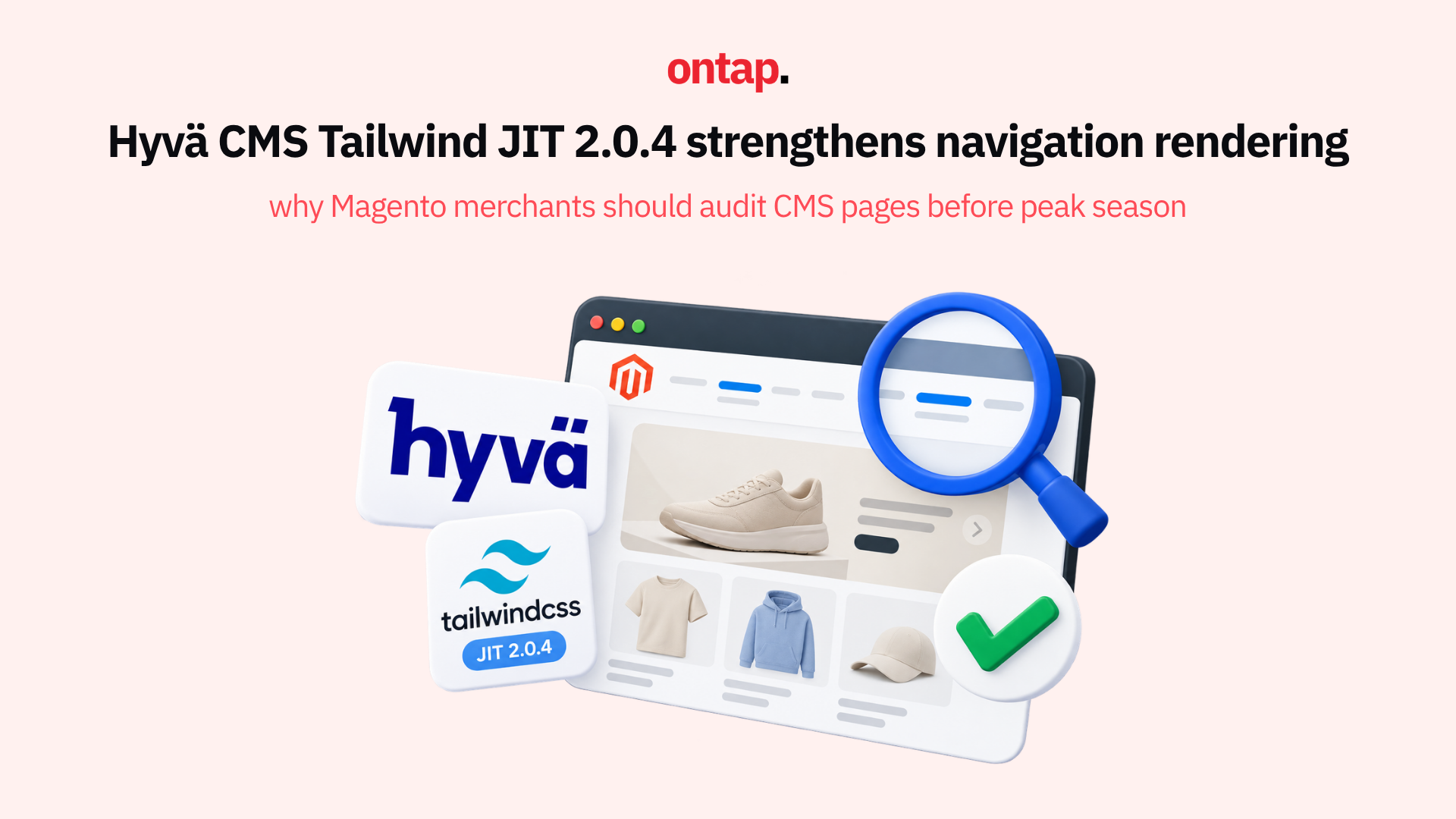
Hyvä CMS Tailwind JIT 2.0.4 addresses exactly this kind of scenario. The Hyvä CMS changelog documents a rendering interaction that could cause Menu Builder's top menu and footer to disappear on pages with a stored JIT row. What it reveals about CMS extension interactions should prompt Magento merchants to audit important CMS pages and consider element-level monitoring before peak season.
What changed
Before version 2.0.4, the CMS Tailwind JIT storefront observers read Magento CMS page and block content through getContent(). In configurations where that method was affected by a plugin, it could cause the page layout to build too early during cms_page_load_after.
Hyvä says this could drop layout_load_before handles, affecting Menu Builder's top menu and footer on pages with a stored JIT row.
The update is precise and well-targeted. The observers now read the raw content using getData('content') instead of the plugged getContent() method, preventing those plugins from affecting JIT-styled output through that path.
There is one custom-code consideration. If your implementation has a plugin on Magento\Cms\Model\Page::getContent() or Magento\Cms\Model\Block::getContent(), it will no longer affect JIT-styled output through these observers. Hyvä CMS content itself is unaffected.
Hyvä CMS 1.3.0, released on 12 October 2026, now requires CMS Tailwind JIT 2.0.4 or later. Composer installs the required version with Hyvä CMS, so most projects upgrading to CMS 1.3.0 do not need a separate installation step.
Why this category of update matters
What makes this update instructive for Magento merchants isn't just the specific technical improvement. It's the broader pattern it represents. A page can load while still missing an expected element, which means a basic monitor that checks only whether the page responds may not detect the problem.
Consider the customer journey. A visitor arrives on a CMS landing page, perhaps a seasonal promotion or a brand story, and sees the page content correctly. But if the top navigation is missing, there may be no obvious path to browse categories or explore the rest of the store. On mobile, an incomplete navigation experience can be even harder for a merchant team to notice without testing the actual rendered page.
In analytics, this may simply look like a bounce from a landing page or weaker content engagement rather than a rendering issue.
The broader lesson: CMS pages are a monitoring blind spot
This update highlights a structural challenge that extends beyond any single extension. Magento's layout system depends on the correct sequence of layout handles, and interactions between observers, plugins, and content rendering can affect the final storefront output.
For merchants, this means:
1. Automated page monitoring should validate element presence, not just response codes: A check that confirms expected elements such as navigation, footer, and key content blocks are present can catch issues that a basic availability check cannot.
2. CMS pages need the same monitoring attention as product and category pages: Most Magento merchants pay close attention to their homepage, category pages, and checkout. CMS landing pages, brand pages, seasonal campaigns, and content pages can also be important entry points for paid traffic and email campaigns.
3. Extension interaction testing is a merchant responsibility: Magento stores typically combine multiple modules that can touch the same storefront surfaces. When one extension is updated, interactions with other extensions affecting the same area should be included in regression testing. This governance responsibility sits with the merchant or their agency.
The lesson isn't that every extension update creates a rendering risk. It's that successful deployment testing needs to cover the combined storefront experience, not only whether an individual module installed correctly.
What you should do this week
If you're running Hyvä CMS with Tailwind JIT, confirm that you are using version 2.0.4 or later. For merchants moving to Hyvä CMS 1.3.0, the required CMS Tailwind JIT version is installed through Composer as part of the upgrade.
Regardless of your theme, this is a good prompt to audit your CMS pages for completeness. Walk through every important CMS page that receives traffic, including seasonal landing pages, brand story pages, customer service pages, and pages used as entry points for paid campaigns. Verify that navigation, footer, and all expected page elements render correctly on both desktop and mobile.
Implement automated page element monitoring before peak season. Synthetic or visual checks that validate important page elements can identify rendering problems that response-code monitoring alone may miss.
Add your key CMS pages to your monitoring stack. A successful response does not confirm that every expected storefront element has rendered. For important CMS pages, monitor the presence of navigation, footer, and critical content blocks as well as page availability.
The peak season context
This release arrives ahead of the most intensive trading period of the year. CMS landing pages can receive some of their highest traffic volumes as Black Friday campaigns, email promotions, and paid advertising drive visitors towards curated content.
A CMS page missing its navigation during a major campaign can make it harder for engaged visitors to move from the landing page into the wider catalogue. The page may still be accessible, which makes this type of problem easier to overlook than a complete outage.
Hyvä's resolution of this rendering interaction demonstrates the value of continuous maintenance across the Magento ecosystem. The lesson for merchants is that even when technology partners are maintaining and improving their products, storefront monitoring still needs to validate what customers actually see.
Your CMS pages deserve the same scrutiny as your checkout. Start treating them that way before peak season begins.