 Best full-service eCommerce agency 2026


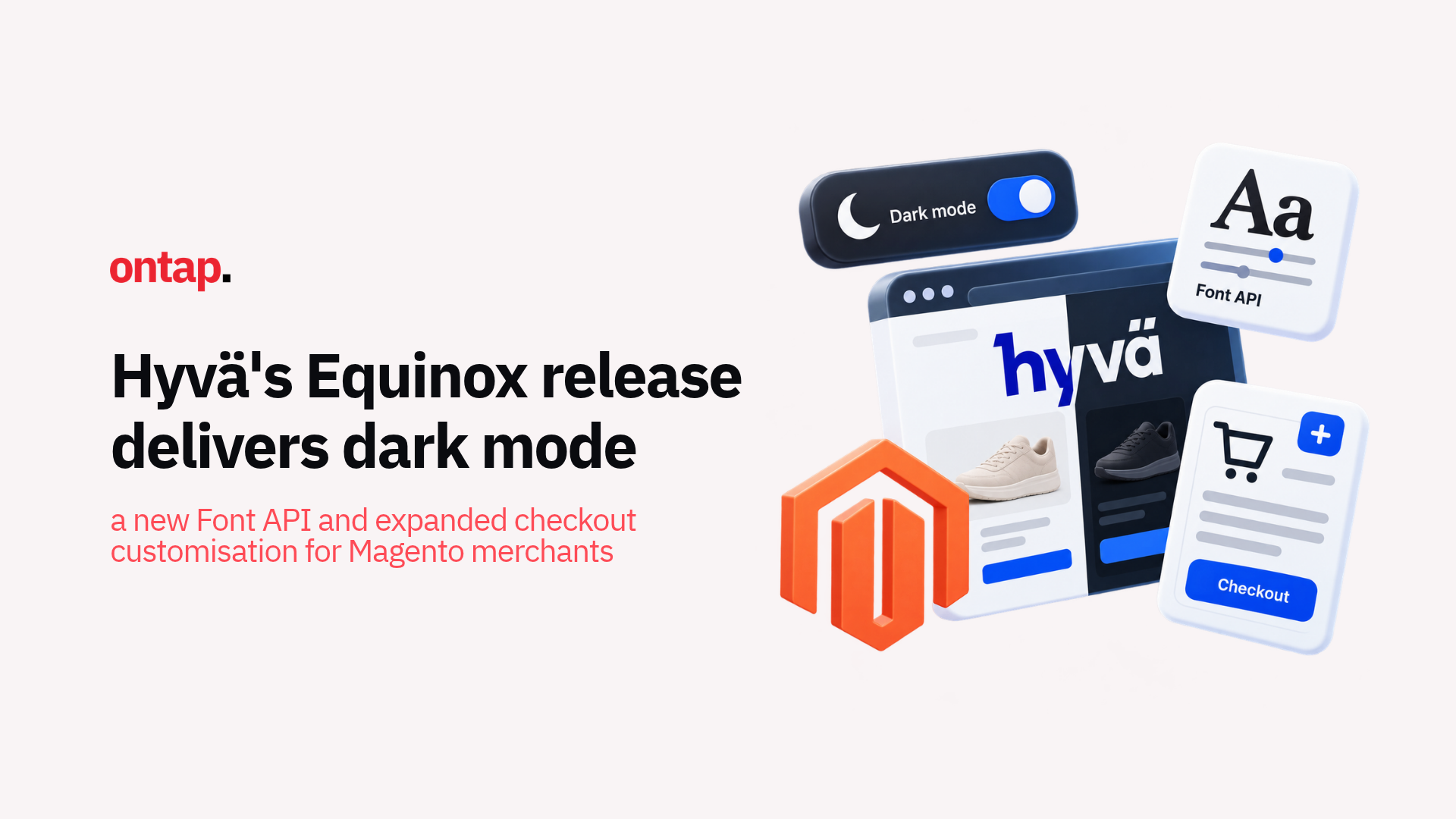
On 12 October 2026, Hyvä shipped a coordinated release across its product suite. Branded Hyvä Equinox, the release spans updates across Hyvä's products. For storefront teams, three releases stand out: Hyvä UI 2.9.0, Hyvä Default Theme 1.5.3, and Hyvä Checkout 1.3.15.
Here's what matters and what you should do about it.
Dark mode arrives, and it's more than an aesthetic choice
Hyvä UI 2.9.0 introduces an experimental Dark Mode A component that adds a light and dark theme toggle to the header, following system preference by default. Two new design token presets ship alongside it:
-
Hyvä Dark: a dark-only version of the Dark Mode A palette;
-
Koti: a preset based on the Koti sample data theme.
For merchants, dark mode is more than an aesthetic choice. It gives customers another way to experience the storefront based on their device settings and preferences. But it should still be treated as a design decision, not a guaranteed performance or accessibility improvement. Contrast, readability, and brand consistency still need to be tested.
The implementation is pragmatic. Because the component is currently marked experimental, merchants can evaluate it without treating it as an automatic production upgrade. The design token presets also provide agencies with a starting point they can customise rather than building the entire colour system from scratch.
What to do: If you're considering dark mode for your storefront, evaluate Hyvä Dark and Koti as starting points. If deployment timing conflicts with peak season preparation, plan it for a quieter period when you have more room to test contrast, content, and component behaviour.
The Font API eliminates a persistent pain point
Hyvä Default Theme 1.5.3 introduces the Hyvä Font API, which simplifies font management considerably. Fonts configured in hyva.config.json can now be processed during the build and written to generated/hyva-fonts.css. For font preloading, the API can generate an XML snippet and maintain it within designated markers in default_head_blocks.xml once your development team has added them.
This may sound like a developer concern, but it has direct implications for storefront performance and maintainability. Previously, custom font setup could involve more manual CSS and layout configuration. The new Font API centralises that configuration and can also generate fallback font metrics designed to reduce layout shift.
There are two separate upgrade requirements to understand:
-
Default Theme upgrade: updating to Default Theme 1.5.3 requires hyva-themes/magento2-theme-module version 1.5.3 or later;
-
Optional Font API adoption: existing child themes only need @hyva-themes/hyva-modules v1.5 when adopting the API, which also requires adding npx hyva-fonts to the build script and importing the generated font CSS.
What to do: When updating to Theme 1.5.3, update the Theme Module alongside it and ask your development team whether your child theme should adopt the Font API. If it does, consolidate font declarations into hyva.config.json and verify font loading and layout stability after the migration.
Checkout 1.3.15 opens up custom address fields
Hyvä Checkout 1.3.15 expands support for rendering and validating custom address fields through Magento's EAV attribute system. Supported field types include Text Field, Text Area, Date, Dropdown, Yes/No, Multiple Select and Multiline.
This is significant because many Magento merchants have business requirements that need additional checkout fields, such as tax identifiers, building access information or other address-related data. Checkout 1.3.15 can reduce custom development for supported use cases by rendering eligible address attributes associated with the customer_register_address form.
How submitted values are saved depends on your Magento edition:
-
Magento Open Source: Hyvä Checkout displays and validates custom address fields, but your development team needs to implement a save service to store their values;
-
Adobe Commerce: values are saved automatically through the Magento_CustomerCustomAttributes module.
Hyvä's custom address attribute guide explains the requirements.
The release also includes data patches that migrate legacy address form configurations to the new structure. Existing configuration is backed up to a legacy path before the migration, allowing teams to review or revert the change if required. The migration also removes customer-level attributes such as date of birth, tax/VAT number and gender from the address form configuration because these cannot be saved against an address entity.
What to do: If your checkout currently uses custom development for address fields, evaluate whether some of that implementation can now be replaced by native EAV attribute support. Check how the values will be saved before removing existing code, particularly on Magento Open Source. Review the Checkout 1.3.15 upgrade guide, including its backward-incompatible changes, and test the affected checkout flows on staging before deployment.
Security and accessibility fixes span supported branches
Across the Equinox release, Hyvä addressed a cross-site scripting issue in the MSRP price and popup templates. The product name and MSRP explanation message are now escaped correctly for the JavaScript context in which they are rendered.
The MSRP security fix is available in Default Theme 1.3.23, 1.4.11 and 1.5.3. Hyvä rates the issue as low severity because exploitation requires write access to product data.
If your child theme contains its own copies of the following templates, updating the base theme does not automatically apply the fix to them:
-
Magento_Msrp/templates/popup.phtml;
-
Magento_Msrp/templates/product/price/msrp.phtml.
Your development team needs to review and update those copies separately.
Theme 1.5.3 also includes WCAG 2.2 fixes from an accessibility audit:
-
Accessible names: navigation landmarks, the mobile menu, store and language switchers, and the items-per-page select now have accessible names;
-
Registration fields: name fields now include autocomplete attributes;
-
Contact page headings: an empty heading has been removed.
These accessibility improvements matter beyond technical housekeeping. The European Accessibility Act has applied to covered eCommerce services since 28 June 2025, subject to exemptions such as those for microenterprises providing services.
Hyvä's accessibility work gives merchants a stronger frontend foundation, but it does not make a customised store automatically compliant. Hyvä itself notes that content and theme customisations still need to be tested for accessibility, alongside any third-party modules used on the storefront.
The cart ordering fix sounds small, but it matters
Theme 1.5.3 introduces a new Show Newest Items First setting so the cart page and mini cart can display items in the same order. Previously, the mini cart showed newest items first while the cart page showed oldest items first.
The new cart item order setting defaults to showing newest items first. In the Magento admin, you can find it under either configuration path:
-
Hyvä settings: Stores > Configuration > Hyvä Themes > General > Cart;
-
Checkout settings: Stores > Configuration > Sales > Checkout > Shopping Cart.
It's a small detail, but removing inconsistent ordering makes the cart experience more predictable, particularly when customers are managing multiple products.
What merchants should prioritise
The Equinox release is substantial, and not every update needs to deploy simultaneously. Here's a prioritised approach:
-
Apply the security fix on your branch: use the relevant release, 1.3.23, 1.4.11 or 1.5.3, and update any overridden MSRP templates separately;
-
Evaluate Checkout 1.3.15 for custom address fields: confirm which custom code it can replace, how values will be saved and whether compatibility changes affect your checkout;
-
Evaluate Theme 1.5.3's Font API and accessibility fixes: update the Theme Module alongside the Default Theme, then review whether your child theme should adopt the optional Font API;
-
Plan dark mode around your testing capacity: test the experimental component thoroughly and move it to the post-peak roadmap if design QA capacity is limited.
The Equinox release demonstrates the kind of coordinated, multi-product development that makes Hyvä a compelling frontend for Magento merchants. The combination of new capabilities, security hardening, and accessibility improvements gives merchants a clear set of upgrades to evaluate before peak season intensifies.
About On Tap
On Tap is a growth-focused eCommerce consultancy helping mid-market and enterprise merchants improve their digital commerce operations. From Magento and Hyvä development to storefront performance, integrations, and ongoing optimisation, we help merchants evaluate platform updates against their technical and commercial requirements.
To review what the Equinox release means for your Hyvä storefront, get in touch.