 Best full-service eCommerce agency 2026


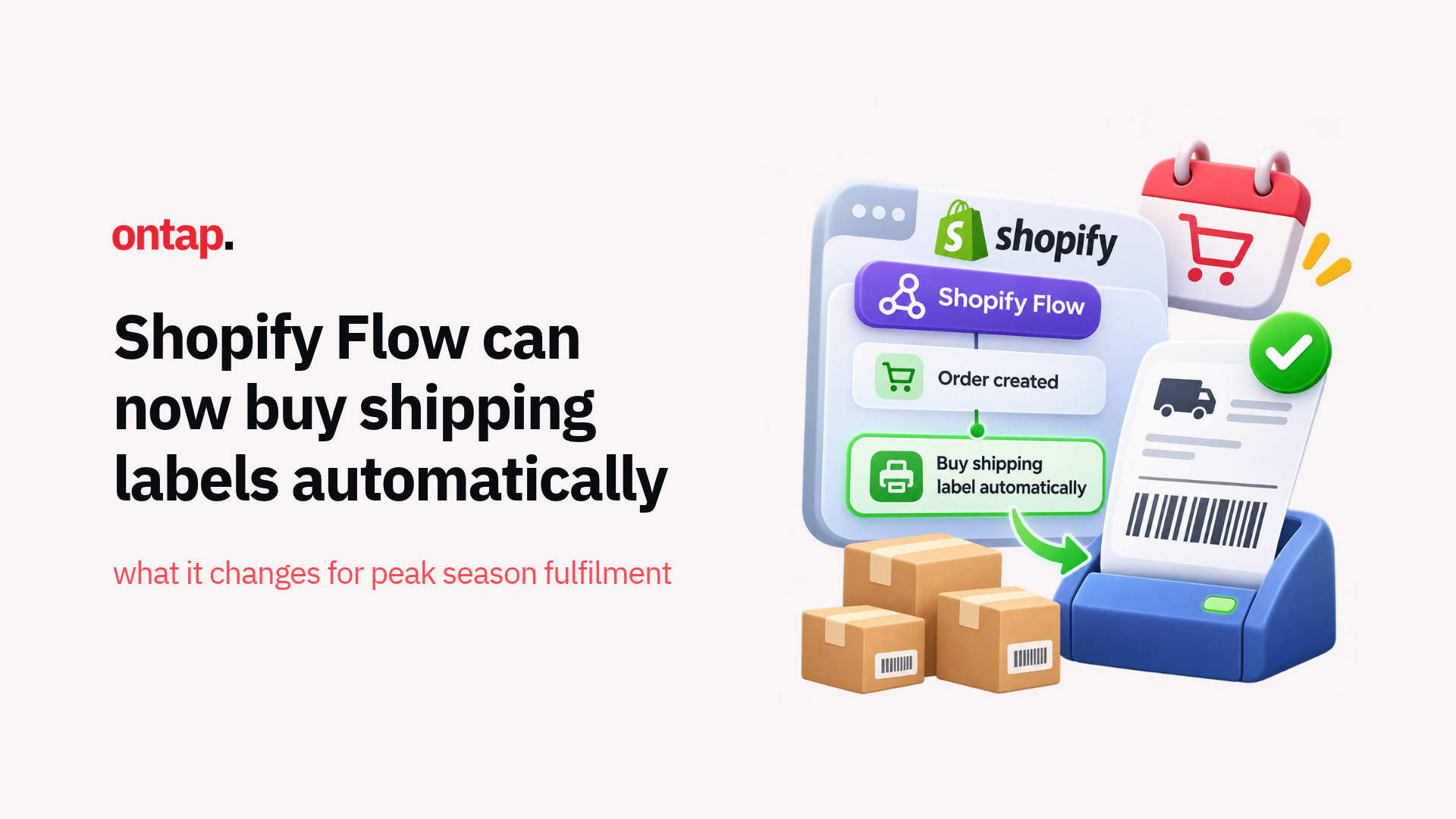
Shopify released two fulfilment-related features on 15 October that, taken together, give merchants in supported shipping regions useful operational improvements heading into peak season.
The first, automated shipping label purchasing through Shopify Flow, removes a repetitive step from fulfilment by letting merchants set conditions once and have Flow buy labels automatically as matching orders come in.
The second adds Royal Mail pickup points at checkout, giving UK customers another way to receive orders through Post Office branches and Royal Mail Customer Service Points.
Here's why both matter now, and what merchants should review before peak season volumes arrive.
Automated shipping labels through Flow: What changed
Shopify merchants could already buy shipping labels individually or in bulk. What's new is that Flow can now make the purchase automatically when an eligible fulfilment order matches predefined conditions.
The Purchase shipping label action lets merchants define conditions around order attributes, including specific tags, products, and single-item orders. For matching fulfilments, merchants can configure:
-
Shipping service: use a specific carrier and service or the cheapest eligible option;
-
Package: use assigned or saved package details;
-
Weight: use line-item weights or a predefined total weight;
-
Shipping timing: configure the label and customer shipping notification timing.
The label is then purchased automatically and becomes available from the Shipping Labels page. Orders that don't match the workflow conditions remain available for manual handling.
There is an important limitation. The Purchase shipping label action only supports fulfilment orders handled directly through Shopify. If an order is assigned to a third-party fulfilment service, the action doesn't run.
Each action also purchases one label for one fulfilment order. Workflows processing a list of fulfilments need to use Flow's For each action to automate them individually.
Why this matters for peak season
Peak season increases the cost of repetitive fulfilment work. The value of this update is not that merchants could not buy labels efficiently before. Shopify already supported bulk label purchasing. The change is that predictable orders can now move through the label-purchasing step without somebody initiating the purchase each time.
For fulfilment teams, that creates three practical benefits:
-
More capacity for exceptions: predictable orders, such as domestic shipments using standard packaging, can follow predefined rules while staff focus on split shipments, unusual packaging, international documentation and other orders requiring judgement;
-
More consistent label selection: predefined service, package and weight rules reduce repeated manual decisions. Those rules still need careful testing because an incorrect configuration can also repeat the same error at scale;
-
More consistent shipping logic: standardising how common order types are labelled makes unusual shipping costs easier to identify. Shopify Analytics now reports metrics such as average store shipping costs separately from store duties and import taxes, although those analytics capabilities are separate from the Flow automation itself.
The operational advantage is therefore less about replacing the fulfilment team and more about removing routine decisions from its busiest workflow.
How to set it up
Shopify Flow is available as a free app on Basic, Grow, Advanced and Plus plans. Before building the workflow, confirm that your fulfilment location and carrier are eligible to purchase labels through Shopify.
Actions to take:
-
Choose the fulfilment trigger: start with a trigger that contains a fulfilment order, such as a fulfilment order becoming ready to fulfil;
-
Define the eligible orders: use product, tag, destination, quantity or other order conditions to isolate predictable shipments;
-
Configure the label: choose the carrier and service, package, weight and shipping timing appropriate for that order type;
-
Exclude third-party fulfilment: if you use both Shopify-managed and external fulfilment services, add a condition that filters by fulfilment location or service;
-
Start narrow: activate the workflow for a small, predictable group of live orders and verify the carrier, service, package, weight and labels before expanding it.
The testing phase matters. Automation removes repetitive work only when the rules accurately reflect how the warehouse actually fulfils those orders.
Royal Mail pickup points add UK delivery flexibility
The second 15 October update adds Royal Mail as a pickup point provider for UK merchants.
At checkout, eligible customers can choose a Post Office branch or Royal Mail Customer Service Point from a map or list and see details such as the location name, address, opening hours and price before selecting it.
Royal Mail pickup point delivery uses its Local Collect service, available with Tracked 24 and Tracked 48.
To enable it, merchants can go to Settings > Shipping and delivery, find Pickup points under Additional delivery methods, choose the relevant UK fulfilment location, activate Ship to pickup points from this location, then configure Royal Mail and the rate customers will pay.
There are several checkout conditions worth testing before relying on the option during peak:
-
Single-location fulfilment: all physical products must be eligible to ship from one location with sufficient inventory;
-
Accelerated checkout: pickup points aren't available when the customer selects Apple Pay, Google Pay, Amazon Pay or PayPal at the first checkout step;
-
B2B checkout: pickup points aren't available to customers completing a B2B checkout;
-
Order editing: carrier-supported pickup point orders can't be edited after the order is placed.
Pricing also needs a deliberate decision. Merchants can set what they charge for pickup delivery, but there is no universal rule that it should match or undercut home delivery. Compare the actual Royal Mail cost, your existing delivery proposition and customer adoption before deciding whether to subsidise it.
What eCommerce merchants should do now?
Actions to take:
-
Automate predictable labels: start with a high-volume order type where package, weight and carrier requirements rarely change;
-
Filter fulfilment eligibility: exclude third-party fulfilment services and orders requiring manual customs or shipping decisions;
-
Validate your data: inaccurate product weights or package assumptions can turn an automated workflow into repeated label adjustments;
-
Test Royal Mail pickup points: if you fulfil from the UK, review checkout eligibility, rates and the customer experience across desktop and mobile;
-
Document the exceptions: give the fulfilment team a clear definition of which orders Flow handles automatically and which orders still need human review.
The bigger picture
These two features share a common thread: Shopify is moving more routine fulfilment decisions from repeated manual actions into rules-based workflows.
Flow can handle predictable label purchases. Checkout can let eligible UK customers choose Royal Mail collection points themselves. Neither removes the need for fulfilment staff, but both reduce the number of routine decisions that staff need to make when order volumes increase.
That matters most during peak season. The operational gap between predictable orders and exceptions becomes much more visible when hundreds of orders are moving through the warehouse at once.
The merchants best prepared for that volume will be those that automate the repeatable parts of fulfilment while keeping clear manual processes for everything that falls outside the rules.
Configure those workflows before peak traffic arrives, test them against real orders, and make sure your team knows exactly when automation ends and human judgement begins.