 Best full-service eCommerce agency 2026


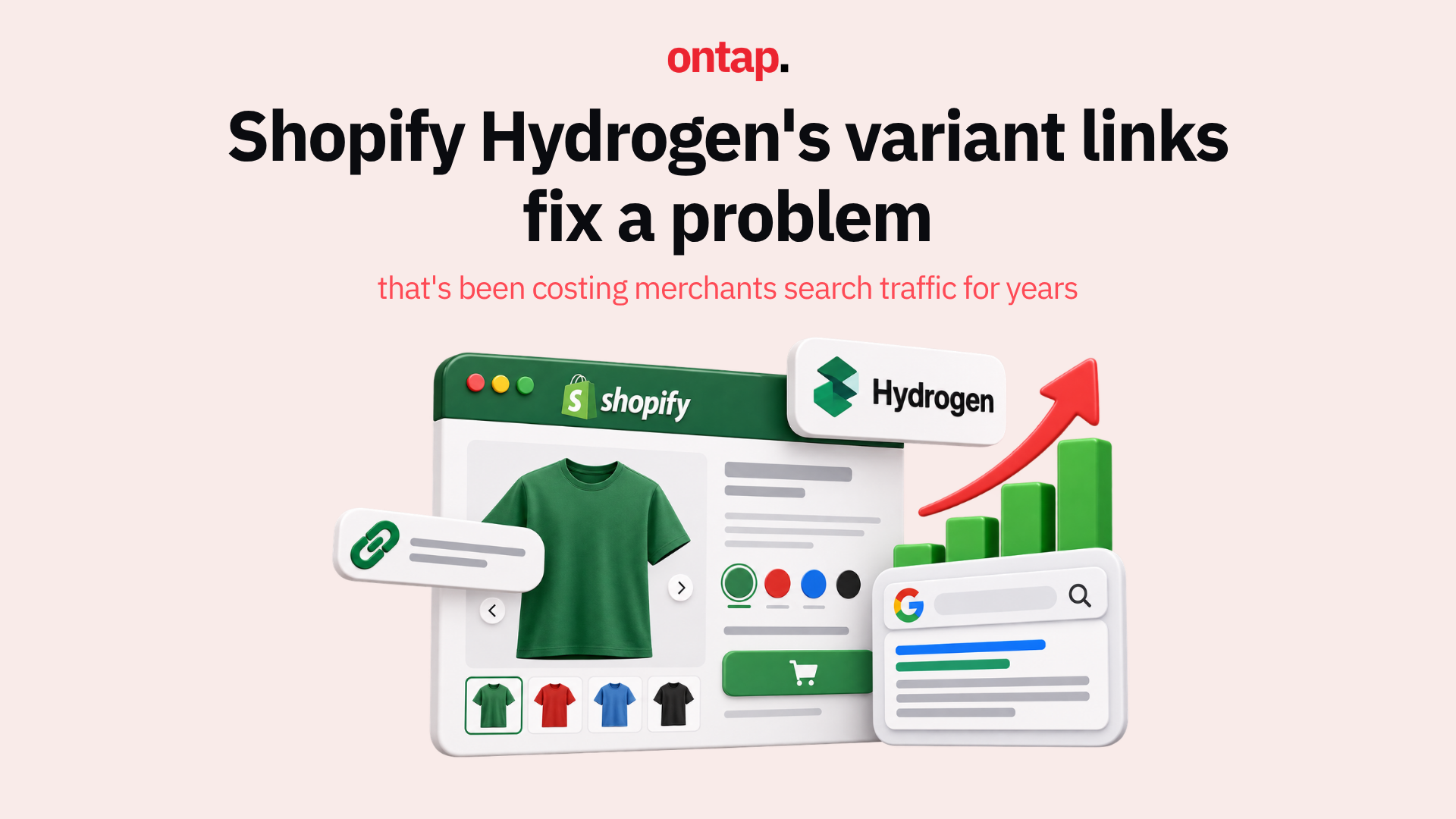
If you have ever audited a Shopify store's Google Search Console data and discovered that 40 to 60% of indexed URLs are variant pages, filter combinations, or duplicate product URLs with no meaningful ranking signal, you already understand the problem Shopify Hydrogen's latest variant link improvements are designed to solve.
Shopify Hydrogen has shipped a set of changes to how variant selection works at the URL level, centred on a new useSelectedOptionInUrlParam hook that updates the URL search parameter when a variant is selected, without triggering a full page navigation. The result is that variant selections are reflected in the URL, enabling accurate deep links, correct canonical handling, reliable analytics, and consistent structured data, all without the performance penalty of a full page reload.
The variant URL problem in eCommerce SEO
On a standard Shopify theme, variant selection is handled entirely client-side through JavaScript. When a customer selects a different colour, size, or configuration, the page updates visually but the URL often does not change, or changes in ways that create duplicate content signals. The result is a set of technical SEO problems that compound over time.
-
Crawl budget waste: When variant URLs are inconsistently formatted, Google crawls multiple versions of the same product page without being able to determine which is canonical. On a catalogue with thousands of products and multiple variants each, this wastes crawl budget on pages with no ranking value. As Sun Media Marketing's 2026 Shopify technical SEO guide notes, one electronics store audit found over 60% of indexed URLs were variant or tag pages. Fixing canonicals led to measurable improvement in impressions and clicks over four to six months as Google consolidated ranking signals.
-
Inaccurate analytics: When variant selections do not update the URL, every variant purchase appears to come from the same page path in Google Analytics 4. You cannot distinguish which colour or size is driving revenue, which variants have high add-to-cart but low purchase rates, or which variant-specific landing pages are worth investing in.
-
Inconsistent structured data: Product JSON-LD is designed to describe the specific product state the shopper sees. When variant selection does not update the URL and the structured data reflects a different variant from what is visually displayed, you create misleading schema that can cause rich result eligibility issues and undermine trust in your product data across AI and search systems.
-
Broken deep links: Shareable links to specific variants, whether in email campaigns, social posts, or affiliate content, require stable, predictable URLs. When variant selection does not generate a URL, every link drops the customer at the default variant rather than the intended one.
What Hydrogen's fix actually does
The useSelectedOptionInUrlParam hook, introduced in Hydrogen's skeleton template, updates the URL search parameters to reflect the selected variant options using the browser's history.replaceState API. This updates the URL without triggering a navigation event, which means there is no page reload, no loading spinner, no disruption to the shopping experience. The URL just reflects what the customer selected.
The hook works alongside useOptimisticVariant and getAdjacentAndFirstAvailableVariants, which together handle the selection logic that determines what happens when a customer selects an unavailable variant combination. As Hydrogen expert Emre Mutlu documented, the fallback resolver was previously a source of subtle bugs: treating the option a shopper clicked as a preference rather than a rule, which could resolve to a different variant than the one selected and create a mismatch between the displayed product, the cart, the URL, and the structured data.
The fix locks the clicked option as a hard constraint, then scores only compatible available variants, ensuring the URL, the displayed product, the add-to-cart action, and the product schema all reflect the same state. As the Hydrogen documentation puts it: canonical handling is customisable through getSeoMeta, and that decision should be deliberate, not accidental.
For most products, the correct default is to canonicalise variant-specific URLs back to the base product URL, preventing variant pages from competing with the primary product page in search. For high-value variant combinations, including distinct colourways with their own search demand, individual variant URLs can be set as canonical, consolidating ranking signals for that specific combination.
The SEO compounding effect
The combination of stable variant URLs, correct canonical handling, and consistent structured data creates a compounding SEO benefit that takes several months to fully materialise.
In the short term, Google's crawlers see consistent signals about which URLs are authoritative, reducing duplicate content confusion and allowing crawl budget to focus on pages with actual ranking value.
In the medium term, ranking signals consolidate on the correct pages. Links, engagement signals, and structured data all point to the same canonical URL, rather than being split across variant URL variants.
In the longer term, accurate variant URLs enable the kind of granular keyword targeting that high-performing eCommerce SEO requires. If your navy blue parka generates 40% of your outerwear revenue, a stable canonical URL for that variant, combined with variant-specific product structured data, gives you a ranking target that generic product page SEO cannot provide.
What Hydrogen merchants should implement
-
Install the
useSelectedOptionInUrlParamhook in your product page component if you are not already using it. This is the foundational change. -
Review your canonical configuration
Use getSeoMeta in your product page loader to explicitly set canonical URLs. Do not rely on defaults. Decide for each product type whether variant URLs should canonicalise to the base product or stand as independent canonical pages.
-
Align your structured data
Ensure your product JSON-LD reflects the variant selected by the URL parameters, not a hardcoded primary variant. This requires reading the selected options from the URL and passing them to your schema generation logic.
-
Verify in Google Search Console
After deploying, use the URL Inspection tool to check what Google sees for several variant URLs. Confirm that the canonical tag, the rendered content, and the structured data all tell a consistent story.
-
Audit your existing index
Pull a coverage report from Google Search Console and identify how many variant URL formats are currently indexed. Set up appropriate canonical tags or redirects to consolidate the signal to your preferred URL structure.
The bigger picture
The SEO details of headless commerce, canonical tags, structured data consistency, URL stability, have always been the responsibility of the development team rather than the platform. That responsibility has sometimes resulted in implementations that are technically impressive but SEO-deficient.
Hydrogen's useSelectedOptionInUrlParam and the improved variant resolver bring headless commerce closer to the SEO reliability that managed platform themes have always provided. The difference is that with Hydrogen, you have the flexibility to go beyond the defaults and build variant SEO strategies that are genuinely competitive, not just technically adequate.
About On Tap
On Tap is a growth-focused eCommerce consultancy helping mid-market and enterprise merchants build Shopify Hydrogen storefronts that perform for both shoppers and search engines. From variant URL architecture and canonical tag strategy to structured data implementation and Core Web Vitals optimisation, On Tap helps merchants ensure that the flexibility of headless commerce translates into measurable SEO advantage.
If you want to audit your Hydrogen store's variant URL handling, get in touch.