 Best full-service eCommerce agency 2026


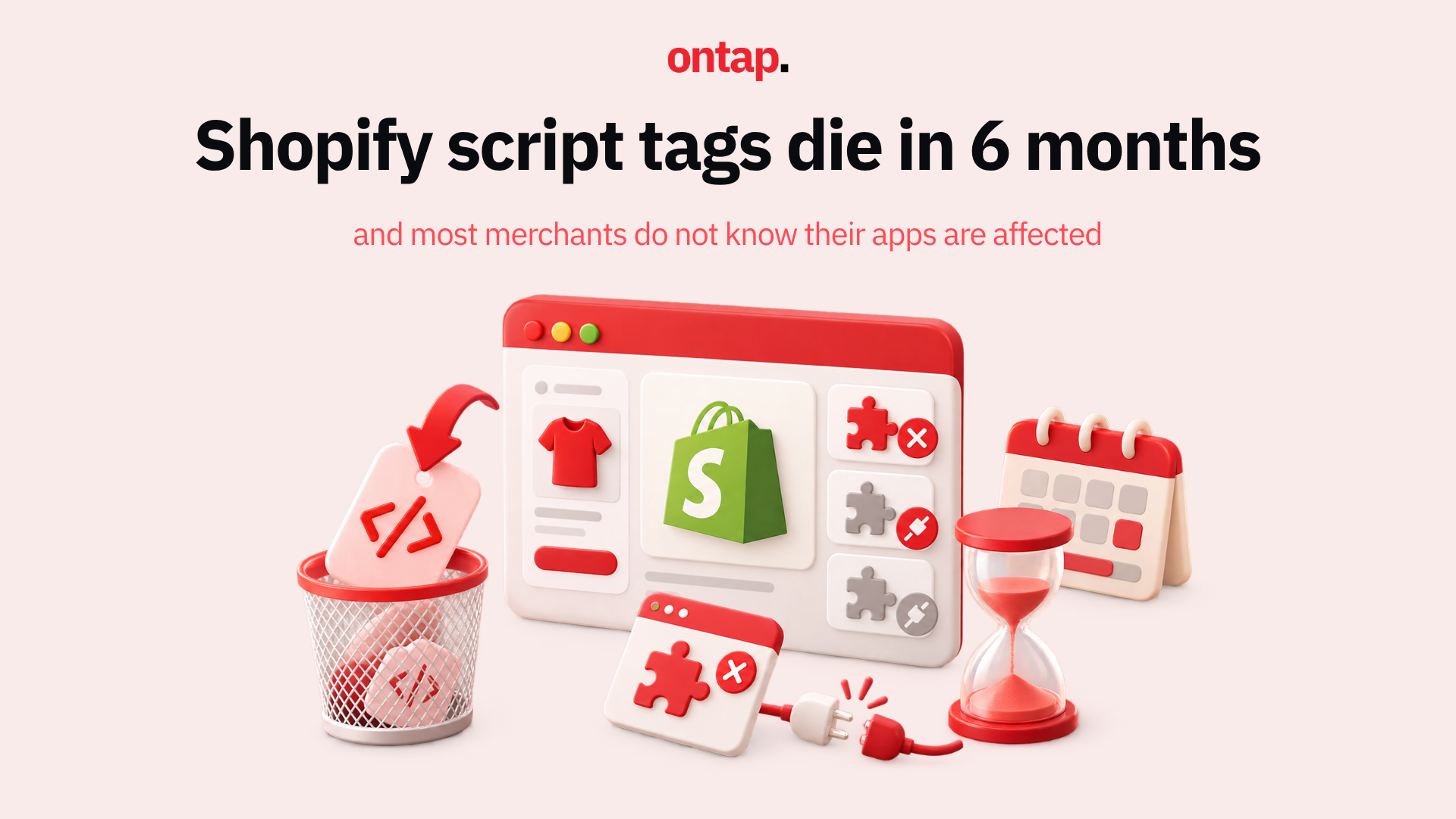
On August 2026, Shopify published a deprecation notice that will affect thousands of apps across its ecosystem and, by extension, the merchants who rely on them. Storefront script tags, one of the oldest methods apps use to inject JavaScript onto Shopify stores, are being retired. New script tag creation stops on 1 October 2026. All script tag injection stops on 1 March 2027.
If you are a Shopify merchant, you probably did not install "script tags." You installed apps. But many of those apps, including review widgets, chat tools, social proof pop-ups, analytics trackers, and loyalty programmes, use script tags under the hood to load their code onto your storefront. When those script tags stop working, the apps stop working. And unless you know which apps are affected, you will not see it coming.
What script tags actually are
A script tag is a mechanism that lets Shopify apps load JavaScript onto your online store without modifying your theme code. When you install an app that uses script tags, the app registers a URL with Shopify, and Shopify injects that script into every page of your storefront. It is invisible to you. There is nothing in your theme files, nothing in your settings. The app just works.
This is both the appeal and the danger. Because script tags are invisible in your theme, you have no easy way to know which of your installed apps depend on them. And because the deprecation targets the injection mechanism rather than the apps themselves, the apps will not uninstall or throw errors in your admin. They will simply stop loading their JavaScript on your storefront.
The two deadlines, and why 1 October matters more than you think
1 October 2026: The scriptTagCreate and scriptTagUpdate mutations will return errors, and the REST Admin API will reject POST and PUT requests for script tags. Existing script tags will keep running. This applies across all API versions: pinning to an older version will not help.
1 March 2027: Shopify stops injecting script tags into storefronts entirely. Any app still relying on script tags goes silent.
Most merchants will focus on March. That is a mistake. The real risk starts on 1 October, because after that date, apps can no longer create or update script tags. If you install a new app that has not migrated, it will not work. If an existing app needs to update its script tag to change a URL, update functionality, or fix a bug, it cannot. From 1 October, any app that has not migrated to theme app extensions is effectively frozen, unable to adapt to changes on your store or in its own product.
What is replacing script tags
App embed blocks are the primary replacement. These are shipped as part of a theme app extension, and they require merchants to activate them in the theme editor. Unlike script tags, which loaded automatically when you installed an app, app embed blocks require a manual activation step. When you upgrade to an app version that uses app embed blocks, you may need to go into your theme editor and enable the embed block for the app to start working again. If you skip this step, the app appears installed but does nothing on your storefront.
Web pixels are the replacement for analytics and conversion tracking scripts specifically. These run in a sandboxed environment and do not require merchant action to activate once configured by the app.
How to audit your store
There is no single dashboard in Shopify admin that lists all apps using script tags.
-
Review your installed apps list: For each app that provides storefront functionality, check the developer's documentation or changelog for migration status.
-
Contact app developers directly: Ask specifically: "Does your app use script tags for storefront functionality? If so, when will you migrate to theme app extensions or web pixels?" Any developer without a clear timeline is a risk.
-
Check your theme's app embeds: In your theme editor, go to the App embeds section. Apps that have already migrated will appear there. If an app provides storefront functionality but does not appear in app embeds, it may still be using script tags.
-
Test in a development store: If you maintain a staging store, you can proactively disable script tag injection to see what breaks.
The broader pattern: Shopify's extensibility migration accelerates
This deprecation is part of Shopify's multi-year migration from open-ended code injection to structured extensibility. This week, Shopify also auto-upgraded non-Plus stores to checkout extensibility, deprecating checkout.liquid and Additional Scripts. Now storefront script tags are following the same trajectory.
Structured extensions are more secure, more performant, and more predictable than arbitrary JavaScript injection. They do not conflict with each other as often. They survive theme updates. But the transition creates a window of risk for any merchant whose apps have not kept pace.
What to do this week
-
If you are a Shopify merchant: Start the audit now. Do not wait for March. Identify which apps use script tags, confirm their migration timeline, and identify replacement options for any app that cannot provide a clear answer. The apps most likely to be affected are smaller, niche apps that may not have the development resources to migrate quickly.
-
If you are evaluating new apps: Before installing any app that provides storefront functionality, confirm it uses theme app extensions or web pixels rather than script tags. After 1 October, any app still using script tags will not be able to create them on your store.
-
If you are planning for peak season: October 1 is five weeks before peak trading starts. Any app that breaks or freezes will affect your peak season. Triage accordingly.
About On Tap
On Tap is a growth-focused eCommerce consultancy helping mid-market and enterprise merchants navigate Shopify platform changes with confidence. From app stack audits and extensibility migrations to peak season readiness and theme app extension implementation, On Tap helps merchants ensure their technology stack keeps pace with platform evolution.
If you want help auditing your script tag exposure before 1 October, get in touch.