 Best full-service eCommerce agency 2026


Cart abandonment remains one of the biggest conversion challenges in eCommerce. Baymard's current benchmark puts the average online shopping cart abandonment rate at 70.19%.
Recovery workflows therefore matter, particularly as peak-season traffic increases.
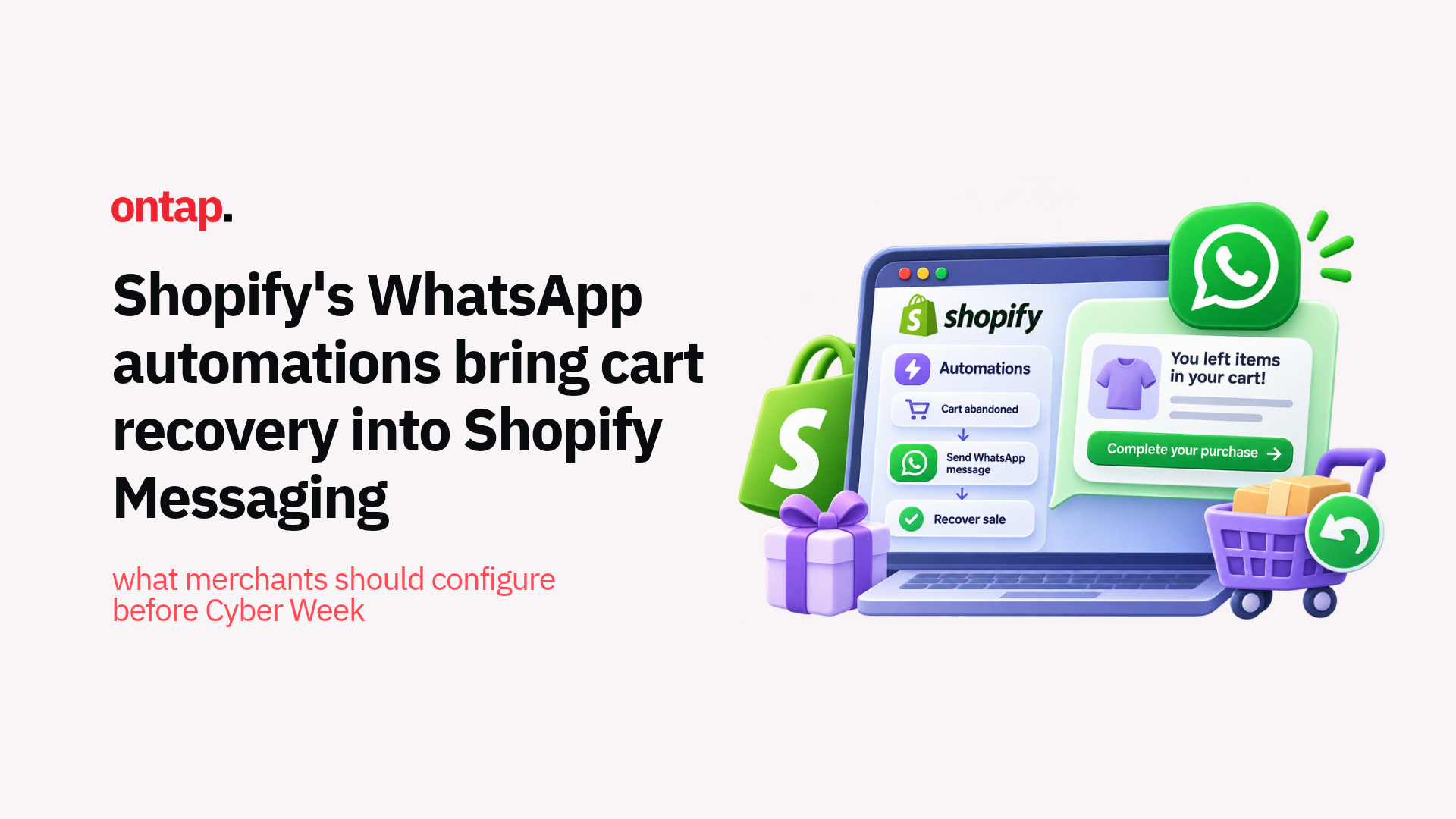
On 28 October, Shopify added WhatsApp marketing automations to Shopify Messaging. Merchants can now use pre-built WhatsApp templates for abandoned product browse, abandoned cart, and abandoned checkout, or include WhatsApp in custom marketing automations.
WhatsApp itself isn't new to Shopify Messaging. Shopify introduced WhatsApp marketing campaigns in July. The October update adds the automation layer, making behavioural recovery workflows available through the same first-party messaging system.
For merchants with opted-in customers in supported markets, that creates another recovery channel to test alongside email and SMS before Cyber Week.
Why WhatsApp is worth testing for recovery
The case for WhatsApp shouldn't rest on generic claims that every message gets opened or that it universally converts better than email.
The stronger argument is reach and customer behaviour.
WhatsApp now has more than three billion users worldwide, making it a significant customer communication channel across many international markets.
For merchants whose customers already use WhatsApp and have explicitly opted into marketing, recovery messages can reach those customers in a channel separate from crowded email inboxes.
That doesn't automatically make WhatsApp the best recovery channel for every store.
The useful question is whether your existing customer base uses and consents to WhatsApp at a scale that makes another automated touchpoint commercially worthwhile.
There is also one major geographic limitation: Shopify Messaging currently can't send WhatsApp marketing messages to customers in the United States.
US-based merchants can still use the feature to message opted-in subscribers in supported international markets, but merchants selling primarily to US customers shouldn't build their recovery strategy around it.
What Shopify's automation update changes
Shopify previously supported one-off WhatsApp campaigns through Shopify Messaging. The October release adds pre-built behavioural automations for three stages of abandonment.
Abandoned product browse
This automation targets eligible subscribers who view at least one product but leave without adding a product to cart or purchasing.
This is the earliest stage of the three recovery journeys and should be treated accordingly. The customer has shown interest, but not enough intent to start building an order.
Action: keep the message useful and low-pressure. Consider resurfacing the product viewed or providing a clear route back to the storefront rather than treating the customer like an abandoned checkout.
Abandoned cart
This automation applies when an eligible customer adds products to their cart but leaves before beginning checkout.
The merchant has more information about product intent at this stage, making the message useful for reminding the customer what they left behind.
Action: check that the automation accurately represents the cart and that any promotion, pricing, or product information remains valid when the message arrives.
Abandoned checkout
This targets eligible customers who start checkout but don't complete the order.
Because the customer has progressed furthest through the purchase journey, the operational details matter. A recovery message should bring them back to the correct checkout without creating confusion around inventory, discounts or payment status.
Shopify only sends WhatsApp marketing automations to customers who are subscribed to marketing for that channel. Unlike abandoned checkout email, merchants can't change WhatsApp recovery to send to all customers.
Action: test the full journey from abandonment through WhatsApp recovery and order completion, including mobile checkout and any payment redirects.
You still need to set up WhatsApp before automations can run
The new automation templates reduce implementation work, but WhatsApp recovery isn't a one-click feature.
Merchants need the Shopify Messaging app and a connected WhatsApp Business Account before they can send messages.
Shopify's setup process requires:
-
Shopify Messaging: the store needs the first-party Messaging app installed;
-
WhatsApp Business Account: the business needs to connect a WABA through Meta's embedded signup;
-
Business information: Shopify and Meta require business details and a WhatsApp phone number;
-
Marketing consent: customers must explicitly opt into WhatsApp marketing;
-
Template approval: WhatsApp marketing templates require Meta approval before they can be sent.
If you request a new WhatsApp phone number during setup, Meta's business and display-name review can take up to five business days.
Custom message templates can also require review before sending.
That makes the pre-Cyber Week timing relevant. Merchants interested in the channel should complete account setup and template approval before depending on it as part of peak recovery.
Consent determines the size of your recovery audience
This is one of the most important considerations in the release.
WhatsApp marketing requires explicit customer consent.
Shopify lets merchants add a WhatsApp marketing opt-in to checkout. When enabled, eligible customers can choose whether to subscribe using their phone number.
However, turning on the opt-in today doesn't suddenly make every abandoned cart reachable tomorrow.
Shopify states that a customer's SMS or WhatsApp marketing preference is saved when they submit checkout. Existing subscribers can also be imported if the merchant previously collected valid WhatsApp consent through another provider.
Actions to take:
-
Enable WhatsApp opt-in: configure the option under your checkout marketing settings for relevant markets;
-
Review existing consent: if you've previously used another WhatsApp provider, determine whether valid subscriber consent can be imported;
-
Keep consent channel-specific: don't assume permission to send email or SMS also provides permission for WhatsApp;
-
Check customer regions: Shopify lets merchants configure the regions where WhatsApp rather than SMS opt-in appears at checkout;
-
Keep unsubscribe handling visible: Shopify includes a STOP instruction in WhatsApp marketing messages by default.
Shopify provides the consent infrastructure, but merchants remain responsible for making sure their marketing practices comply with the laws that apply to their business and customers.
Don't run WhatsApp and email recovery independently
Adding another channel creates another risk: over-messaging the same customer.
Shopify lets email, SMS, and WhatsApp automations operate within Shopify Messaging, but merchants still need to consider how those workflows interact.
A customer who abandons checkout doesn't necessarily need an email, SMS and WhatsApp message in quick succession.
Before activating WhatsApp recovery, map the current sequence.
Questions to answer:
-
Which channel should contact the customer first?
-
How long should you wait before another channel follows?
-
Should customers who engage with one recovery message still receive another?
-
Are browse, cart, and checkout automations overlapping?
-
How many marketing messages could one customer receive during peak?
Shopify itself recommends reviewing how automations interact because overlapping workflows can result in customers receiving duplicate or excessive messages.
Action: add WhatsApp to the existing recovery journey rather than treating it as a separate campaign with no awareness of email or SMS activity.
Test timing instead of relying on generic benchmarks
The ideal recovery timing depends on the product, customer journey and channel.
A fast-moving fashion purchase can behave differently from furniture, electronics or a considered B2B order. WhatsApp also feels more immediate than email, which makes message timing particularly important.
Shopify lets merchants edit automation workflows and adjust when messages are sent.
Rather than assuming five minutes, one hour or 24 hours is universally correct, test timing against your own performance data.
Look at:
-
delivery;
-
clicks;
-
completed orders;
-
unsubscribe behaviour;
-
cost per recovered order;
-
overlap with other recovery channels.
The objective is not to send the fastest possible reminder. It is to find the timing that recovers revenue without creating an intrusive customer experience.
Factor message costs into the recovery calculation
WhatsApp automations aren't free.
Shopify charges per WhatsApp marketing message based on the recipient's region, with the cost added to the merchant's Shopify bill.
Pricing varies significantly by market.
Shopify also lets merchants configure a monthly spending threshold to receive warnings as messaging costs increase.
For recovery campaigns, that means the commercial question isn't simply whether WhatsApp generates orders.
It is whether the incremental recovered margin justifies:
-
per-message costs;
-
any discounts included in the recovery flow;
-
existing email or SMS costs;
-
the value of the recovered order.
Action: track recovered revenue and contribution margin against WhatsApp spend rather than evaluating the automation on click-through rate alone.
Understand the regional limitations
WhatsApp's global scale makes the feature particularly relevant to cross-border merchants, but Shopify's implementation isn't available everywhere.
Most importantly, WhatsApp marketing messages through Shopify Messaging can't currently be sent to US customers.
China and several sanctioned regions are also unsupported.
New WhatsApp Business Accounts can initially be subject to a 2,000-message-per-day limit until they progress through Meta's account tiers. Meta can also limit marketing messages to individual users based on factors such as recent engagement and how many marketing messages they're receiving.
For international merchants, these controls make a market-by-market approach more useful than simply enabling the channel globally.
Actions to take:
-
Check recipient eligibility: confirm which customer markets Shopify currently supports;
-
Review subscriber volume: determine whether you have enough opted-in WhatsApp subscribers to make automation worthwhile;
-
Check sending limits: understand the limits attached to a new or existing WhatsApp Business Account;
-
Compare costs by market: message pricing varies by recipient region;
-
Prioritise existing WhatsApp markets: begin where customers already engage with your business through the channel.
What eCommerce merchants should configure before Cyber Week
The feature is useful, but the priority isn't to switch on all three automations immediately.
Start with the infrastructure.
Actions to take:
-
Connect WhatsApp: complete the WhatsApp Business Account setup in Shopify Messaging and allow time for Meta review;
-
Enable explicit opt-in: start collecting WhatsApp marketing consent in supported customer regions;
-
Check template approval: confirm that the abandonment templates you plan to use have been approved by Meta;
-
Choose the highest-value recovery stage: abandoned checkout or cart may be a more manageable starting point than activating every workflow at once;
-
Coordinate channels: review email and SMS recovery so customers don't receive overlapping messages;
-
Set a spending threshold: monitor WhatsApp messaging costs as peak traffic increases;
-
Test on mobile: follow the entire customer journey from abandonment through message delivery and completed purchase;
-
Monitor recovery economics: measure recovered orders and margin alongside messaging costs and unsubscribe behaviour.
The bigger picture
The important change isn't that WhatsApp has suddenly replaced email as the best recovery channel.
It hasn't.
The change is that Shopify merchants can now manage email, SMS and WhatsApp behavioural messaging through the same first-party messaging environment.
That gives merchants more flexibility to match recovery channels to the markets and customers they actually serve.
For one merchant, email may remain the strongest option.
For another, a meaningful base of opted-in WhatsApp customers in the UK, India, Brazil or other supported markets may justify adding WhatsApp to the journey.
The channel should follow customer behaviour, consent and economics, not generic industry benchmarks.
Conclusion
Shopify's WhatsApp automations make abandoned browse, cart and checkout recovery easier to add without relying on a separate third-party recovery app.
But the opportunity comes with clear requirements.
Customers need to opt in. Meta needs to approve templates. Messages carry a cost. Sending limits apply. US recipients aren't currently supported. And merchants running email or SMS recovery already need to make sure the new channel doesn't simply create more messages for the same customer.
Before Cyber Week, start with the fundamentals: connect the account, collect consent, choose one high-value recovery journey and test it against real customer behaviour.
WhatsApp doesn't need to replace email to be valuable.
It needs to recover enough incremental revenue from the right customers to justify its place in the journey.
About On Tap
On Tap is a growth-focused eCommerce consultancy helping mid-market and enterprise merchants improve their digital commerce operations, from Shopify strategy and marketing automation to checkout, customer experience and ongoing optimisation.
To review your peak-season recovery journeys or assess how WhatsApp fits alongside your existing email and SMS automations, get in touch.