 Best full-service eCommerce agency 2026


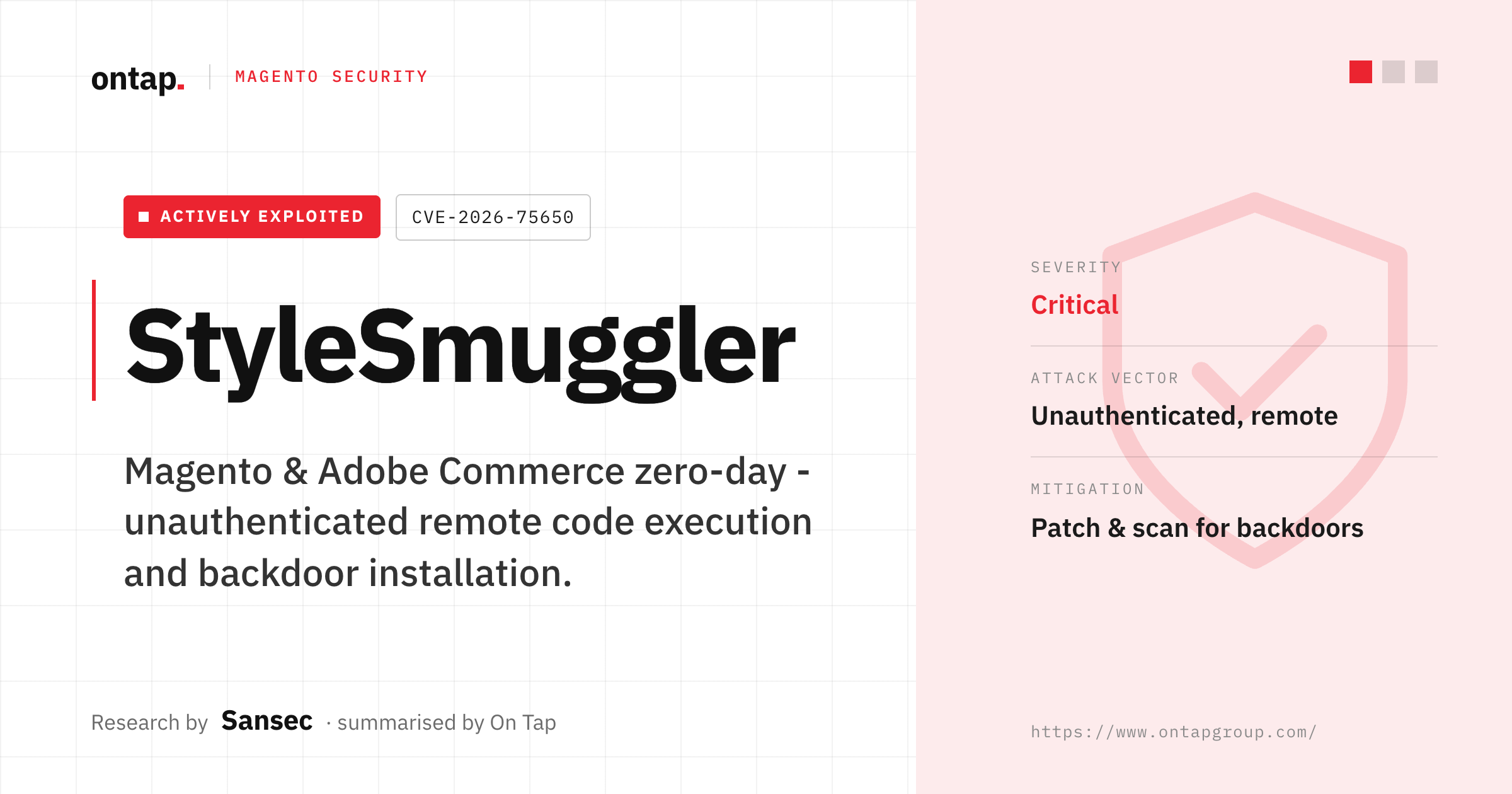
StyleSmuggler is a critical Magento and Adobe Commerce vulnerability that was under active exploitation when it was disclosed in early September 2026.
Security researcher Sansec published its StyleSmuggler analysis on September 5th after identifying confirmed exploitation on September 4th.
Adobe then published security bulletin APSB26-146 on September 7th, assigning the vulnerability CVE-2026-75650, a CVSS 10.0 score and its highest Priority 1 update rating. Adobe also confirmed that it was aware of the vulnerability being exploited in the wild.
By the time this article was published on September 9th 2026, an official Adobe hotfix was already available.
For merchants, the priority is to confirm whether the production environment is affected, apply the correct Adobe hotfix and review the environment for signs of compromise.
What is StyleSmuggler?
Sansec named CVE-2026-75650 StyleSmuggler after identifying a Magento and Adobe Commerce zero-day being used in active attacks.
Adobe classifies the vulnerability as “Improper Neutralization of Special Elements Used in a Template Engine” (CWE-1336). In practical terms, it is a template-injection vulnerability that can result in arbitrary code execution.
No authentication or administrator privileges are required for exploitation.
Sansec’s research describes the attack as abusing Magento’s template system through the styles property to inject malicious content that can later be executed by the application.
According to Sansec, the observed attack chain involved two broad stages:
-
Injection: The attacker plants poisoned PHP code within the store, for example by deliberately generating a failed payment report.
-
Execution: Magento then unwittingly runs that poisoned code itself, triggered when the store renders its standard "Payment Transaction Failed Reminder" email. Crucially, nobody needs to open or even receive the email for the attack to succeed. The mere act of Magento generating it is enough.
Sansec reported that the attacker did not need a user to open or receive the email for execution to occur.
This attack-path detail comes from Sansec’s threat research. Adobe’s bulletin focuses on the vulnerability classification, affected products, severity and remediation.
Which stores are affected?
Adobe’s APSB26-146 affected-version table includes multiple supported Adobe Commerce, Adobe Commerce B2B and Magento Open Source release lines.
At the time of disclosure, Sansec reported reproducing the unauthenticated attack chain on clean Magento Open Source installations across several current 2.4.x versions, including 2.4.7, 2.4.8 and 2.4.9.
Sansec also reported a confirmed victim running 2.4.6-p15 with recent security patches already applied.
The important point for merchants is that being current on previously released security patches did not protect against this previously unknown vulnerability.
However, merchants should use Adobe’s current bulletin and remediation table to determine whether their exact production release is affected and which hotfix applies.
Adobe released the VULN-39341 hotfix on 7 September
Adobe published APSB26-146 on 7 September and released the VULN-39341 hotfix for affected Adobe Commerce and Magento Open Source versions.
Adobe’s Experience League remediation guidance maps affected release lines to the appropriate VULN-39341 patch.
Merchants should:
-
confirm the exact production version
-
identify the corresponding Adobe-provided VULN-39341 patch
-
apply the patch using Adobe’s documented process
-
verify that the fix is present
-
complete Adobe’s encryption-key and credential-rotation steps
Because Adobe confirmed exploitation in the wild and assigned APSB26-146 Priority 1, remediation should be treated as urgent.
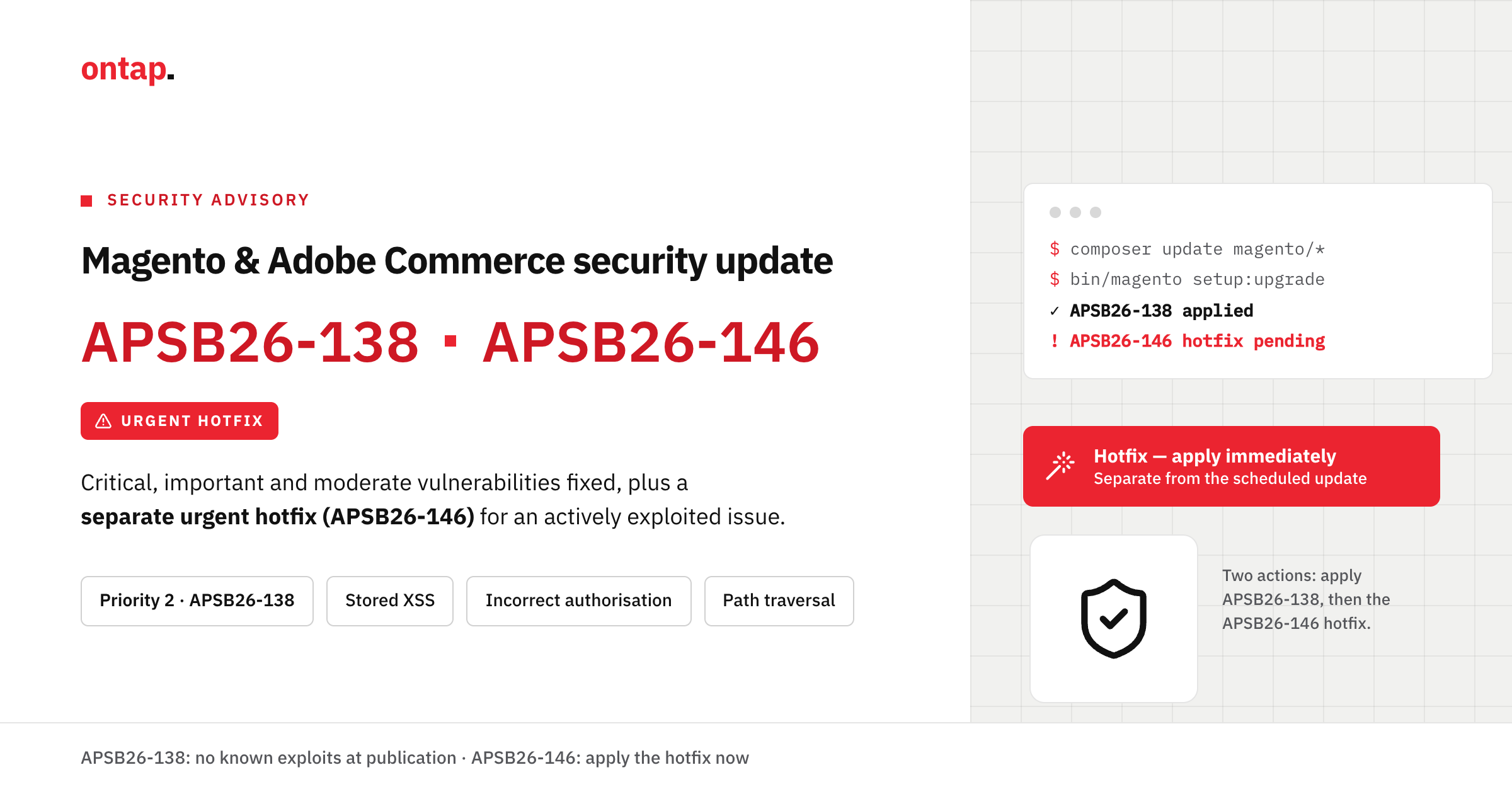
APSB26-146 is separate from APSB26-138
Adobe released the scheduled APSB26-138 security update on 8 September.
That update is separate from StyleSmuggler.
Adobe explicitly instructs merchants to apply the CVE-2026-75650 hotfix in addition to the security updates released through APSB26-138.
This means merchants should not assume that installing only the September scheduled security update also remediates StyleSmuggler.
Where both bulletins apply to the production environment, both remediation tracks need to be accounted for.
How to confirm the hotfix is applied
For Adobe Commerce on Cloud, Adobe documents a Quality Patches Tool check for VULN-39341.
Adobe’s Experience League guidance uses:
vendor/bin/magento-patches -n status | grep "39341\|Status"
The patch should appear with the status Applied.
Adobe documents this verification method specifically for Commerce on Cloud. Merchants using other deployment models should confirm the hotfix through the appropriate patch and deployment verification process for their environment.
Credential rotation is also required
Adobe’s remediation does not stop at installing the patch.
Adobe states that affected merchants should rotate the Commerce encryption key and credentials that may have been encrypted with or exposed through it.
Its guidance includes credentials such as:
-
Admin user passwords
-
REST, SOAP and GraphQL integration tokens
-
OAuth client secrets
-
payment gateway API credentials
-
database credentials
-
Fastly credentials
-
SSH and deployment keys
-
privileged service-account credentials
-
API keys for shipping, tax and other connected services
Adobe also makes an important distinction: rotating the Commerce encryption key alone does not invalidate credentials that may already have been exposed.
Those credentials need to be rotated at their source, such as the payment gateway or third-party service, as well as updated within Commerce where necessary.
On Tap recommends documenting each credential rotation and checking dependent systems afterwards to confirm that integrations continue to operate correctly.
How do you know if your store has been compromised?
Applying the hotfix closes the known vulnerable path, but it does not prove that exploitation did not occur before remediation.
Sansec published indicators of compromise and attack behaviours observed during its investigation.
On Tap recommends reviewing available evidence from the period before the hotfix was applied, including:
-
unexpected file changes
-
unusual server processes
-
unexpected cron entries or scheduled tasks
-
suspicious outbound network connections
-
unusual Admin or API activity
-
malware and compromise-scan findings
-
file-integrity and security-monitoring alerts
The precise investigation should reflect the store’s hosting architecture and available logs.
An absence of obvious indicators is not proof that a compromise did not occur. Equally, confirmed exploitation in the wild does not mean every affected Magento or Adobe Commerce store was compromised.
If suspicious activity is found, merchants should move from routine patching into a structured incident-response process.
What merchants should do now
Adobe's remediation
-
Check APSB26-146 for the affected release line.
-
Apply the appropriate VULN-39341 hotfix using Adobe’s Experience League guidance.
-
Rotate the Commerce encryption key.
-
Rotate credentials that may have been exposed.
-
Apply the separate APSB26-138 security update where applicable.
-
For Adobe Commerce on Cloud, confirm that VULN-39341 shows as Applied using Adobe’s documented Quality Patches Tool check.
On Tap's additional recommendations
-
Review logs and monitoring data covering the period before remediation.
-
Scan for unexpected files, processes and persistence mechanisms.
-
Review connected systems where credentials may have been exposed.
-
Preserve relevant logs if suspicious activity is identified.
-
Test checkout, payment and integration flows after credential rotation.
-
Escalate to an incident-response investigation if indicators of compromise are found.
Merchants taking action today should also check Adobe’s current Commerce security bulletin index to confirm that remediation guidance has not changed.
Key actions for Magento merchants
StyleSmuggler required an urgent response from Magento and Adobe Commerce merchants in September 2026.
The key actions are now clear:
-
confirm whether the production environment is affected
-
apply Adobe’s VULN-39341 hotfix
-
complete the required encryption-key and credential rotation
-
verify the patch where Adobe provides a documented method
-
review the environment for evidence of exploitation
-
complete APSB26-138 remediation separately where applicable
Security monitoring can help establish what changed and when, but it should not be presented as a substitute for Adobe’s remediation.
In conclusion
StyleSmuggler is a stark reminder that in Magento and Adobe Commerce security, patch history alone is no longer a reliable safety net. For merchants, that means security has to be continuous, proactive, and backed by people who are watching the landscape every single day, not just applying updates when they land.
This is exactly the gap AuditIQ, On Tap's eCommerce monitoring platform, is built to close. AuditIQ watches your Magento or Adobe Commerce store around the clock, including file integrity monitoring, malware detection, module vulnerability scanning, and configuration change tracking, so unauthorised code changes or unusual activity are flagged the moment they happen, rather than being discovered weeks later. When something like StyleSmuggler emerges, stores monitored by AuditIQ aren't left guessing whether they've been compromised. They already have the data to check.
If you'd like to understand how AuditIQ could help protect your store from threats like StyleSmuggler, get in touch with the On Tap team today.