 Best full-service eCommerce agency 2026


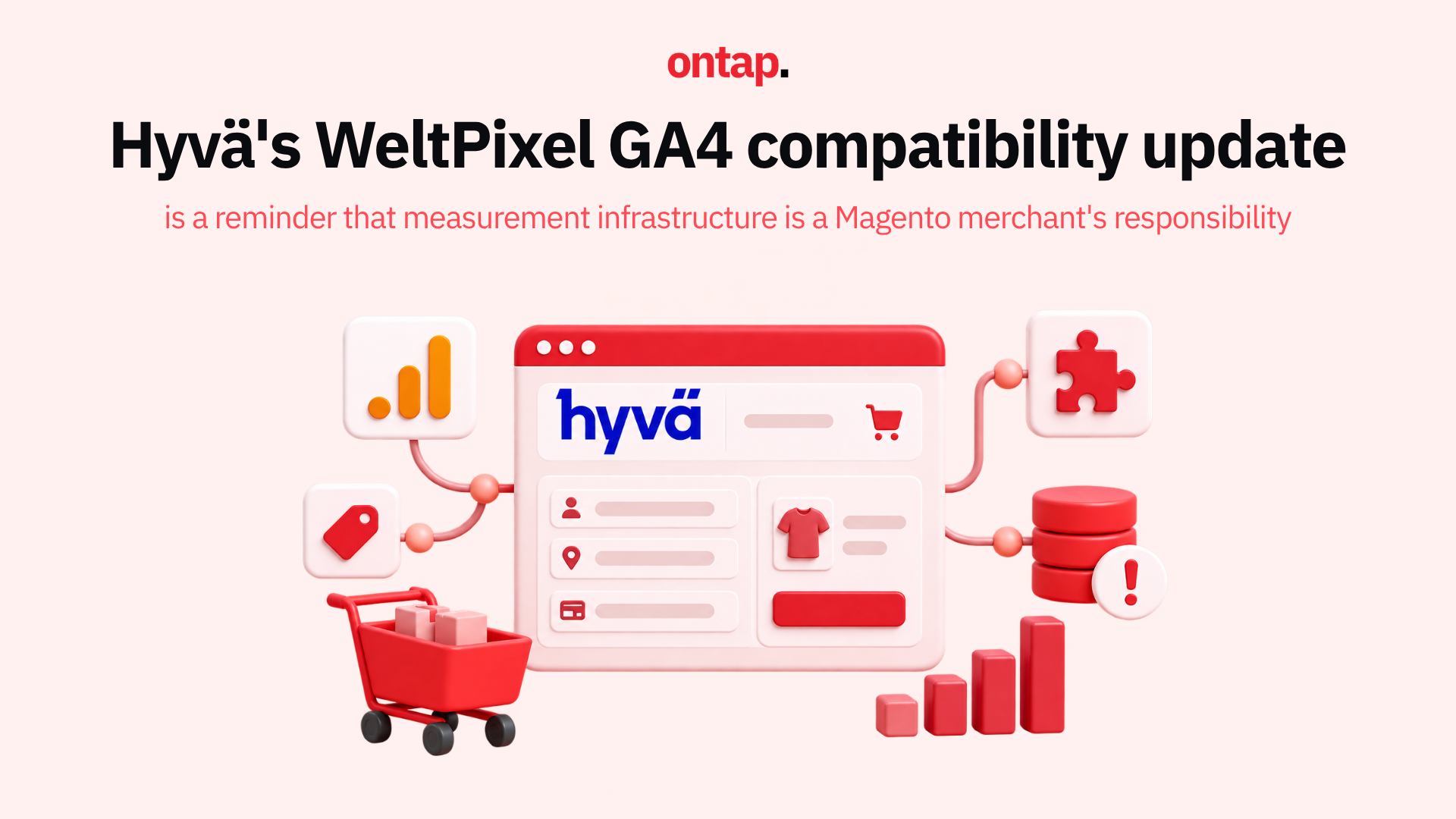
On 1 September 2026, WeltPixel released version 1.17.4 of its GA4 extension for Magento 2. The release included changes to server-side consent handling, bot filtering and ad matching. Merchants using WeltPixel with a Hyvä storefront should check how their installed versions and integrations work together, then validate the events reaching GA4. The release alone is not evidence that existing implementations have failed.
Analytics issues are not always visible on the storefront. A missing or duplicated event can affect reports without interrupting a customer’s purchase. That makes measurement worth checking after changes to a theme, extension, checkout or tagging setup.
The compatibility layer most merchants do not know they depend on
Hyvä uses a different frontend approach from Magento’s default Luma theme, with Alpine.js and Tailwind CSS. Some extensions that add storefront JavaScript therefore need Hyvä-compatible code or configuration. Check the requirements of the specific extensions installed on your store; not every extension needs a separate compatibility module.
When the theme, a third-party extension or its integration changes, test that the combined setup still sends the events you expect. Depending on the implementation, an issue could result in missing or duplicated events. The publication of version 1.17.4 does not, by itself, establish that older Hyvä and WeltPixel combinations produce those errors.
WeltPixel’s GA4 extension supports eCommerce measurement for Magento. Which events reach GA4, and how they are used elsewhere, depends on the store’s configuration. GA4 data does not automatically become Google Ads conversion data: that depends on the merchant’s Google Ads and GA4 setup. If key events or values are inaccurate, reporting and decisions based on those figures can be affected.
Why this matters before peak season
Peak season planning benefits from reliable measurement. If a merchant uses Q3 conversion data to set Q4 budgets or evaluate tests, it is sensible to check whether important events and values are being collected as intended.
A tracking issue can also affect automated bidding where the affected conversion actions are used as bidding signals. Its effect depends on the campaign configuration and the nature of the error. Merchants should verify those connections rather than assume that a discrepancy in GA4 has changed campaign performance.
The CSP variant tells a governance story
Content Security Policy (CSP) controls which scripts a browser is allowed to execute. Hyvä offers CSP-compatible theme options, and an integration used with a strict CSP setup must also work under the applicable restrictions. Hyvä’s CSP compatibility documentation explains the different Alpine build and script handling involved.
For merchants, the practical question is whether the installed theme, WeltPixel integration and any checkout components are compatible with the CSP policy actually in use. A blocked script could interrupt measurement. The presence of a standard rather than CSP-compatible component does not, on its own, prove a security gap; that requires a review of the site’s configuration and effective policy.
What should merchants do before peak season?
-
Confirm the installed versions and integration requirements. Ask your development team which Hyvä, WeltPixel and related integration packages the store uses. Review the relevant release notes and plan updates together, rather than updating a package in isolation.
-
Validate GA4 events in staging. Walk through product listing, product detail, basket, checkout and purchase journeys. Use Google’s eCommerce validation guidance and DebugView to check that expected events arrive with the right parameters and without unintended duplication. The exact events to test depend on your implementation.
-
Check CSP compatibility where it applies. If the store uses a strict CSP theme or checkout, have the team confirm that the installed integrations operate under that policy and review browser console or CSP violation reports for blocked scripts. Hyvä documents the available CSP implementation options.
-
Compare GA4 with Magento order data. Compare like-for-like periods, transactions and revenue definitions, and investigate changes from your store’s normal pattern. Differences can arise for several reasons, including consent choices; there is no universal 5% threshold that proves an implementation fault.
-
Test the full eCommerce journey, not just purchases. Include the listing, item, basket and checkout events your business actually relies on. Record which events are expected, then check whether they appear once and carry the intended values. Google’s eCommerce event guidance provides the event framework.
The bigger picture
eCommerce measurement needs maintenance as storefront code, extensions and tagging configurations change. Hyvä compatibility work and WeltPixel product updates are useful inputs to that process, but the result still needs to be checked on each store.
For merchants using the September 2026 WeltPixel GA4 release, On Tap recommends reviewing the installed integration, validating the data layer and checking the events received by GA4. When planning an update now, review the latest applicable vendor releases alongside your store’s other dependencies, rather than treating 1.17.4 as a standing target.
About On Tap
On Tap is a growth-focused eCommerce consultancy and Hyvä partner, specialising in Magento and Adobe Commerce implementations for mid-market and enterprise merchants. From analytics implementation audits and GA4 data layer validation to peak season measurement readiness and ongoing technical maintenance, On Tap helps merchants assess whether their measurement setup supports reliable decisions.
If you need help auditing your analytics implementation before peak season, get in touch.