 Best full-service eCommerce agency 2026


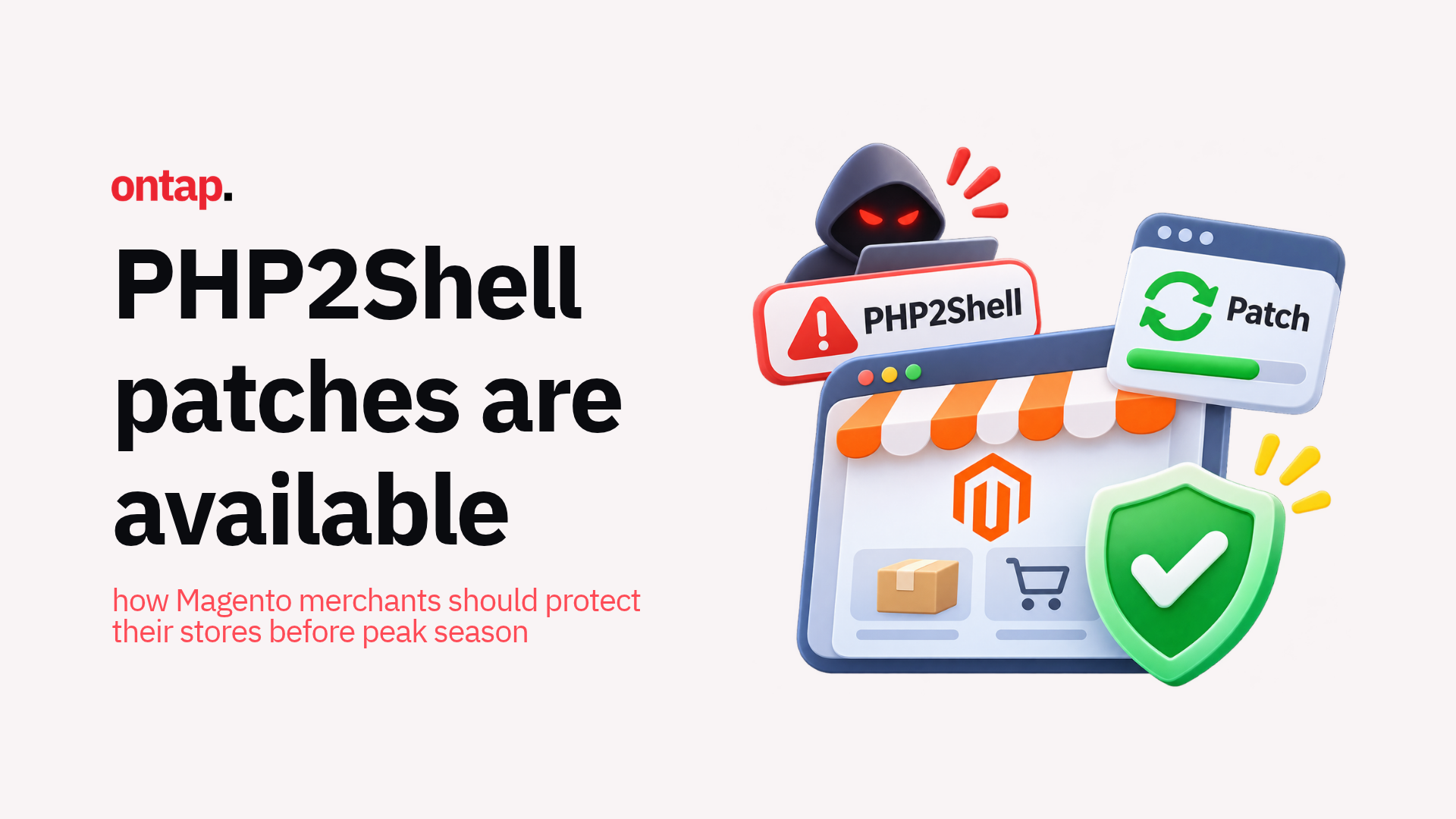
On 21 October 2026, PHP released security updates for two critical remote code execution vulnerabilities, CVE-2026-109618 and CVE-2026-109619, collectively known as PHP2Shell. Both carry a CVSS v4.0 severity rating of 9.2 out of 10. Sansec published research on the same day examining the risk to eCommerce stores.
These are not Magento application vulnerabilities. They are PHP runtime vulnerabilities, affecting the software that executes your store’s PHP code. That distinction matters because protection requires updating the PHP runtime itself, separately from applying Adobe Commerce application security patches.
On 26 October, CISA added both vulnerabilities to its Known Exploited Vulnerabilities catalogue. This development reinforces the need to confirm that the fixes are running on your production environment.
Why PHP-level security updates require a different approach
Most Magento and Adobe Commerce merchants have a well-established routine for security updates. Adobe publishes a security bulletin, and the merchant or their agency applies the appropriate fix for the vulnerabilities it addresses.
That workflow remains essential. Adobe released the APSB26-146 update for the StyleSmuggler issue in September, followed by another critical Commerce security update on 13 October. The October isolated patch does not include the StyleSmuggler hotfix, which must be addressed separately.
PHP2Shell requires a different approach. These vulnerabilities exist in the PHP interpreter itself, the runtime environment that executes Magento code. Even if your application patches are current, your store needs a PHP security update if the underlying runtime remains vulnerable.
The affected code dates back to PHP 5.4. For supported PHP branches, the releases fixing the two vulnerabilities are:
-
PHP 8.2: 8.2.35.
-
PHP 8.3: 8.3.36.
-
PHP 8.4: 8.4.27.
-
PHP 8.5: 8.5.12.
PHP 8.1 and earlier are no longer supported upstream. Some operating-system and extended-support vendors provide backported fixes, meaning they apply the security correction to an older PHP version. PHP also provided exceptional minimal source patches for 7.4, 8.0 and 8.1; these do not restore normal support. If you use an older branch, ask your provider to confirm the patched package or build rather than relying on the PHP version number alone.
Your update must also remain compatible with your Magento or Adobe Commerce release. Check Adobe’s system requirements before moving to a different PHP branch.
A further advisory needs attention: On 23 October, PHP disclosed a separate, conditional vulnerability, CVE-2026-115560, which the releases above do not fix. It affects an unusual combination of session configuration and application behaviour. Ask your technical team to assess PHP’s session upload progress advisory and apply its configuration mitigation where relevant. This does not mean every Magento installation is affected by the additional flaw.
What merchants should understand about the risk?
PHP2Shell can allow an unauthenticated attacker to execute code with the permissions of the PHP process hosting your store. In eCommerce terms, that means potential access to customer data, payment processing configurations and credentials available to that process. Sensitive information can also be exposed through memory disclosure without successful code execution.
Exploit reliability depends on the PHP build, configuration and other characteristics of the target environment. These conditions do not mean a customer or administrator must click anything for an attack to succeed, and identifying a store as Magento does not establish whether a particular exploit will work.
The PHP Security Team’s advisories explain the technical conditions. PHP’s guidance is to update immediately; temporary mitigations do not provide complete protection against the original two vulnerabilities.
Heading into peak season, when transaction volumes increase, prompt attention to infrastructure-level security updates is especially important.
The hosting provider conversation
Here’s where the practical challenge lies for many merchants. In a typical Magento hosting arrangement, the merchant or their agency manages application-level updates: Magento patches, extension updates, and theme changes. But the PHP runtime is often managed by the hosting provider.
This can create a gap in the update workflow if responsibility is unclear. Merchants should confirm who monitors PHP security releases, who deploys the updates and who verifies that the patched runtime is serving production traffic.
For Adobe Commerce on Cloud infrastructure, the PHP version is selected through the application environment configuration. That configuration alone does not prove a security-fixed build is running. Confirm the deployed build and any required action with your Cloud technical owner or Adobe Support.
Closing any gap in responsibility is an immediate priority.
Five steps to take now
The PHP project recommends updating immediately. On Tap recommends the following checks to help merchants coordinate and verify the work.
-
Verify your current PHP runtime and compatibility: Ask your hosting provider or technical team to confirm the PHP version and package build actually serving your production website. A command-line PHP check can report a different runtime from the one handling web requests. Match the fixed release to your PHP branch, check for vendor backports where applicable, and confirm compatibility with your Magento version.
-
Contact your hosting provider today: Ask specifically whether they have applied the 21 October PHP security updates. Confirm that the relevant PHP processes have been restarted or replaced so the patched code is running, rather than simply installed. Also ask whether your environment requires action under PHP’s 23 October advisory.
-
Check your staging and development environments: If these environments run vulnerable PHP builds, they also need attention. An attacker who accesses a staging environment may find credentials or configuration details that relate to production. Prioritise environments accessible from the internet.
-
Confirm your PHP update monitoring process: After this immediate update, establish a process for monitoring PHP security releases independently of Adobe Commerce security bulletins. PHP publishes its own advisories, and critical updates do not always coincide with Adobe’s release schedule.
-
Test after updating and review potential compromise: Verify that your storefront, customer login, checkout, payment processing and critical integrations work correctly. Match the depth of testing to the change: a PHP branch upgrade may require broader regression testing than a security update within the same branch. Ask your technical team to review suspicious activity and investigate any signs of compromise. A working checkout confirms functionality, not that the environment is free from compromise.
Infrastructure security deserves the same attention as application security
PHP2Shell illustrates a pattern that is easy to overlook in eCommerce security. Merchants and their agencies invest significant effort in application-level security: patching Magento, scanning for malware and auditing extensions. That investment is well placed. But the infrastructure beneath the application, including the PHP runtime, web server and operating system, requires its own security monitoring and update discipline.
Adobe’s active security maintenance of the Commerce platform through regular bulletins and isolated patches helps merchants address application-level vulnerabilities. PHP2Shell is a reminder that the layers beneath the application need equivalent attention.
For merchants running on managed hosting or cloud infrastructure, this is a conversation to have with your provider about their PHP security update commitments:
-
Response time: How quickly do they apply critical updates?
-
Notification: Do they notify you when updates are applied?
-
Compatibility testing: Do they test for compatibility before rolling out updates?
-
Verification: How do they confirm that every production instance is running the fixed build?
For merchants running on self-managed infrastructure, add PHP security releases to your monitoring and update routine alongside Magento patches.
Peak season timing matters
With peak season approaching, leaving a vulnerable PHP runtime in place creates an avoidable risk during a commercially important period. Coordinate the update promptly, with compatibility checks and testing appropriate to your environment.
Do not defer this work until Cyber Week. Update now, while there is time to verify the storefront and resolve any compatibility issues before trading volumes increase.
Every Magento and Adobe Commerce store runs on PHP. Fixes for the original two PHP2Shell vulnerabilities are available. Contact your hosting provider or infrastructure team, confirm the patched runtime, assess the follow-up advisory, test your store and add PHP security releases to your monitoring checklist.
Your application may be fully patched. Make sure the runtime beneath it is too.
About On Tap
On Tap is a UK eCommerce agency helping merchants maintain and improve their Magento and Adobe Commerce stores. If you need help coordinating PHP updates, checking compatibility or planning ongoing maintenance, contact us to discuss your store’s requirements.